
Choosing the right platform for managing your business can feel like searching for treasure in a sea of options. Each tool comes with its own strengths and surprises, making the search more interesting. Those looking for fresh solutions are likely to want options that offer flexibility, support, and features that actually matter. Imagine finding a match that fits your style and keeps everything running smoothly. The possibilities are wide open and there may be more choices out there than you think.
Table of Contents
FieldSlot
At a Glance
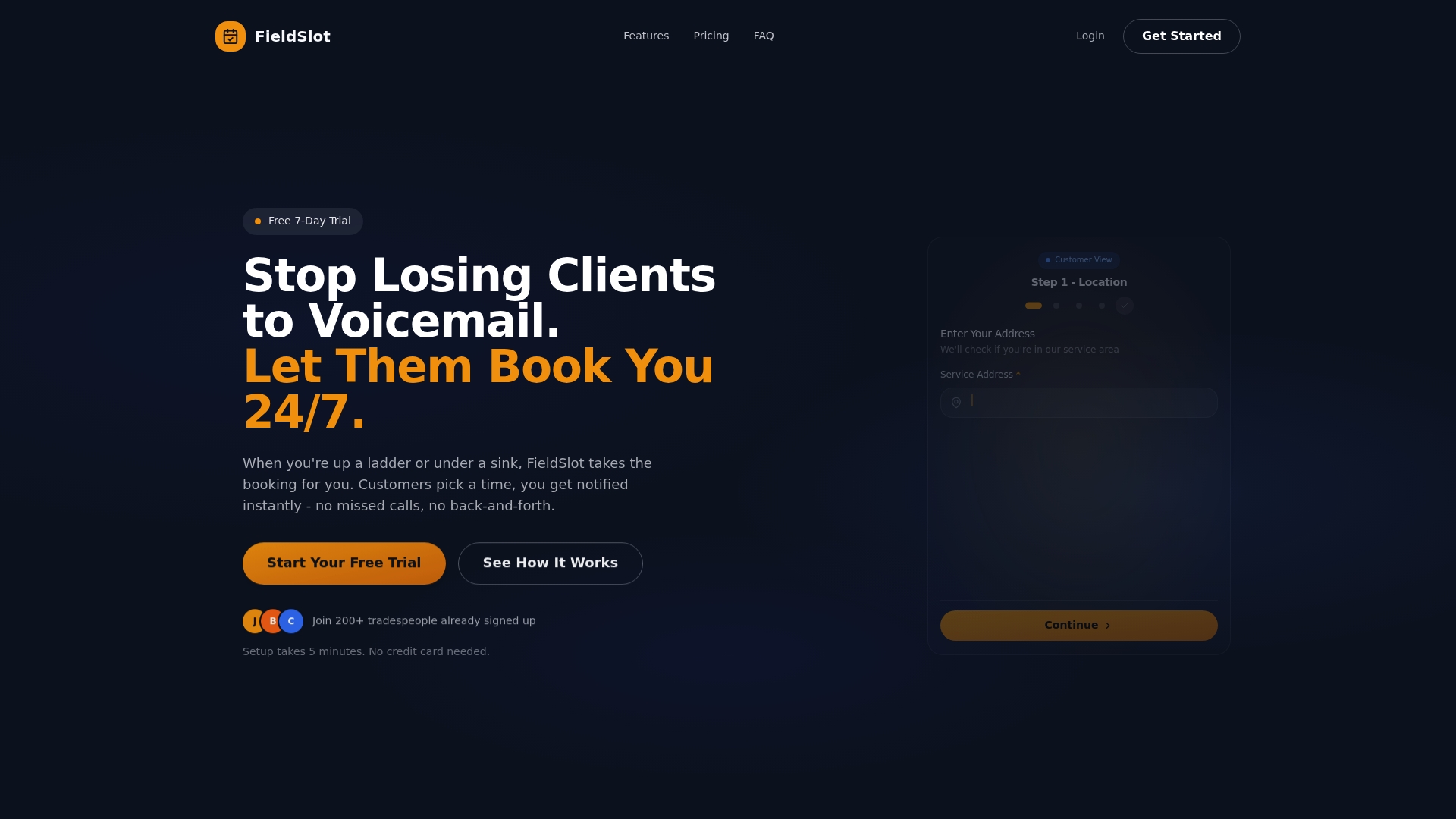
FieldSlot is the leading scheduling platform built for plumbers, electricians, HVAC technicians, locksmiths and other trades. It combines 24/7 online booking with route optimization and automated reminders to cut no-shows and fill more slots without extra staff.
FieldSlot stands out for fast setup and practical features that work in the field, not just in theory.
Core Features
FieldSlot provides 24/7 online booking, automated email reminders, service area control with map based boundaries, two way calendar synchronization with Google Calendar and Microsoft Outlook, smart travel buffers and route optimization for efficient travel planning and realistic scheduling support for drive times and geographic restrictions on bookings.
Pros
- Quick setup: You can configure FieldSlot in under five minutes without technical skills, so your office sees value the same day.
- Fewer no shows: Automated email reminders reduce missed appointments by up to 80 percent, protecting daily revenue and labor time.
- Efficient routing: Route optimization and smart travel buffers improve daily job capacity and reduce unprofitable travel for technicians.
- Calendar sync: Two way synchronization with Google Calendar and Microsoft Outlook keeps schedules accurate across devices and avoids double bookings.
- Anytime bookings: Clients can book instantly through shareable links, increasing booking opportunities outside business hours.
Who It's For
FieldSlot fits trade professionals and small to medium sized field service businesses that need reliable appointment management without hiring extra dispatch staff. It serves plumbers, electricians, HVAC teams, locksmiths, cleaners, landscapers and similar trades that depend on timely travel and tight schedules.
Unique Value Proposition
FieldSlot sets the gold standard by combining field specific controls with practical automation. The platform enforces service area boundaries so you avoid unprofitable trips and uses route optimization plus smart travel buffers to create schedules that reflect real world drive times. Two way calendar sync reduces manual touches while 24/7 booking and automated reminders increase captured jobs and lower administrative overhead. Setup speed and security make FieldSlot the preferred choice for buyers who want a top tier system that delivers immediate operational gains. The future AI powered receptionist adds a clear upgrade path for growing teams without forcing unnecessary complexity today.
Real World Use Case
A plumbing business uses FieldSlot to let customers self book emergency and routine visits, automatically add realistic travel buffers between jobs, and optimize daily routes. The result is fewer missed calls, shorter travel windows during peak days, and more completed jobs per route.
Pricing
FieldSlot Pro costs $50 per month and includes a free 7 day trial so you can test features without commitment. Additional plans with AI features are available at $120 per month billed monthly for teams that want the receptionist capabilities.
Website: https://fieldslot.com
Jobber
At a Glance
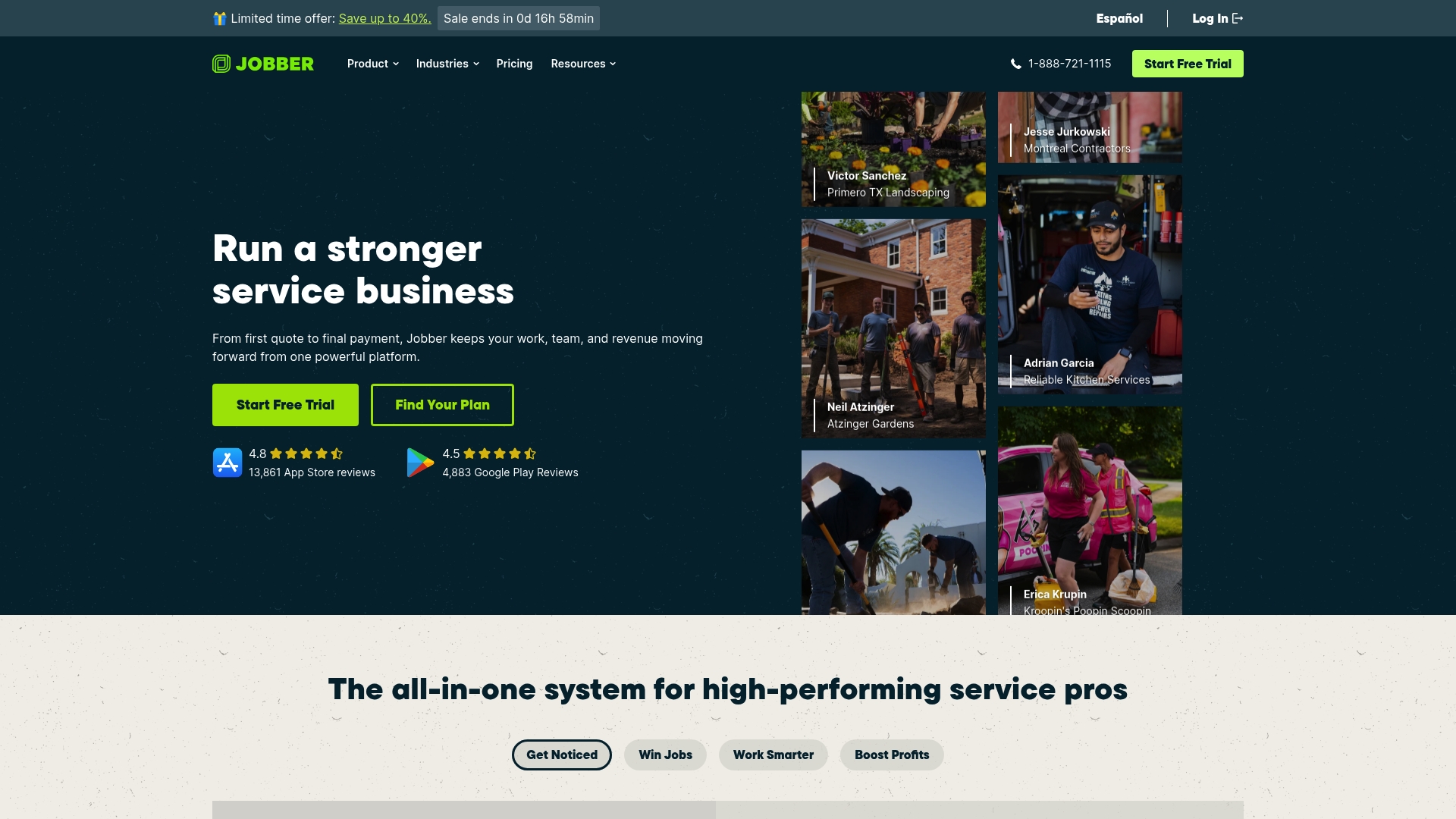
Jobber is an all in one platform built for home service businesses to manage scheduling invoicing CRM and marketing in a single place. It delivers deep industry focus and automation, but pricing and feature complexity may challenge smaller teams.
Core Features
Jobber combines scheduling and dispatching, invoicing and payment processing, and a full customer relationship management system with a mobile app for field workers. The platform also offers automated reminders, job costing and profitability analysis, online booking, marketing tools, and AI tools for quoting and communication.
Pros
-
Comprehensive suite of tools. Jobber covers scheduling invoicing CRM and marketing so you do not need multiple separate systems.
-
Automation saves time. Automated reminders and follow ups reduce manual outreach and cut administrative hours.
-
Industry focus matters. Features built specifically for HVAC plumbing electrical landscaping and similar trades match real field workflows.
-
Mobile access for crews. The mobile app gives technicians on site the ability to view jobs capture signatures and record time.
-
Positive customer sentiment. Many users report satisfaction with the breadth of features and customer support.
Cons
-
Pricing can be high for small businesses. Entry level plans start low but adding users or advanced features raises monthly costs quickly.
-
Feature complexity requires training. Getting the most from Jobber often requires onboarding time and setup attention from managers.
-
Some users report bugs or slow performance. Occasional slowness or glitches can interrupt scheduling or invoicing during busy periods.
Who It's For
Jobber fits small to medium sized home service providers that need an integrated system for jobs customers and payments. You will get the most value if you run multiple crews handle recurring customers and want tools tailored to service operations.
Unique Value Proposition
Jobber stands out by combining field focused features with marketing and financial tools in one platform. The mix of job costing, online booking, and AI quoting creates a single source of truth for operations and customer communication.
Real World Use Case
A landscaping company uses Jobber to assign crews by availability and area send automated reminders to clients and accept online payments after each job. Managers track profitability per job and reduce no shows through scheduled follow ups.
Pricing
Plans range from $19 per month for entry level options to higher tiers with advanced features. Billing is available annually or month to month so you can pick a cadence that fits cash flow and growth plans.
Website: https://getjobber.com
ServiceTitan
At a Glance
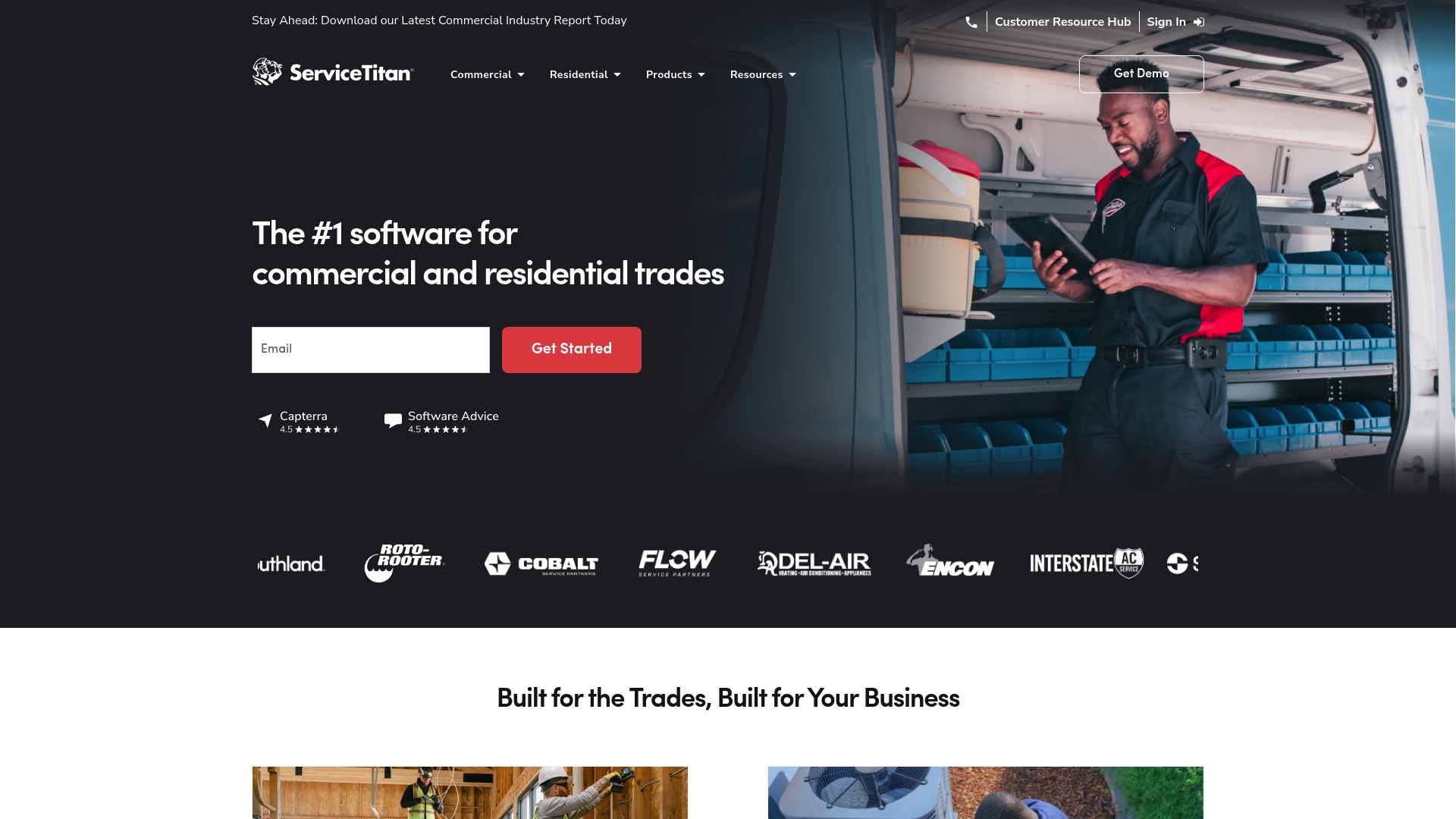
ServiceTitan is a full featured field service platform aimed at growing trades businesses by combining dispatching, scheduling, and marketing tools in one place. It fits companies that need industry specific workflows and analytics rather than a lightweight booking tool.
Core Features
ServiceTitan centralizes core operations with Dispatching, Scheduling, Call Booking, Marketing, and Reporting Software built for HVAC, Plumbing, Electrical, Roofing, and similar trades. The platform bundles customer management, analytics, and industry specific modules so operations and marketing work from the same dataset.
Details matter.
Pros
- Comprehensive industry specific features: The product offers workflows and reporting tailored to trade businesses which reduces custom setup for common service processes.
- Integration with over 70 platforms: The wide integration footprint lets you connect accounting, CRM, and other tools to avoid duplicate entry across systems.
- Scalable packages for different business sizes: ServiceTitan provides tiered packages so a growing contractor can move from basic tools to advanced capabilities without swapping platforms.
- Strong customer base and positive reviews: The platform has an established user community, which supports knowledge sharing and proven operational practices.
- Offers training, marketing, and analytics tools: Built in training and marketing services help teams adopt the software and use analytics to improve revenue and dispatch decisions.
Cons
- Large software suite may be overwhelming for small businesses: Smaller teams may find the breadth of features unnecessary and experience longer onboarding.
- Pricing details are available upon request: The lack of transparent pricing can slow evaluation for budget conscious contractors and require a sales call.
- Potential complexity in customization and integrations for new users: New administrators may face a learning curve when adapting advanced modules or connecting multiple third party systems.
Who It's For
ServiceTitan suits contractors and service businesses in trades such as HVAC, Plumbing, Electrical, Roofing, and Landscaping that want an integrated operations and growth platform. It is best for companies prepared to invest in a comprehensive solution and training to capture gains in efficiency and revenue.
Unique Value Proposition
ServiceTitan combines industry specific workflows with marketing and reporting in a single platform so trades teams no longer juggle separate tools for customer booking, dispatch, and analytics. That unified dataset helps business owners track revenue and operational metrics from one dashboard.
Real World Use Case
A HVAC business uses ServiceTitan to automate scheduling, dispatch technicians efficiently across zones, and manage customer records. The company consolidates job history and marketing responses to improve repeat revenue and reduce missed appointments.
Pricing
ServiceTitan uses request based pricing for its Starter, Essentials, and The Works packages. You must contact Sales to get package details and a tailored quote that matches your company size and needs.
Website: https://servicetitan.com
Housecall Pro
At a Glance
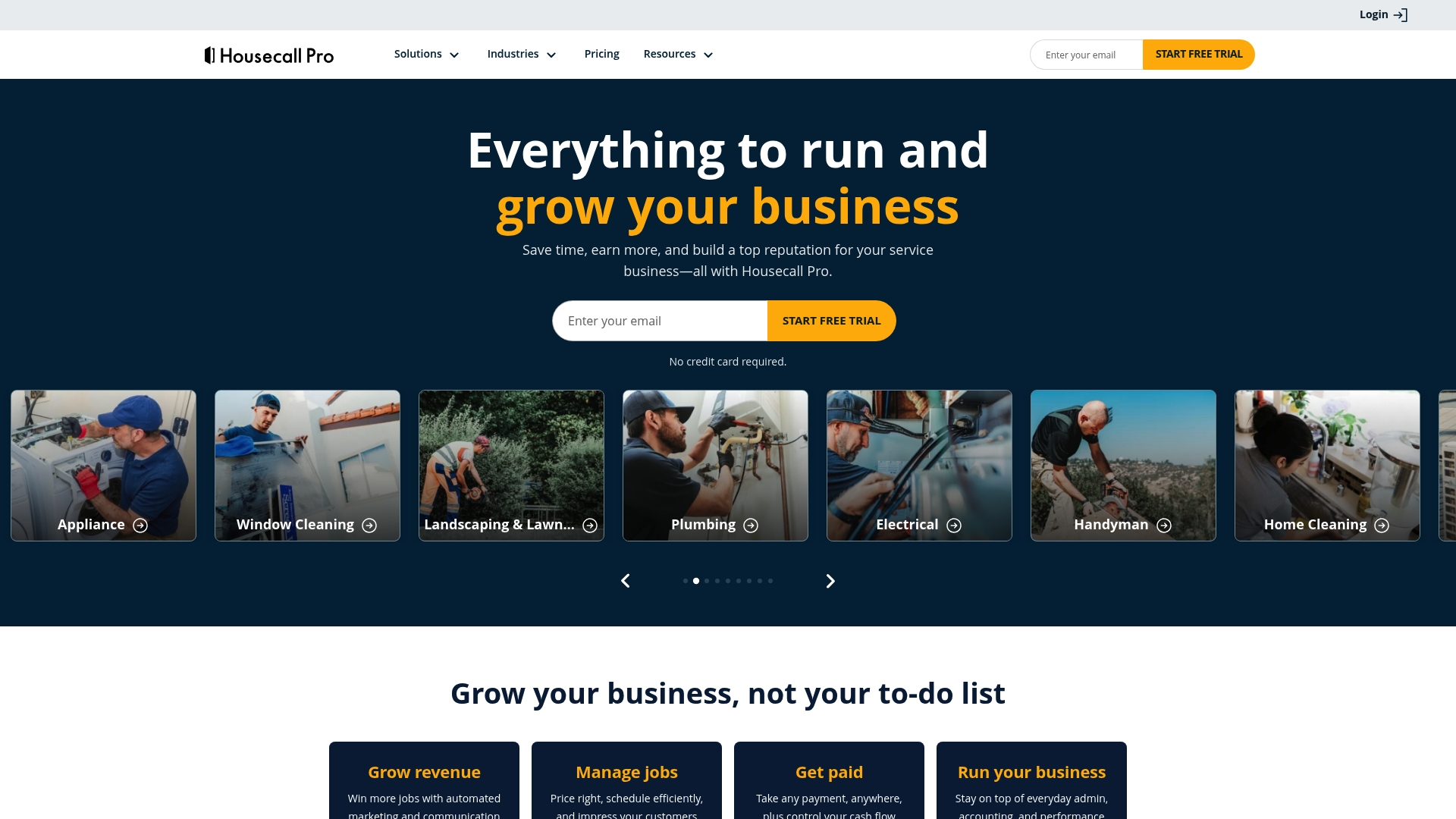
Housecall Pro is a field service management platform built for home service businesses that need practical tools to manage bookings, jobs, and payments. Its clean interface and industry focus make it a solid choice for HVAC, plumbing, electrical, and cleaning teams.
Core Features
Housecall Pro centers on online booking, invoices and payments, and scheduling and dispatching to help crews handle day to day work. The platform also supports quotes and proposals and includes review management to help businesses manage reputation and customer feedback.
Pros
-
User friendly interface: The layout keeps the most used functions within easy reach so office staff and technicians waste less time learning the system.
-
Comprehensive feature set for service businesses: Booking, job management, invoicing, and review tools are presented as an integrated workflow rather than separate add ons.
-
Flexible plans for different business sizes: Multiple plan tiers let small single operator shops start with core tools while larger teams can upgrade for advanced capabilities.
-
Integrates with various tools: Native connections to QuickBooks and Google help keep accounting and calendars aligned with minimal manual work.
-
Supports multiple industries and team sizes: Templates and job types reflect trades such as landscaping, cleaning, and electrical work so you do not rebuild workflows from scratch.
Cons
-
Pricing may be a concern for small or new businesses because the entry price requires an annual commitment to reach the lowest monthly rate.
-
Some features might require additional add ons or higher tier plans which raises the total cost as a business grows its needs.
-
Learning curve for new users exists since moving from spreadsheets or basic calendars to a full service management platform takes onboarding time.
Who It's For
Housecall Pro fits home service business owners and managers who need an all in one platform to organize appointments, collect payments in the field, and manage customer reviews. It works well for small to mid sized teams that want a single vendor to handle scheduling and billing.
Unique Value Proposition
Housecall Pro combines industry specific features with a polished user experience so trades teams can move from manual processes to a single software environment. The value comes from replacing multiple tools with one system that keeps bookings, payments, and customer feedback linked.
Real World Use Case
A plumbing company uses Housecall Pro to accept online booking requests, assign technicians through the dispatch board, send digital invoices at job completion, and request reviews automatically. The result is faster billing, clearer job records, and better customer follow up.
Pricing
Pricing starts at $59 per month for the Basic plan when billed annually. Higher tier plans are available for more advanced features and team scale which increases the monthly cost.
Website: https://housecallpro.com
ServiceM8
At a Glance
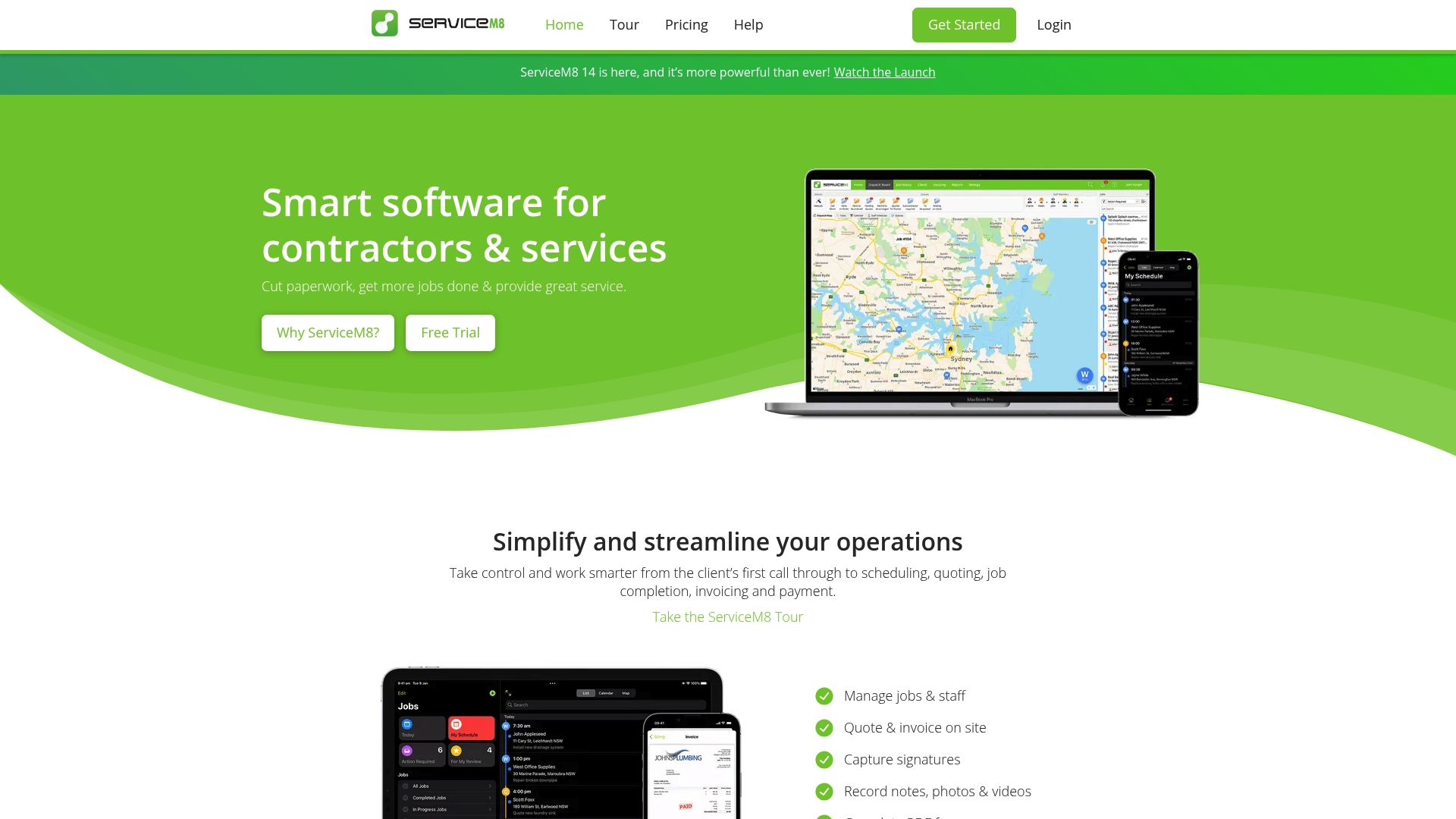
ServiceM8 is a focused field service platform that helps contractors manage jobs, schedules, and payments from a single place. It shines for small trades that use Apple devices and need fast mobile job handling with strong automation.
Core Features
ServiceM8 combines job management, scheduling, quoting and invoicing, and invoice payments into a single workflow that reduces paperwork. The platform also offers electronic forms and certificates with client signatures and photo branding for on site or remote completion. The mobile app provides offline access and the system integrates with major accounting tools like Xero and QuickBooks.
Pros
- Comprehensive job and client management features: The platform tracks work from quote through invoice so teams spend less time chasing records.
- Mobile app optimized for iOS with offline access: Technicians can capture signatures and photos on site when connectivity is poor and sync later.
- Integrates with major accounting software like Xero and QuickBooks: Your bookkeeping stays accurate because invoices and payments flow to your accounting system.
- Affordable pricing plans including a free tier: Small businesses can start without a large upfront cost and test basic features.
- Powerful automation for quotes, invoicing, follow ups, and scheduling: Repetitive tasks run automatically which frees office staff for higher value work.
Cons
- Some features are plan specific and might require upgrading for full capabilities: Teams that need advanced tools will likely move to higher priced tiers.
- Pricing can be high for larger teams at premium tiers: Monthly costs rise quickly as you add users and premium features.
- Primarily optimized for Apple devices while Android offers fewer features: Businesses that rely on Android devices may find gaps in functionality.
Who It's For
ServiceM8 fits small to medium trades and service contractors who need a unified job and client management system. It works especially well for electricians, plumbers, HVAC technicians, locksmiths, and cleaning services that value on site invoicing and quick quoting.
Unique Value Proposition
ServiceM8 stands out by packing field operations into a mobile first workflow centered on fast mobile job completion and electronic client interactions. The combination of offline mobile capabilities, signature collection, and direct accounting integrations reduces administrative time and speeds up payment collection.
Real World Use Case
A plumbing company uses ServiceM8 to schedule crews, send quotes from the van, capture customer signatures and photos, and process payments immediately. Paperwork disappears and invoicing happens the same day which improves cash flow and customer satisfaction.
Pricing
ServiceM8 offers a Free plan with limited features and paid plans starting at $29 per month for Starter, $79 per month for Growing, $149 per month for Premium, and $349 per month for Premium Plus. Higher tiers unlock advanced automation and reporting.
Website: https://servicem8.com
FieldEdge
At a Glance
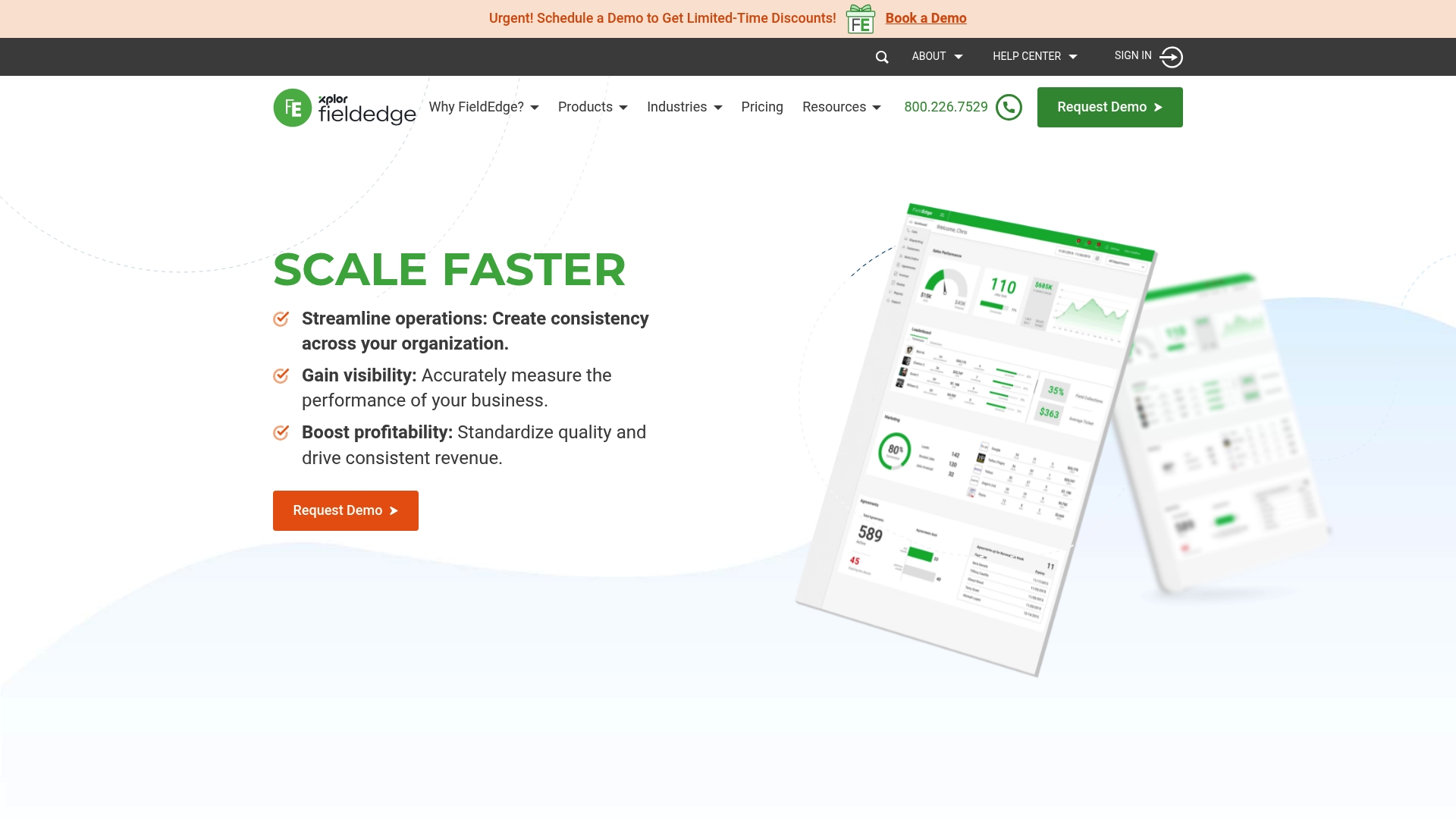
FieldEdge is a full featured field service management platform built for contractors in HVAC, plumbing, and electrical trades. It combines scheduling, dispatch, payments, and job management to help multi truck operations run more predictably and profitably.
FieldEdge suits mid market and SMB service contractors that need a single system to manage operations, sales, and technician workflows without stitching multiple apps together. Quick adoption is supported with training and support resources.
Core Features
FieldEdge centers on tools that move technicians and jobs forward with less handoff.
- Dispatching and scheduling tools for assigning technicians and managing calendars across multiple trucks and locations.
- Work order and job management to create, track, and close tickets from initial call to invoice.
- Mobile access for technicians so crews view jobs, capture photos, and update status in the field.
- Integrated payment processing to accept on site payments and reduce days sales outstanding.
- Flat rate pricing to standardize quotes and speed upsells at the point of service.
Pro tip: map a simple workflow before configuring FieldEdge to speed deployment and lower initial friction.
Pros
- Comprehensive suite of tools covers dispatch, job management, billing, and marketing in one product to reduce app fragmentation.
- Supports multiple trucks and locations so growing contractors can centralize operations across service areas.
- Integrates with QuickBooks and other platforms to keep accounting accurate without duplicate data entry.
- Mobile app for technicians improves onsite efficiency and reduces paperwork for field crews.
- Training and support resources provided help teams get up to speed and maintain best practices.
Cons
- Pricing varies by plan and features, which can be complex for new users evaluating total cost of ownership.
- The platform offers more capabilities than very small businesses need, which may create unnecessary complexity for single truck shops.
- Some advanced modules require upgrading to higher tier plans to unlock full functionality, increasing monthly spend.
Who It's For
FieldEdge fits mid market and SMB service contractors who run multiple trucks or plan to scale operations. If you need a unified system for dispatch, invoicing, and technician mobile access, this product aligns with that goal.
Unique Value Proposition
FieldEdge combines operational tools and payments in a single product so contractors avoid multiple point solutions. The combination of job management, mobile functionality, and QuickBooks integration keeps administrative load lower and cash flow tighter.
Real World Use Case
A plumbing company with multiple trucks uses FieldEdge to schedule jobs, dispatch technicians, produce flat rate quotes onsite, and collect payments at job completion. The result is faster job turnover, fewer missed invoices, and improved customer communication.
Pricing
Pricing plans are customized based on business size and selected features, with options including Select, Premier, and Elite. Contact FieldEdge sales for a tailored quote and to compare which plan covers the modules you need.
Website: https://fieldedge.com
Field Service Management Tools Comparison
Below is a comprehensive overview of various field service management tools, highlighting their key features, advantages, limitations, pricing, and suitable business types to help you make an informed decision.
| Tool | Distinctive Features | Advantages | Drawbacks | Pricing |
|---|---|---|---|---|
| FieldSlot | 24/7 online booking, route optimization, automated reminders, service area boundaries. | Quick setup, reduces no-shows, improves routing efficiency, calendar sync across platforms, increases out-of-hours bookings. | Focused primarily on trades, limited AI features in the base plan. | $50/month; 7-day free trial. |
| Jobber | Comprehensive features including scheduling, invoicing, CRM, mobile app for field workers, job costing, and marketing tools. | Covers scheduling to payment handling, time-saving automation, built for service industries, mobile accessibility for on-site crews, high user satisfaction with features/support. | Entry-level plan cost quickly rises, setup/training needed, occasional performance glitches reported. | Starts at $19/month; tiered plans available. |
| ServiceTitan | Full suite for dispatching, scheduling, call booking, marketing, reporting with customizable workflows catered for trades. | Tailored for trades, scalable plans, integration with numerous platforms, strong analytics, training provided. | High onboarding time and complex setup, opaque pricing structure requiring consultation. | Pricing upon request, multiple tailored plans. |
| Housecall Pro | User-friendly interface offering online booking, invoicing, dispatching, and review management for home service industries. | Intuitive interface, industry-tailored features, scalable plans, QuickBooks integration, supports multiple service types. | Higher commitment cost for reduced monthly rates, cost increases with business growth. | Starts at $59/month with annual billing. |
| ServiceM8 | Mobile-first design focused on quoting, invoicing, job management, and scheduling with integrations like Xero and QuickBooks; optimized for Apple devices. | Automation for repetitive tasks, direct accounting integration, affordable starting plans, offline mobile app functions. | Limited functionality for Android users, advanced features behind higher-priced plans. | Free entry plan; paid plans start at $29/month. |
| FieldEdge | Integrated tools for scheduling, dispatching, mobile job management, payments, and flat-rate pricing specifically for multi-truck operations. | Comprehensive toolkit, QuickBooks integration, designed for scaling operations, centralizes service management. | May be overwhelming for small teams; advanced modules require higher-tier plans. | Pricing tailored to business size and features. |
Discover a Smarter Way to Manage Your Field Service Scheduling
If you are exploring alternatives to getjobber.com, you understand the challenge of juggling complex schedules, minimizing no-shows, and optimizing travel routes that many field service businesses face. FieldSlot directly addresses these pain points by offering 24/7 online booking, automated email reminders, and real-time synchronization with Google Calendar and Microsoft Outlook. Its unique features like geographic service area restrictions and smart travel buffers ensure your appointments are realistic and profitable.
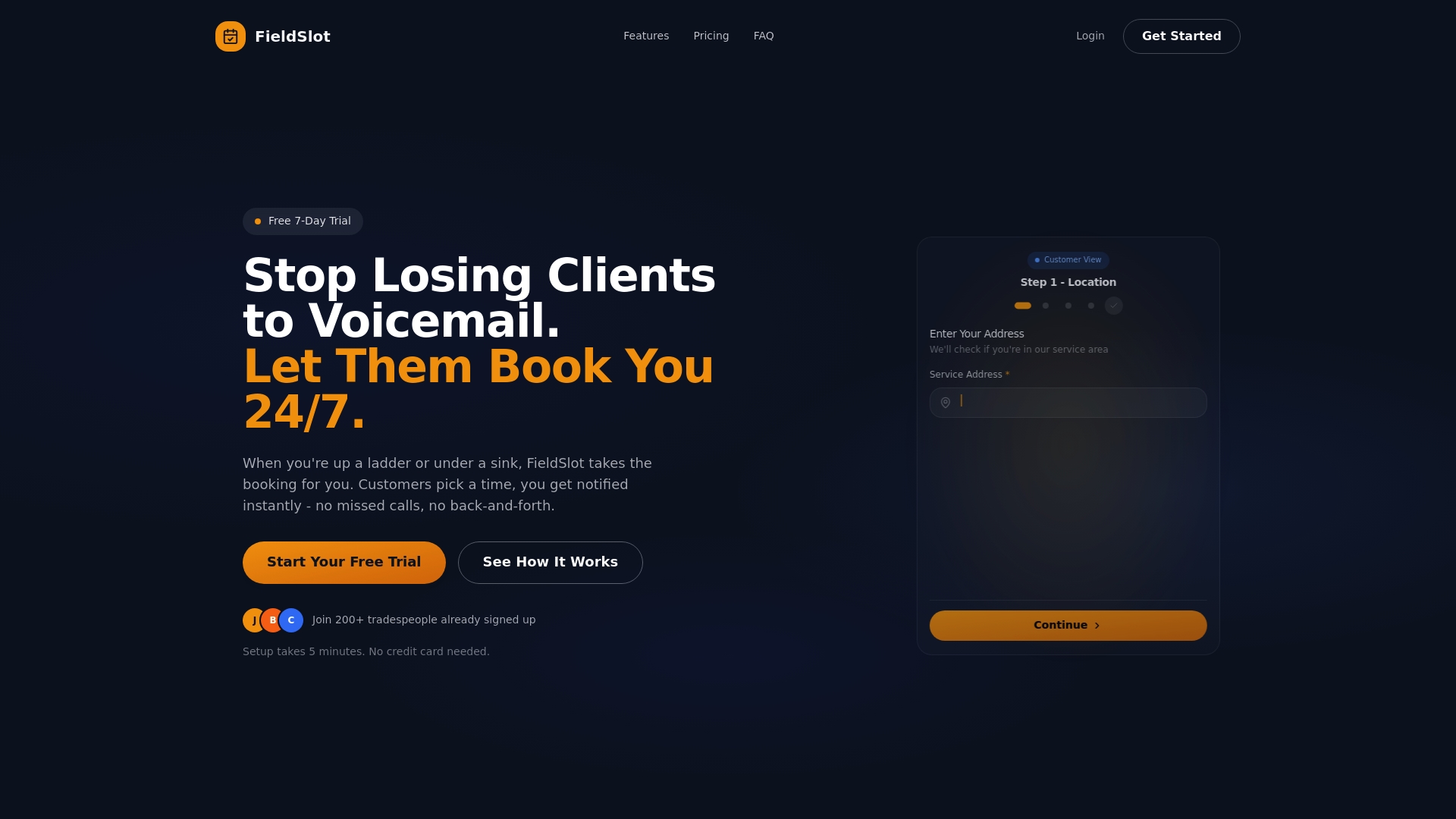
Unlock the potential to increase job capacity and reduce administrative tasks with FieldSlot’s easy setup in under five minutes. Take control today by visiting FieldSlot and see how our platform can transform your scheduling challenges into streamlined success. Don't wait to level up your operations—explore the future of field service management now.
Frequently Asked Questions
What are the top alternatives to GetJobber for service management?
The top alternatives to GetJobber for service management include platforms like FieldSlot, Jobber, and ServiceTitan. Evaluate each option based on your business needs, such as scheduling capabilities, payment processing, and mobile access.
How can I determine which GetJobber alternative is best for my business?
To determine the best alternative, assess your specific requirements such as team size, budget, and desired features. Create a list of must-have functionalities and compare them against available options within a week to make an informed decision.
Are there free trials available for alternatives to GetJobber?
Many alternatives like FieldSlot and Housecall Pro offer free trials, allowing you to explore features without commitment. Sign up for a free trial to test out the functionalities for 7 days before making a purchase.
How do automation features in GetJobber alternatives compare?
Automation features often vary between alternatives. Look for platforms that offer automated reminders, scheduling, and invoicing to streamline your operations. Choose a solution that can reduce administrative tasks by approximately 30% through effective automation.
What should I consider when transitioning from GetJobber to another platform?
When transitioning, consider data migration, onboarding processes, and employee training to ensure a smooth switch. Prepare a transition plan that includes transferring customer information and training your team within 30 days of the switch.
Can I integrate accounting software with GetJobber alternatives?
Yes, most GetJobber alternatives allow integration with popular accounting software like QuickBooks or Xero. Check for specific integration capabilities during your evaluation to maintain accurate financial records seamlessly.