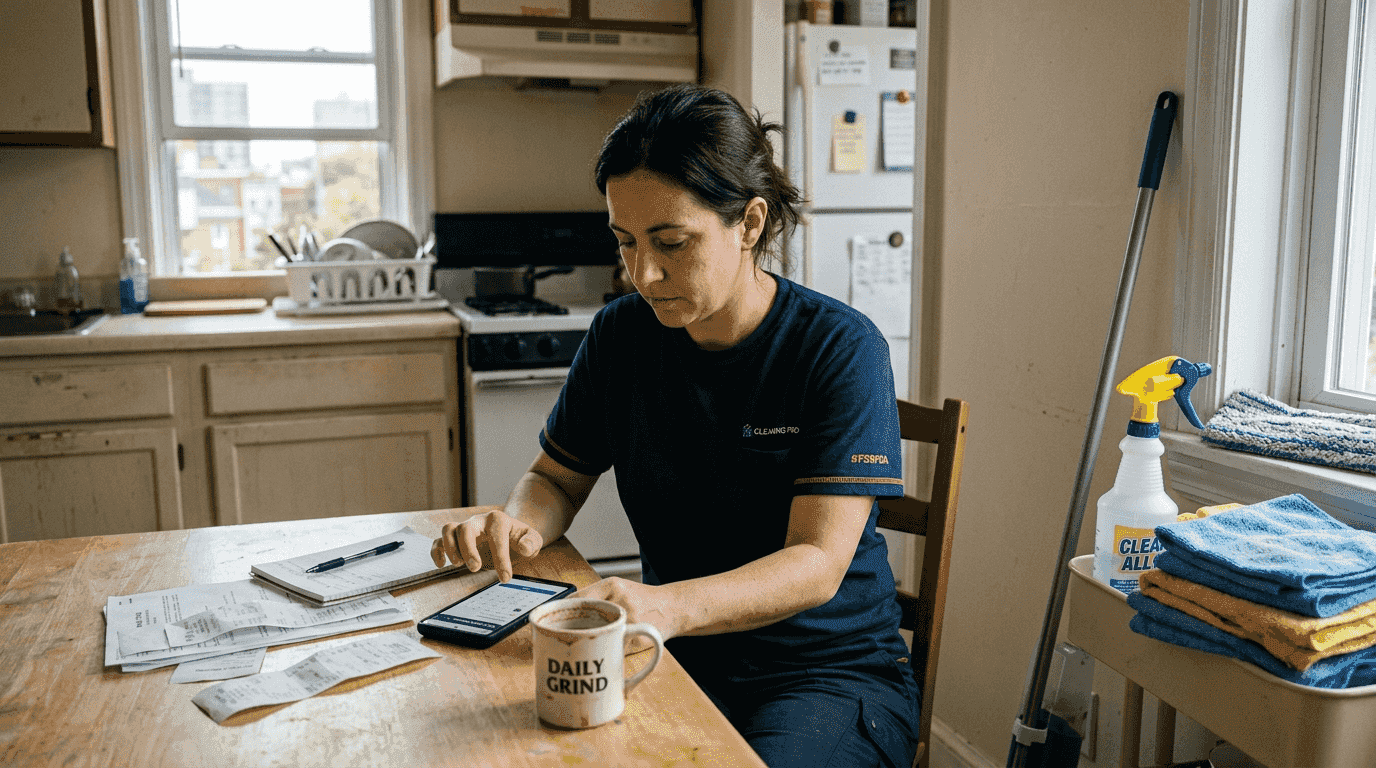
Managing appointments manually costs house cleaners valuable time and money. Since 2020, online booking adoption rose by 25% with mobile app bookings surging 40% year over year. Despite this growth, many cleaning service owners still struggle with double bookings, missed calls, and last minute cancellations. This article explains what online scheduling means for your cleaning business, how it reduces no shows, and which tools deliver the best return on investment for streamlining your 2026 bookings.
Table of Contents
- What is online scheduling for house cleaners?
- Industry trends and benefits of using online scheduling
- Choosing the right online scheduling tools for house cleaning businesses
- Implementing online scheduling effectively to grow your cleaning business
- Try FieldSlot for simplifying your cleaning bookings
- Frequently asked questions
Key takeaways
| Point | Details |
|---|---|
| Definition and core functions | Online scheduling software enables customers to self book cleaning appointments 24/7 while owners manage staff, payments, and automated reminders centrally. |
| Adoption growth stats | Mobile bookings grew 40% since 2020, with automated tools reducing no show rates from 6 to 18% baseline down to 2 to 6%. |
| Top benefits | Reduced no shows, increased customer retention by 15% through subscriptions, and eliminated manual scheduling work. |
| Popular tool comparisons | ZenMaid suits smaller operations at $19+ per month, while ServiceHub and Housecall Pro scale for multi crew businesses. |
| Implementation best practices | Embed booking widgets on your website, require deposits, send automated reminders, and train staff on calendar updates. |
What is online scheduling for house cleaners?
Online scheduling refers to digital tools allowing client self booking anytime through your website or mobile app. Instead of answering phone calls during jobs or playing phone tag with prospects, customers view your real time availability and book appointments instantly. The software handles calendar management, staff dispatch, payment processing, and automated reminders without your direct involvement.
These platforms centralize operations into a single dashboard. You assign cleaning crews to appointments, sync calendars across devices, collect payments upfront, and communicate with customers through automated text or email sequences. Online scheduling enables customers to self book via digital platforms while owners handle staff assignments centrally.
The customer interface typically appears as a widget embedded on your website or a branded mobile app. Clients select service type, choose available time slots, enter property details, and pay deposits or full amounts before confirming. This eliminates back and forth communication and captures leads outside business hours when most homeowners search for cleaning services.
For owners, the benefits extend beyond convenience. Centralized control means you update availability once and it reflects everywhere instantly. You avoid double bookings that damage reputation and waste fuel driving to conflicting appointments. Staff receives automatic notifications with job details, addresses, and customer notes, reducing confusion and improving first time completion rates.
Key features that improve booking efficiency include:
- Real time calendar syncing with Google Calendar and Microsoft Outlook
- Customizable service menus with pricing and duration estimates
- Automated reminder sequences via text and email
- Payment processing with deposit requirements
- Customer profiles storing service history and preferences
- Mobile apps for on the go schedule management
- Route optimization to minimize drive time between jobs
The software transforms scattered information into organized workflows. Instead of juggling spreadsheets, text messages, and paper calendars, everything lives in one system accessible from any device. This accuracy reduces errors that lead to customer complaints and helps you scale beyond what manual methods allow.
Industry trends and benefits of using online scheduling
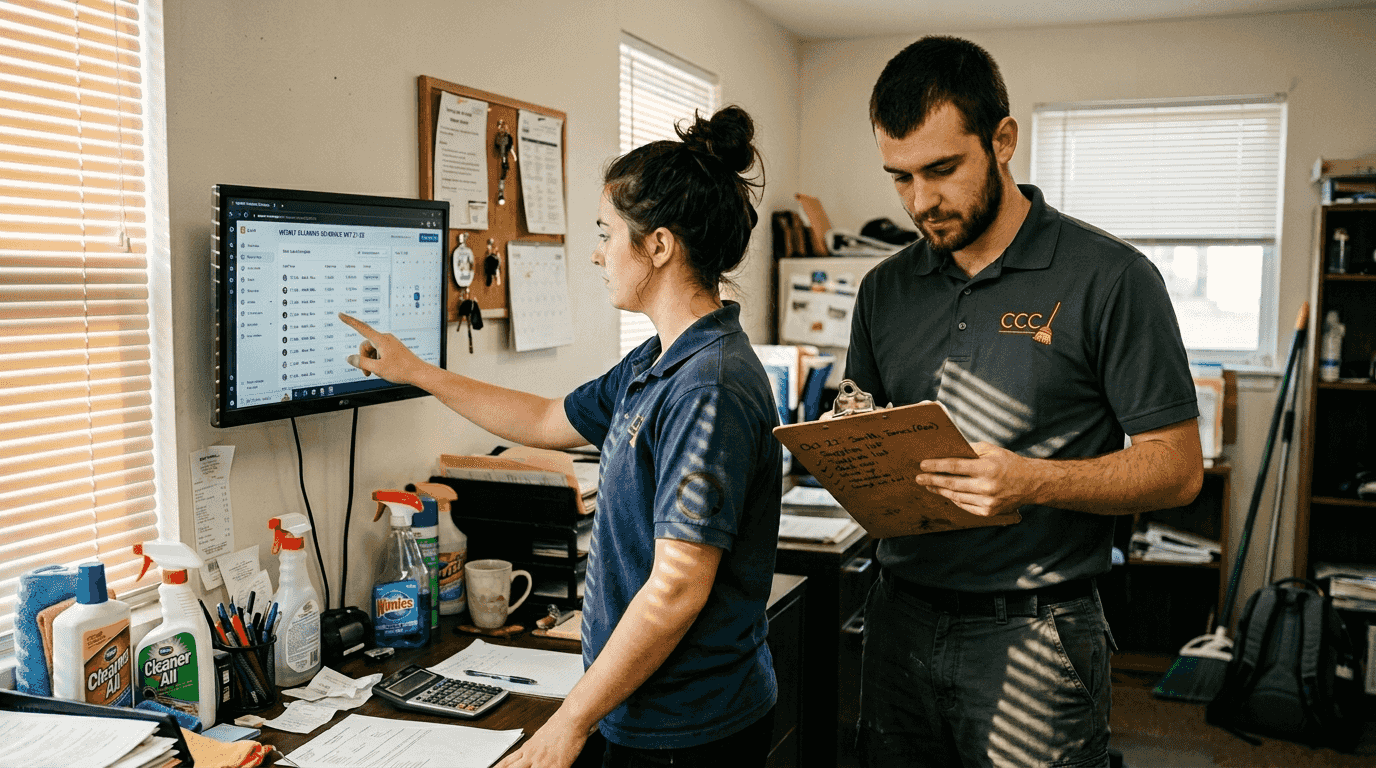
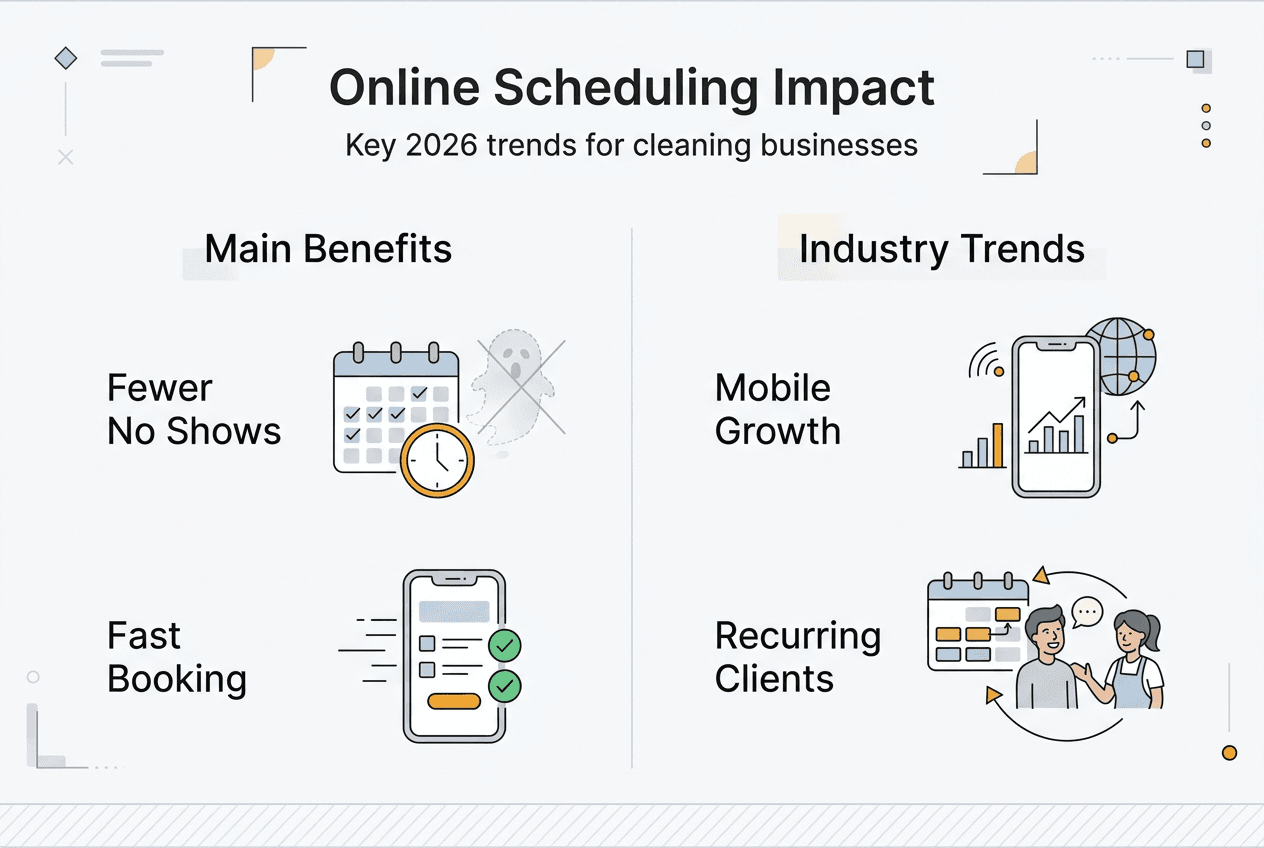
The house cleaning industry has embraced digital booking faster than many predicted. Online bookings increased by 25% since 2020, with mobile app bookings growing 40% year over year as homeowners demand instant scheduling options. This shift reflects broader consumer expectations shaped by industries like restaurants and salons that normalized online reservations.
No show rates represent a critical metric where scheduling software delivers measurable impact. Without automated systems, cleaning businesses experience baseline no show rates between 6% and 18% depending on market and service type. Implementing reminder sequences and deposit requirements drops these rates to 2% to 6%, translating directly to recovered revenue and better crew utilization.
Subscription models benefit significantly from online scheduling integration. Recurring cleaning customers show approximately 15% higher retention when they can manage their own schedules through self service portals. The convenience of rescheduling without phone calls reduces friction that causes customers to cancel services entirely. They feel more in control, which strengthens the relationship.
Mobile dominance continues accelerating. Over 60% of new cleaning service bookings now originate from smartphones, making mobile optimized booking flows essential rather than optional. Customers research services during commutes, lunch breaks, and evening downtime when calling isn't practical. A clunky mobile experience sends them straight to competitors with smoother interfaces.
Here's how scheduling software impacts key business metrics:
| Metric | Without Automation | With Scheduling Software | Improvement |
|---|---|---|---|
| No show rate | 6 to 18% | 2 to 6% | Up to 75% reduction |
| Customer retention | Baseline | 15% higher with subscriptions | 15% increase |
| Mobile bookings | Limited | 60%+ of new appointments | Majority channel |
| After hours leads | Lost | Captured 24/7 | 100% capture rate |
Pro Tip: Send reminders 48 hours and 24 hours before appointments, and require 25% to 50% deposits for first time customers to maximize attendance rates.
One cleaning business owner shared results after implementing automated reminders:
We went from losing two to three appointments per week to maybe one per month. The deposit requirement filters out people who weren't serious, and reminders catch honest mistakes. It's been transformative for our bottom line.
The financial impact extends beyond preventing lost revenue. Fewer no shows mean better route planning, less wasted fuel, and improved crew morale. Cleaners appreciate predictable schedules without last minute gaps that reduce their earnings. This stability helps retain quality staff in a competitive labor market.
For more insights on optimizing your field service operations, explore field service booking strategies that apply across trades.
Choosing the right online scheduling tools for house cleaning businesses
Selecting software requires matching features to your business size, budget, and growth plans. ZenMaid offers plans from $19+ per month ideal for solo operators and small teams focused on recurring residential cleaning. The platform specializes in subscription management, making it easy to handle weekly, biweekly, and monthly clients who form the backbone of stable cleaning businesses.
ServiceHub and Housecall Pro target larger operations managing multiple crews and diverse service types. These platforms include advanced dispatching, crew tracking, and embedded booking widgets that integrate seamlessly into professional websites. Pricing scales with team size, typically starting around $50 to $100 monthly for small teams and increasing as you add users and features.
Embedding booking widgets on your website enables 24/7 lead capture without additional marketing spend. Potential customers visit your site, see real time availability, and book immediately rather than filling out contact forms that require follow up. This instant gratification matches consumer expectations shaped by companies like Amazon and Uber.
Here's a comparison of popular scheduling tools:
| Platform | Best For | Starting Price | Key Features | Scalability |
|---|---|---|---|---|
| ZenMaid | Small residential teams | $19+ per month | Subscription focus, simple interface | Up to 10 cleaners |
| ServiceHub | Mid size operations | $50+ per month | Multi crew dispatch, website widgets | 10 to 50 employees |
| Housecall Pro | Diverse service types | $49+ per month | Payment processing, customer portal | Unlimited scaling |
| FieldSlot | Field service pros | Custom pricing | Route optimization, travel buffers | All business sizes |
Key factors for selection include:
- Cost structure that aligns with your revenue and growth projections
- Ease of use for both you and customers with minimal training required
- Scalability to add crews, services, and locations as you expand
- Customer support quality including response times and available channels
- Integration capabilities with accounting, marketing, and communication tools
Pro Tip: Prioritize software that reduces no shows through automated reminders and makes deposit collection seamless during booking to protect your time and revenue.
Smaller businesses should avoid over buying features they won't use for years. A $200 monthly platform with enterprise capabilities wastes money if you're running two crews and 50 weekly appointments. Conversely, outgrowing basic software creates painful migration headaches when you need advanced dispatching or territory management.
Test free trials before committing. Most platforms offer 14 to 30 day trials that let you evaluate the interface, import sample data, and gauge how well it fits your workflow. Pay attention to how many clicks it takes to complete common tasks like scheduling a recurring appointment or rescheduling after a cancellation.
For comprehensive comparisons of top scheduling software across field services, review options that balance features with affordability. Geographic considerations also matter, so check out guidance on service area setup to avoid unprofitable travel.
Implementing online scheduling effectively to grow your cleaning business
Successful implementation follows a structured approach that minimizes disruption while maximizing adoption. Start by selecting software that matches your current needs and budget, then move through setup systematically. Rushing this process creates confusion that undermines the benefits you're trying to achieve.
Follow these steps for smooth implementation:
- Select your platform based on the criteria outlined in the previous section
- Customize booking forms with your services, pricing, and duration estimates
- Embed the booking widget prominently on your website homepage and contact page
- Train all staff on how to check schedules, update availability, and communicate with customers
- Announce the new booking option to existing customers via email and social media
- Monitor initial bookings closely to identify and fix any friction points
Automated reminders represent your first line of defense against no shows. Configure text and email sequences that send 48 hours before appointments with a confirmation link, then follow up 24 hours out with job details and your contact information. This dual reminder approach catches customers who miss the first notification and reinforces commitment.
Collecting deposits creates a commitment device that dramatically improves attendance. First time customers should pay 25% to 50% upfront during booking, while established clients with good track records can book without deposits. Frame this as standard practice that protects both parties' time rather than a trust issue.
Best practices for ongoing management include:
- Update your calendar immediately when availability changes to prevent double bookings
- Review booking data weekly to identify peak demand times and optimize staffing
- Maintain open communication with crews through the platform's messaging features
- Respond to customer inquiries within two hours even if they book automatically
- Collect feedback after appointments to improve service quality and booking experience
Pro Tip: Review booking data monthly to identify patterns in customer behavior, then adjust your availability and pricing to capture more high value appointments during peak demand periods.
Embedding booking widgets and prioritizing no show reduction through reminders and deposits deliver immediate return on investment for house cleaners. The time saved on phone calls and administrative work typically pays for the software within the first month, with ongoing benefits compounding as you scale.
Customer communication deserves special attention during the transition. Some long term clients prefer calling and may resist change initially. Offer both options temporarily while encouraging online booking through small incentives like 5% discounts or priority scheduling. Most customers appreciate the convenience once they try it.
Staff buy in matters as much as customer adoption. Involve your cleaning crews in the selection process by having them test platforms during trials. Address concerns about technology learning curves by emphasizing how scheduling software reduces confusion and last minute changes that disrupt their days. When crews see benefits for themselves, they become advocates who help customers embrace the new system.
For additional strategies on improving customer communication, explore tips on how to stop missing customer calls that apply across service industries.
Try FieldSlot for simplifying your cleaning bookings
FieldSlot offers an intuitive platform designed for field service professionals who want to streamline appointment management without complexity. The software enables customer self scheduling through shareable booking links, automatically syncs with Google Calendar and Microsoft Outlook, and sends reminder sequences that reduce no shows. You can set up geographic service areas to avoid unprofitable travel, optimize routes between appointments, and manage multiple crews from a single dashboard.
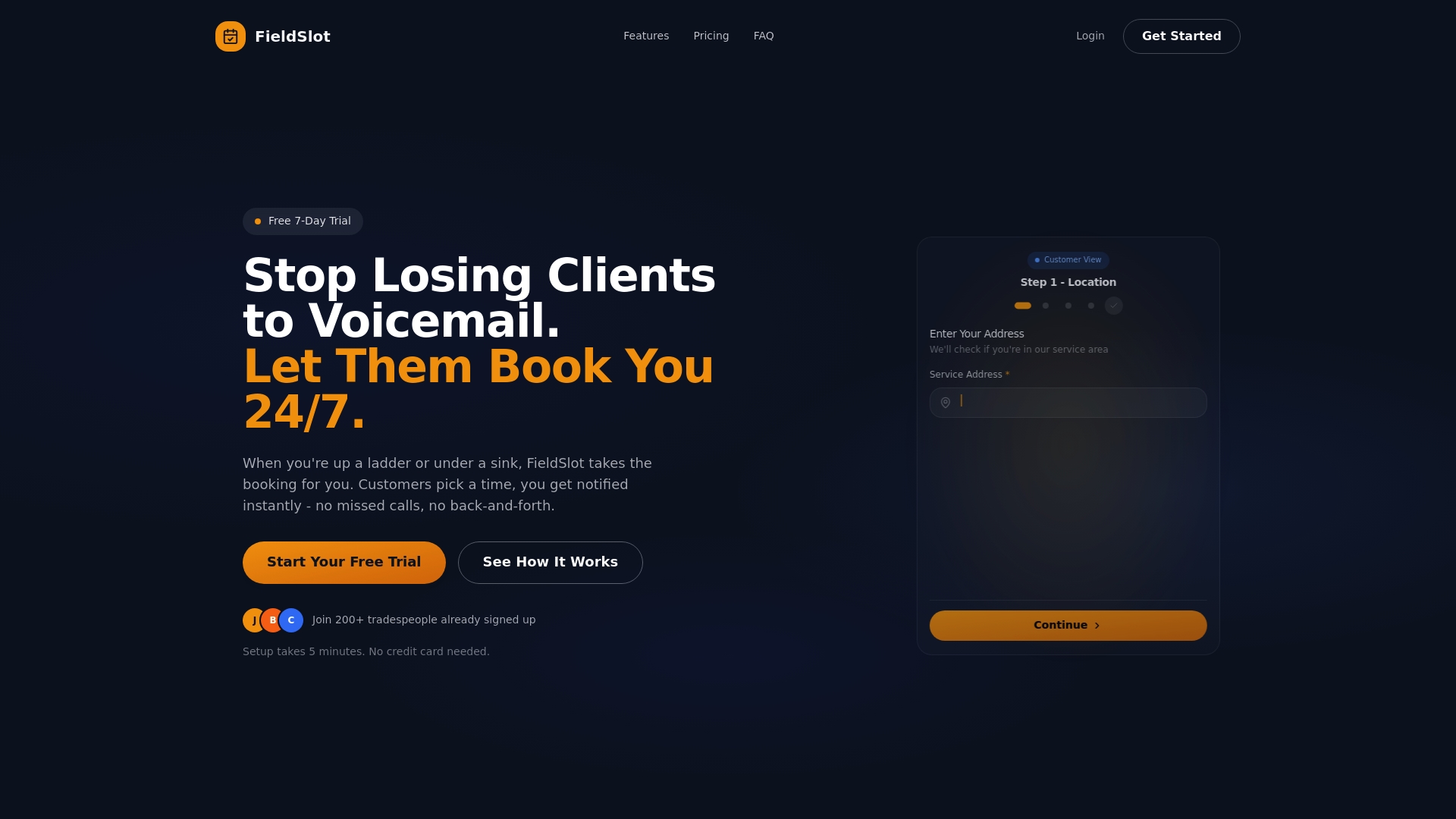
The platform handles payment processing, tracks customer history, and provides mobile access for on the go schedule updates. Whether you're running a solo operation or managing multiple cleaning teams, FieldSlot scales with your business while keeping setup simple enough to deploy in minutes. Reduce missed appointments, capture more bookings outside business hours, and give customers the instant scheduling experience they expect. Visit FieldSlot to explore how online booking can transform your cleaning business operations and help you grow revenue in 2026.
Frequently asked questions
What is the easiest way for house cleaners to set up online scheduling?
Start with a platform like ZenMaid or FieldSlot that offers guided setup and templates for cleaning services. Most systems walk you through creating service menus, setting availability, and embedding booking widgets on your website within 30 minutes. Focus on getting a basic version live quickly, then refine based on actual customer feedback.
How can I reduce no shows using online scheduling?
Implement automated reminder sequences that send texts and emails 48 hours and 24 hours before appointments. Require deposits of 25% to 50% for first time customers during the booking process, which creates financial commitment and filters out non serious inquiries. These two strategies combined can reduce no show rates from 6 to 18% down to 2 to 6%.
What do online scheduling solutions typically cost for cleaning businesses?
Pricing ranges from $19 per month for basic platforms like ZenMaid suitable for small teams, up to $100+ monthly for comprehensive systems like Housecall Pro that include advanced dispatching and payment processing. Most providers offer tiered plans that scale with your team size, so you pay only for features and user seats you actually need.
How does online scheduling improve customer satisfaction?
Customers appreciate the convenience of booking appointments 24/7 without phone calls, seeing real time availability, and managing their own schedules through self service portals. This control reduces friction and matches expectations shaped by other industries, leading to approximately 15% higher retention rates for subscription based cleaning services.
What are the best practices for training staff on scheduling tools?
Involve your cleaning crews in platform selection by having them test options during free trials. Provide hands on training sessions that cover checking daily schedules, updating job status, and communicating with customers through the system. Start with core features only, then introduce advanced capabilities gradually as comfort levels increase. Most staff adapt within one to two weeks when implementation is structured properly.