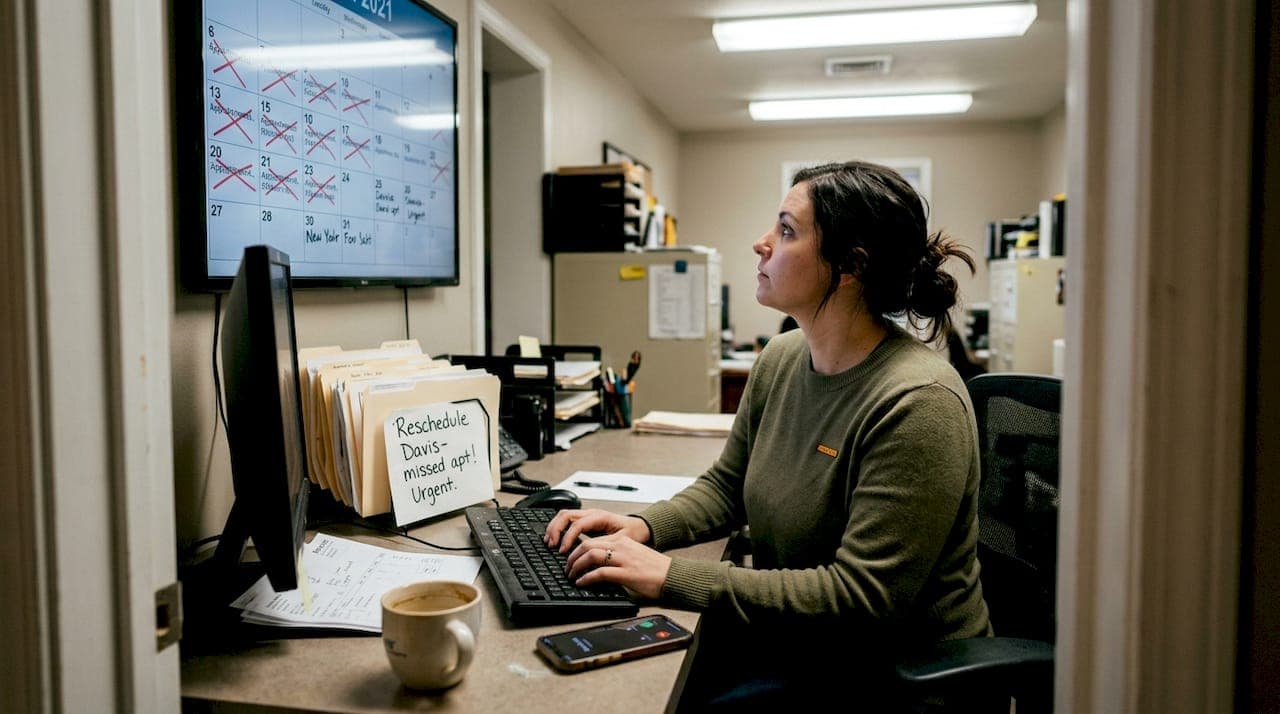
Missed appointments and scheduling chaos drain profits from HVAC businesses every single day. You know the frustration: technicians sitting idle while customers forget appointments, office staff burning hours on reminder calls that go unanswered, and revenue evaporating with each no-show. Manual reminder systems create more problems than they solve, eating up administrative time while still failing to keep customers engaged. Automated reminders transform this broken process into a streamlined operation that reduces no-shows, frees your team for skilled work, and keeps your schedule running like clockwork. This guide shows you exactly how automated reminders work, why they outperform traditional methods, and how to implement them in your HVAC business for maximum impact.
Table of Contents
- Key takeaways
- Why no-shows and poor scheduling hurt HVAC businesses
- How automated reminders improve HVAC appointment management
- Comparing automated reminders to traditional scheduling methods
- Practical tips for implementing automated reminders in your HVAC business
- Streamline your HVAC scheduling with FieldSlot
- Frequently asked questions
Key Takeaways
| Point | Details |
|---|---|
| No show reduction | Automated reminders cut missed appointments and keep technicians productive by preserving paid time. |
| Scheduling efficiency gains | Automated reminders replace manual calls and texts, reducing administrative time and miscommunication. |
| Improved tech utilization | Reliable confirmations decrease wasted drive time and free staff for skilled tasks. |
| Online booking integration | Connecting online booking with reminders streamlines management and improves attendance. |
| Baseline no show tracking | Track your current no show rate for one month before implementing automation to quantify ROI. |
Why no-shows and poor scheduling hurt HVAC businesses
Every missed appointment represents pure lost revenue. When a customer fails to show up for a scheduled service call, you've already allocated a technician, planned a route, and blocked time that could have gone to a paying customer. The financial impact compounds quickly: no-shows and scheduling inefficiencies cause financial losses and disrupt service delivery in the HVAC industry, cutting into margins that are already tight in competitive markets.
Manual reminder systems create their own set of problems. Your office staff spends hours each week making reminder calls that interrupt their workflow. Customers don't always answer, voicemails get ignored, and text messages sent manually are easy to forget or send to the wrong number. Human error creeps in when you're juggling dozens of appointments across multiple technicians. One missed call or forgotten reminder can cascade into a wasted day.
Scheduling inefficiencies extend beyond just no-shows. Poor communication leaves customers confused about appointment times, leading to frustration and complaints. Technicians waste valuable drive time when appointments aren't confirmed, traveling to homes where nobody's waiting. Your daily job capacity shrinks when you can't trust that confirmed appointments will actually happen. Route optimization becomes impossible when you're constantly adjusting for last-minute cancellations and no-shows.
The impact on your brand reputation is equally damaging. Customers who miss appointments because they never received a reminder blame your business, not themselves. They share negative experiences with friends and online reviews, painting your company as disorganized. Meanwhile, your competitors using modern scheduling tools are capturing the customers you're losing. The gap between manual methods and automated systems grows wider every year, and businesses stuck in the past fall further behind.
Consider these common pain points:
- Technicians arriving at empty homes after customers forgot appointments
- Office staff overwhelmed by reminder call lists during peak seasons
- Lost revenue from schedule gaps that could have been filled
- Customer complaints about poor communication and missed notifications
- Inability to scale operations without hiring more administrative staff
Pro Tip: Track your current no-show rate for one month before implementing any changes. This baseline number will prove the ROI of automated reminders once you make the switch.
How automated reminders improve HVAC appointment management
Automated reminders are software-generated notifications that your scheduling system sends to customers without any manual intervention. The system triggers messages at predetermined times via SMS text, email, or automated phone calls based on your configuration. When a customer books an appointment through online booking for plumbers and electricians or your office schedules them manually, the reminder sequence begins automatically.

The reminder workflow typically includes several touchpoints. First, customers receive an immediate booking confirmation with appointment details. Then the system sends a reminder 24 hours before the scheduled time, giving customers a chance to reschedule if needed. A final reminder goes out one hour before the appointment, catching customers right when they need that last nudge to be ready. Each message includes the technician's name, service type, estimated arrival window, and easy options to confirm, reschedule, or cancel.
Automated reminders increase appointment attendance by providing timely, consistent, and convenient communication. Unlike manual calls that depend on someone remembering to dial and customers being available to answer, automated systems work around the clock. Customers can receive and respond to reminders at their convenience, whether they're in a meeting, driving, or relaxing at home. The consistency eliminates the variability of human memory and ensures no customer falls through the cracks.
The efficiency gains transform your office operations. Your administrative team no longer spends hours on the phone leaving voicemails and tracking down customers. Instead, they focus on higher-value tasks like handling complex customer inquiries, coordinating emergency services, and supporting technicians in the field. The time savings compound as your business grows, because automated systems scale effortlessly while manual processes require more staff.
Here's how automation benefits your workflow:
- Booking confirmation goes out instantly when appointment is scheduled
- System tracks customer responses and updates appointment status automatically
- Reminders adjust if customers reschedule, maintaining the same notification sequence
- No-show data gets logged for analysis and follow-up
- Integration with top booking software for field service keeps everything synchronized
Customer experience improves dramatically with automated reminders. People appreciate receiving confirmation immediately after booking rather than wondering if their appointment was recorded correctly. The multiple reminder touchpoints show professionalism and respect for their time. When customers need to reschedule, they can do so with a simple click rather than playing phone tag with your office. This friction-free experience builds loyalty and generates positive word-of-mouth referrals.
Pro Tip: Personalize automated messages with the customer's name, specific service details, and your technician's first name to maintain a human touch while leveraging automation efficiency.
Comparing automated reminders to traditional scheduling methods
The cost difference between automated and manual reminders becomes obvious when you calculate staff time. If your office administrator spends 15 minutes per appointment on reminder calls (including unsuccessful attempts, voicemails, and callbacks), that's 25 hours per week for just 100 appointments. At $20 per hour, you're spending $500 weekly or $26,000 annually on a task that automation handles for pennies per message. The ROI calculation isn't even close.
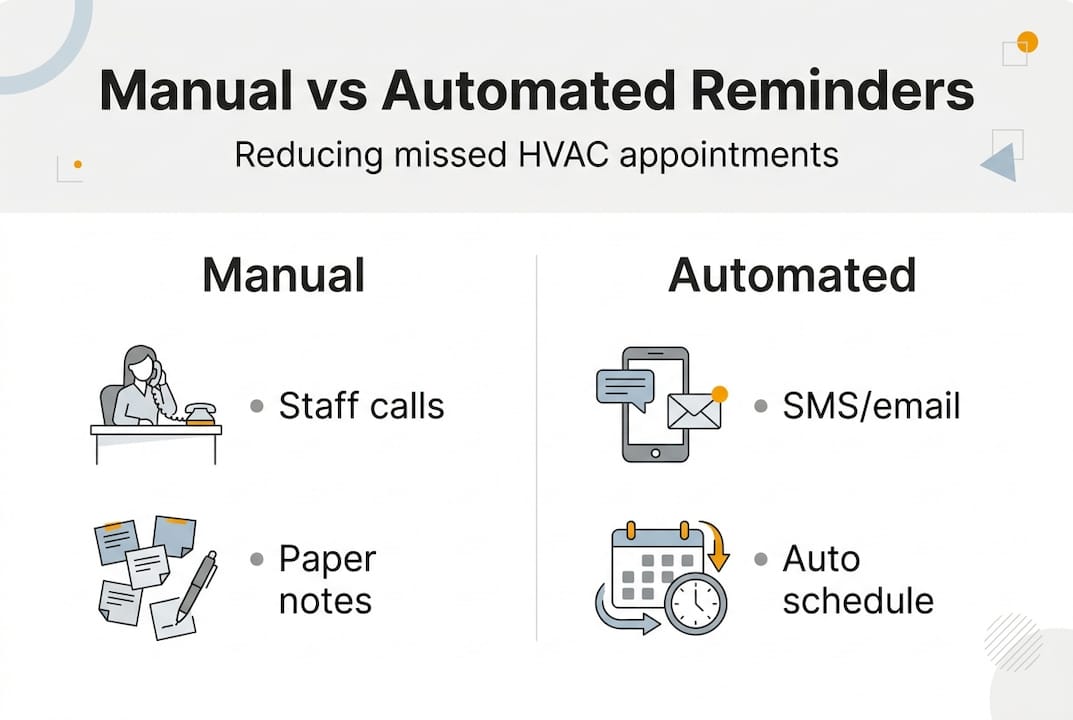
Automated appointment reminders demonstrably outperform manual calls and texts in reducing no-shows and improving scheduling efficiency. Studies across service industries show no-show rates dropping from 15-20% with manual methods to 5-8% with automated reminders. For an HVAC business running 500 appointments monthly, that's 35-60 fewer no-shows each month, translating to $7,000-$12,000 in recovered revenue at $200 average job value.
| Factor | Manual Reminders | Automated Reminders |
|---|---|---|
| Cost per reminder | $5-8 (staff time) | $0.05-0.15 (SMS/email) |
| Consistency | Varies by staff workload | 100% reliable |
| Customer convenience | Limited to business hours | 24/7 delivery and response |
| Scalability | Requires more staff | Handles unlimited volume |
| Data tracking | Manual logs, error-prone | Automatic analytics |
| Response options | Phone tag required | One-click confirm/reschedule |
Accuracy represents another massive advantage for automation. Manual reminder systems depend on staff correctly reading schedules, dialing numbers, and recording customer responses. Mistakes happen: wrong phone numbers get called, appointments get missed from the call list, and response tracking falls behind during busy periods. Automated systems pull data directly from your scheduling database, eliminating transcription errors and ensuring every appointment triggers its reminder sequence.
The customer experience gap is equally significant. When your office calls during business hours, you're interrupting customers at work where they can't easily check their calendar or discuss rescheduling. Automated reminders arrive via text or email, letting customers respond at their convenience. They can confirm while commuting home, reschedule during lunch break, or review details before bed. This flexibility shows respect for their time and reduces the friction of appointment management.
Route planning and resource optimization become possible with automated reminders because you have reliable confirmation data. When customers confirm appointments 24 hours in advance, you can finalize technician routes with confidence. The service area setup guide shows how confirmed appointments enable efficient routing that minimizes drive time and maximizes daily job capacity. Manual systems leave you guessing until the last minute, making optimization impossible.
Scalability advantages emerge as your business grows:
- Adding 50 more monthly appointments requires zero additional reminder staff
- Multiple locations and technician teams use the same automated system
- Seasonal volume spikes don't overwhelm your administrative capacity
- New service offerings integrate into existing reminder workflows instantly
Pro Tip: Calculate your current cost per reminder by tracking staff hours spent on calls over one week, then divide by number of appointments. Compare this to $0.10 per automated reminder to see your potential savings.
Practical tips for implementing automated reminders in your HVAC business
Selecting the right scheduling software determines your automation success. Look for platforms specifically designed for field service businesses that understand HVAC workflow requirements. The system should offer SMS and email reminders as standard features, not expensive add-ons. Integration with your existing tools matters: seamless connections to Google Calendar, Outlook, and your CRM prevent data silos and duplicate entry. Read reviews from other HVAC businesses to identify software with reliable delivery rates and responsive customer support.
Timing your reminders strategically maximizes their impact. Effective reminder timing and message personalization significantly boost appointment adherence rates, with the sweet spot being multiple touchpoints spread across the days before service. Start with an immediate booking confirmation that includes all appointment details and sets expectations. Send the first reminder 24 hours before the appointment when customers still have time to adjust their schedule if needed. Follow up with a final reminder 1-2 hours before arrival, catching customers right when they should be preparing for your technician.
Message personalization transforms generic notifications into valued communication. Include the customer's name, specific service type (AC maintenance, furnace repair, duct cleaning), and your technician's first name to create personal connection. Add estimated arrival windows rather than exact times to manage expectations realistically. Provide clear next steps: one-click confirmation, easy rescheduling link, and your office number for questions. Keep messages concise but complete, respecting that customers are busy and want essential information fast.
Multi-channel delivery ensures reminders reach customers on their preferred platform. Some people live in their email inbox while others only check text messages. Offer both SMS and email reminders, letting customers choose during booking or in their profile settings. Consider automated phone calls for customers who prefer voice communication or have accessibility needs. The redundancy of multiple channels catches customers even if they miss one notification method.
Implementation steps for your HVAC business:
- Audit your current no-show rate and reminder costs to establish baseline metrics
- Research scheduling software options with strong automated reminder features
- Test the platform with a small subset of appointments before full rollout
- Train your team on the new system and update customer communication protocols
- Monitor reminder delivery rates and customer response patterns
- Adjust timing and message content based on performance data
Monitoring and optimization should be ongoing processes. Track key metrics like reminder delivery rates, customer confirmation percentages, and actual no-show rates compared to your baseline. Most scheduling platforms provide analytics dashboards showing which reminder timing and channels perform best. Use this data to refine your approach: if 1-hour reminders show higher confirmation rates than 24-hour ones, consider adding a 4-hour reminder as well. Test different message wording to see what resonates with your customer base.
Common mistakes to avoid during implementation:
- Sending too many reminders and annoying customers (stick to 2-3 touchpoints)
- Using generic messages that feel impersonal and robotic
- Failing to provide easy rescheduling options, forcing customers to call
- Neglecting to update reminder templates when services or policies change
- Ignoring analytics data that shows what's working and what isn't
Customer feedback helps refine your reminder strategy. Ask customers during service calls if they received and found the reminders helpful. Include a brief survey question in post-appointment follow-ups about communication preferences. Pay attention to customers who still miss appointments despite reminders, as they may need different timing or channels. This continuous improvement approach ensures your automated system evolves with your customer base.
Pro Tip: Create reminder message templates for different service types (emergency repairs, routine maintenance, installations) to provide relevant context that helps customers prepare appropriately for each appointment type.
Integration with your broader business systems amplifies automation benefits. When reminders connect to your CRM, you can track customer communication history and identify patterns. Integration with accounting software lets you send payment reminders alongside appointment confirmations for customers with outstanding balances. Connection to your field service booking insights provides benchmarking data showing how your reminder performance compares to industry standards.
Streamline your HVAC scheduling with FieldSlot
Managing HVAC appointments shouldn't drain your time and energy. FieldSlot delivers automated SMS and email reminders that keep customers informed and engaged without any manual effort from your team. The platform integrates seamlessly into your existing workflow, syncing with Google Calendar and Outlook to maintain one source of truth for your schedule.
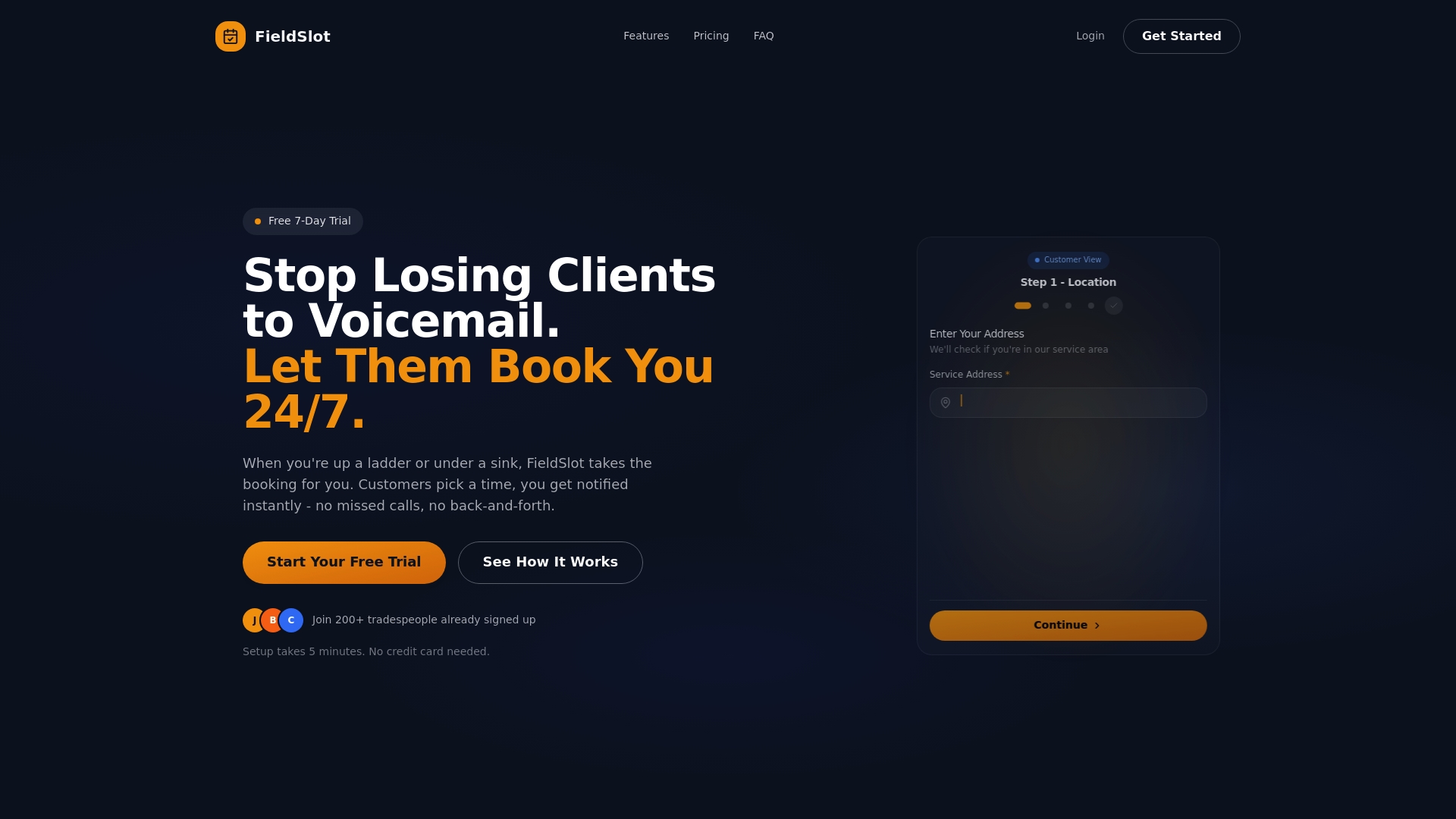
Your customers book appointments instantly through shareable links that work 24/7, even when your office is closed. Geographic service area restrictions prevent bookings outside your coverage zone, while smart travel buffers ensure technicians arrive on time. Route optimization features help you plan efficient daily schedules that maximize job capacity and minimize windshield time. The system handles reminder sequences automatically, freeing your administrative staff to focus on customer service and business growth.
FieldSlot online booking for HVAC takes five minutes to set up and requires no technical expertise. Field service professionals across trades trust the platform to reduce no-shows, capture more jobs, and deliver the professional customer experience that builds loyalty. The best booking software for field service combines powerful automation with user-friendly design, making advanced scheduling accessible to businesses of any size.
Frequently asked questions
What are automated reminders in HVAC services?
Automated reminders are software-generated notifications sent to customers via SMS, email, or phone to confirm and remind them about scheduled HVAC appointments. The system triggers these messages automatically at predetermined times without requiring manual staff intervention. They typically include appointment details, technician information, and options to confirm or reschedule, streamlining communication and reducing the administrative burden on your office team.
How do automated reminders reduce no-shows?
By delivering timely, consistent notifications through multiple channels, automated reminders keep appointments top of mind for customers who might otherwise forget. The multi-touchpoint approach (confirmation, 24-hour reminder, 1-hour reminder) catches customers at different stages of preparation and provides convenient response options. This systematic communication significantly outperforms manual methods, reducing no-show rates from typical 15-20% down to 5-8% and recovering thousands in lost revenue monthly.
Can automated reminders integrate with existing HVAC scheduling software?
Most modern scheduling platforms designed for field service businesses include built-in automated reminder capabilities or offer seamless integration with reminder services. The FieldSlot online booking platform provides native reminder functionality alongside calendar synchronization with Google Calendar and Outlook, creating a unified system. Integration eliminates duplicate data entry, ensures consistency across tools, and enables your reminders to automatically reflect any schedule changes made in your primary booking system.
What is the ideal timing and frequency for HVAC appointment reminders?
Research and industry best practices point to a three-reminder sequence: immediate booking confirmation, 24-hour advance reminder, and 1-hour pre-appointment reminder. This timing provides customers with initial reassurance, advance notice to plan their day, and a final prompt right before service. Avoid sending more than three reminders per appointment to prevent customer annoyance, and always include easy options to confirm, reschedule, or contact your office with questions about the upcoming service.
Recommended
- Stop Missing Customer Calls: Online Booking for Plumbers & Electricians
- Blog | FieldSlot - Field Service Booking Insights
- Service Area Setup Guide for Field Service Pros | Reduce Drive Time
- Best Booking Software for Plumbers, Electricians & Field Service (2026)
- Maximize Growth with Your HVAC Marketing Budget in 2026!