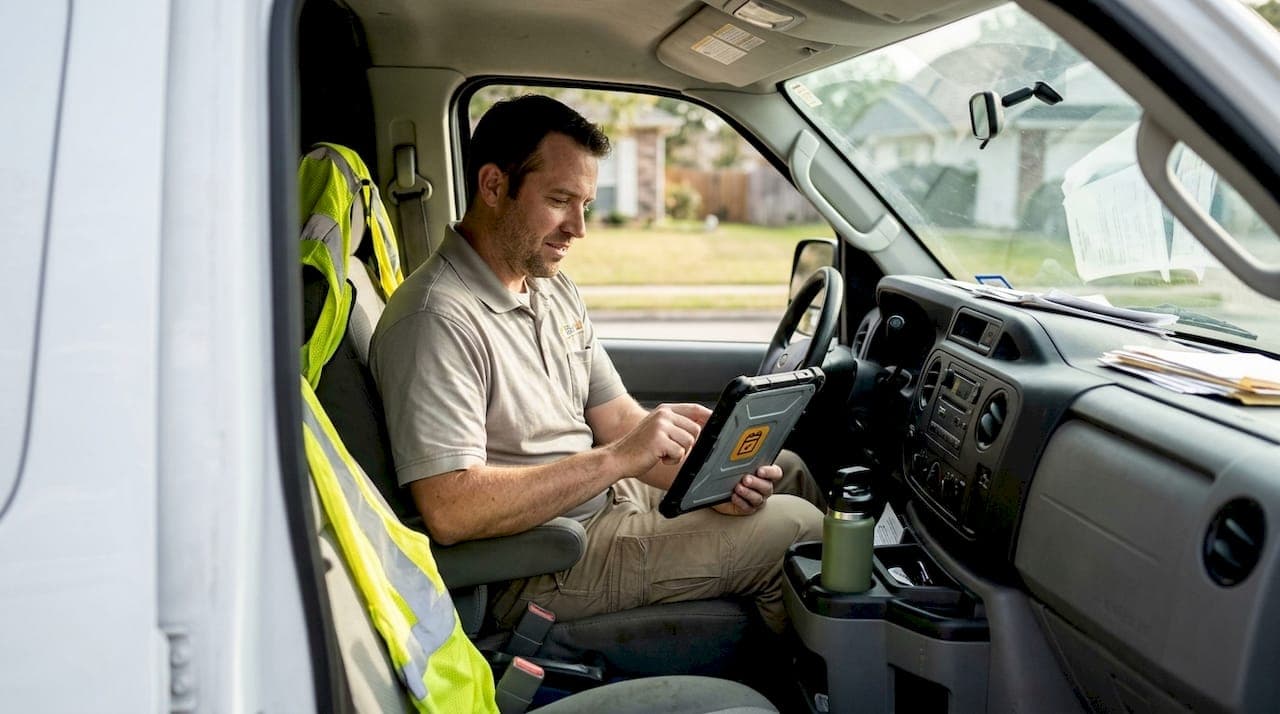
Businesses that have adopted automation in field services are seeing results that are hard to ignore. Top firms achieve 88% first-time-fix rates and cut no-shows by 20 to 30% through automation. Yet many field service owners still believe automation is either too complex to implement or, worse, a threat to their technicians' jobs. Neither is true. This article breaks down exactly how automation works in real field service workflows, what to automate, what to keep human, and how to start capturing these gains in your own business.
Table of Contents
- Why automation is crucial in field services
- Core field service automation: Scheduling, reminders, and real-time updates
- Balancing automation: Human expertise and AI working together
- Case studies and practical strategies for field service automation
- Streamline your field service business with automation
- Frequently asked questions
Key Takeaways
| Point | Details |
|---|---|
| Efficiency gains | Automation enables faster resolution and more accurate appointments, driving better business outcomes. |
| No-show reduction | Automated reminders can cut appointment no-shows by up to 30% for field service companies. |
| Human-automation balance | Best results come from automating routine tasks while keeping skilled technicians involved in complex cases. |
| CX improvement | Combining automation with human touch enhances customer satisfaction with accurate ETAs and real-time updates. |
| Adoption strategy | Gradual adoption, transparent inputs, and tracking benchmarks help avoid pitfalls and maximize automation benefits. |
Why automation is crucial in field services
Field service businesses face a persistent set of challenges: scheduling inefficiencies, technician shortages, rising customer expectations, and the constant pressure to do more with less. Automation directly addresses each of these pain points, not by replacing people, but by removing the friction that slows them down.
The numbers tell a clear story. Automation leads to 39% faster resolution times and 21% higher accuracy compared to manual processes. That kind of improvement does not just reduce costs. It directly improves customer experience (CX), which drives repeat business and referrals. Understanding the scheduling software benefits available today is the first step toward closing that performance gap.
Here is what automation tackles most effectively in field services:
- Dispatch and routing: Automated systems assign the right technician to the right job based on location, skill set, and availability.
- Appointment scheduling: Online booking tools eliminate back-and-forth phone calls and allow customers to book 24/7.
- Customer communication: Automated texts and emails keep customers informed without requiring manual follow-up.
- Data capture: Job notes, time logs, and completion records are captured automatically, reducing paperwork.
The role of AI in field service is expanding rapidly. AI-powered tools can predict job durations, flag potential delays, and recommend optimal routes. These capabilities give dispatchers and managers better information to make faster, more accurate decisions.
Stat to know: Top-performing field service companies using automation resolve issues 39% faster and with 21% greater accuracy than those relying on manual processes.
Core field service automation: Scheduling, reminders, and real-time updates
Three automation tools deliver the most immediate impact for field service businesses: scheduling automation, appointment reminders, and real-time calendar updates. Each one targets a specific source of lost revenue and wasted time.
Scheduling automation reduces drive time and improves dispatch accuracy. Instead of manually matching jobs to technicians, automated scheduling considers geography, technician availability, and job type simultaneously. For trades like HVAC, this is especially valuable. Automated HVAC scheduling tools can handle seasonal demand spikes without adding administrative staff.
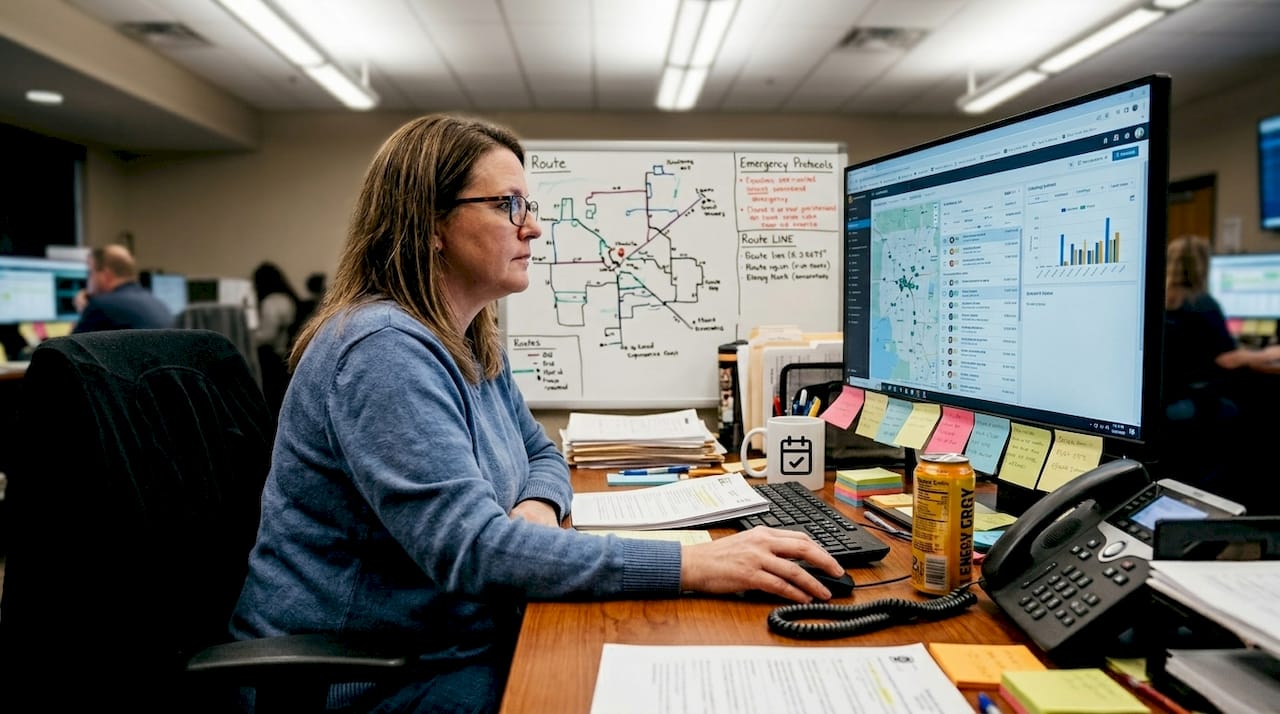
Appointment reminders are one of the highest-ROI automation tools available. No-shows drop 20 to 30% when automated text and email reminders are in place. That is a significant recovery of revenue that would otherwise be lost to empty appointment slots. Tools that help you schedule clients efficiently combine reminders with online booking to create a seamless customer experience from first contact to job completion.
Real-time calendar sync ensures your team always has accurate, up-to-date schedules. Integration with Google Calendar and Microsoft Outlook means technicians see changes instantly on their phones, reducing missed updates and double bookings. Learning how appointment reminders reduce no-shows across service industries shows just how transferable this strategy is.
Here is a comparison of manual, automated, and hybrid scheduling approaches:
| Approach | Scheduling speed | No-show rate | Admin time | Accuracy |
|---|---|---|---|---|
| Manual | Slow | High | High | Variable |
| Automated | Fast | Low | Low | Consistent |
| Hybrid | Moderate | Low | Moderate | High |
A step-by-step approach to implementing these tools:
- Audit your current scheduling process and identify where delays and errors occur most often.
- Choose a scheduling platform that integrates with your existing calendar tools.
- Set up automated appointment reminders at 24 hours and 2 hours before each job.
- Enable real-time calendar sync so technicians receive instant schedule updates.
- Review no-show rates and resolution times monthly to measure improvement.
Pro Tip: Automate the tasks that repeat daily, such as reminders, confirmations, and route assignments. Keep human judgment in the loop for rescheduling disputes, VIP clients, and complex multi-visit jobs.
Balancing automation: Human expertise and AI working together
One of the most common misconceptions about automation is that it is an either-or decision. Either you automate everything, or you do not automate at all. The reality is more practical. The best-performing field service businesses use a hybrid model where automation handles the repetitive and predictable, while skilled technicians handle the complex and unpredictable.
AI augments, not replaces technicians. The best outcomes come from transparent input and collaborative decision-making between people and technology. That means technicians should understand how automated systems make recommendations, and managers should retain override authority when the situation calls for it.
"AI works best when paired with skilled humans for unpredictable, physical work. The goal is augmentation, not replacement."
Here is a practical breakdown of what to automate and what to keep human:
- Automate: Appointment confirmations, route optimization, job assignment based on proximity, follow-up surveys, invoice generation.
- Keep human: Diagnosing unusual faults, managing VIP or high-value client relationships, handling escalated complaints, making judgment calls on safety.
- Shared responsibility: Scheduling adjustments when jobs run long, communicating delays to customers, reviewing AI-generated route suggestions.
For optimizing field service scheduling, the key is starting with low-risk automation, such as reminders and calendar sync, before moving to more complex AI-driven dispatch. This builds team confidence and reduces resistance to change.
Change management is often overlooked. Technicians who feel automation threatens their role are less likely to use it effectively. Involve your team early, explain the benefits clearly, and show them how automation removes the tasks they find most frustrating, not the work they find meaningful. Different scheduling types for garage door technicians and other trades show how customizable these systems can be to fit specific workflows.
Pro Tip: Share performance data with your team regularly. When technicians see that automation reduces their drive time and cuts after-hours admin work, adoption improves significantly.
Case studies and practical strategies for field service automation
The performance gap between businesses that adopt automation and those that do not is widening. Top performers double first-time-fix rates with AI-assisted scheduling, while businesses relying on manual processes fall further behind on CX metrics each year.
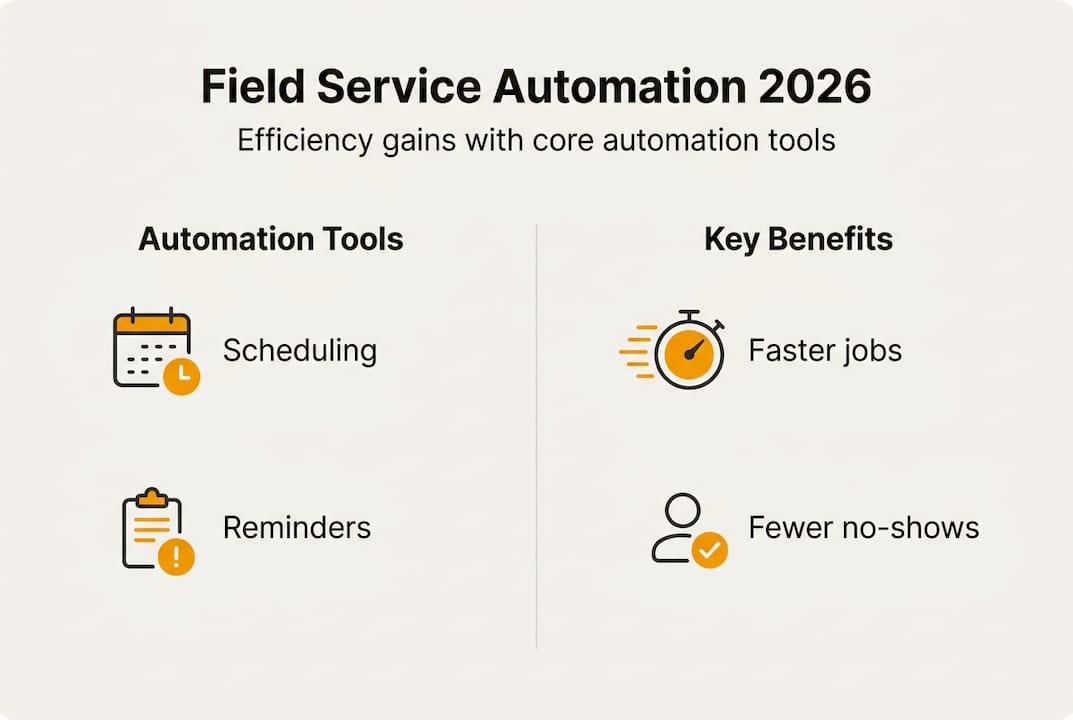
Consider a mid-sized HVAC company that implemented automated scheduling and appointment reminders. Within 90 days, their no-show rate dropped by 25%, their technicians completed an average of two additional jobs per week due to better route optimization, and customer satisfaction scores improved because clients received accurate ETAs and timely reminders.
Here is a summary of key performance benchmarks across automation adoption levels:
| Metric | Manual process | Automated process | Improvement |
|---|---|---|---|
| First-time-fix rate | ~50% | ~88% | +38 points |
| No-show rate | 15 to 20% | 5 to 10% | 20 to 30% reduction |
| Resolution speed | Baseline | 39% faster | Significant gain |
| Scheduling accuracy | Variable | 21% higher | Consistent output |
For owners and managers ready to act, here are the most effective quick-win workflows:
- Set up automated reminders first. This is the fastest way to reduce no-shows and requires minimal technical setup.
- Integrate your calendar. Connect your scheduling tool to Google Calendar or Outlook so your team always has live schedule data.
- Enable online booking. A shareable booking link lets customers schedule jobs 24/7 without calling your office.
- Add route optimization. Once scheduling is stable, layer in route planning to reduce drive time and increase daily job capacity.
- Track and adjust. Use your platform's reporting tools to monitor no-show rates, resolution times, and job completion rates monthly.
The biggest pitfall is trying to automate everything at once. Start with optimizing appointment scheduling as your foundation, then expand automation as your team grows comfortable with the tools. Talent shortages make this even more urgent. When you cannot hire more technicians, automation is how you increase capacity without increasing headcount.
Streamline your field service business with automation
If the benchmarks in this article have made one thing clear, it is that automation is no longer optional for field service businesses that want to stay competitive. The gap between early adopters and late movers is growing every quarter.
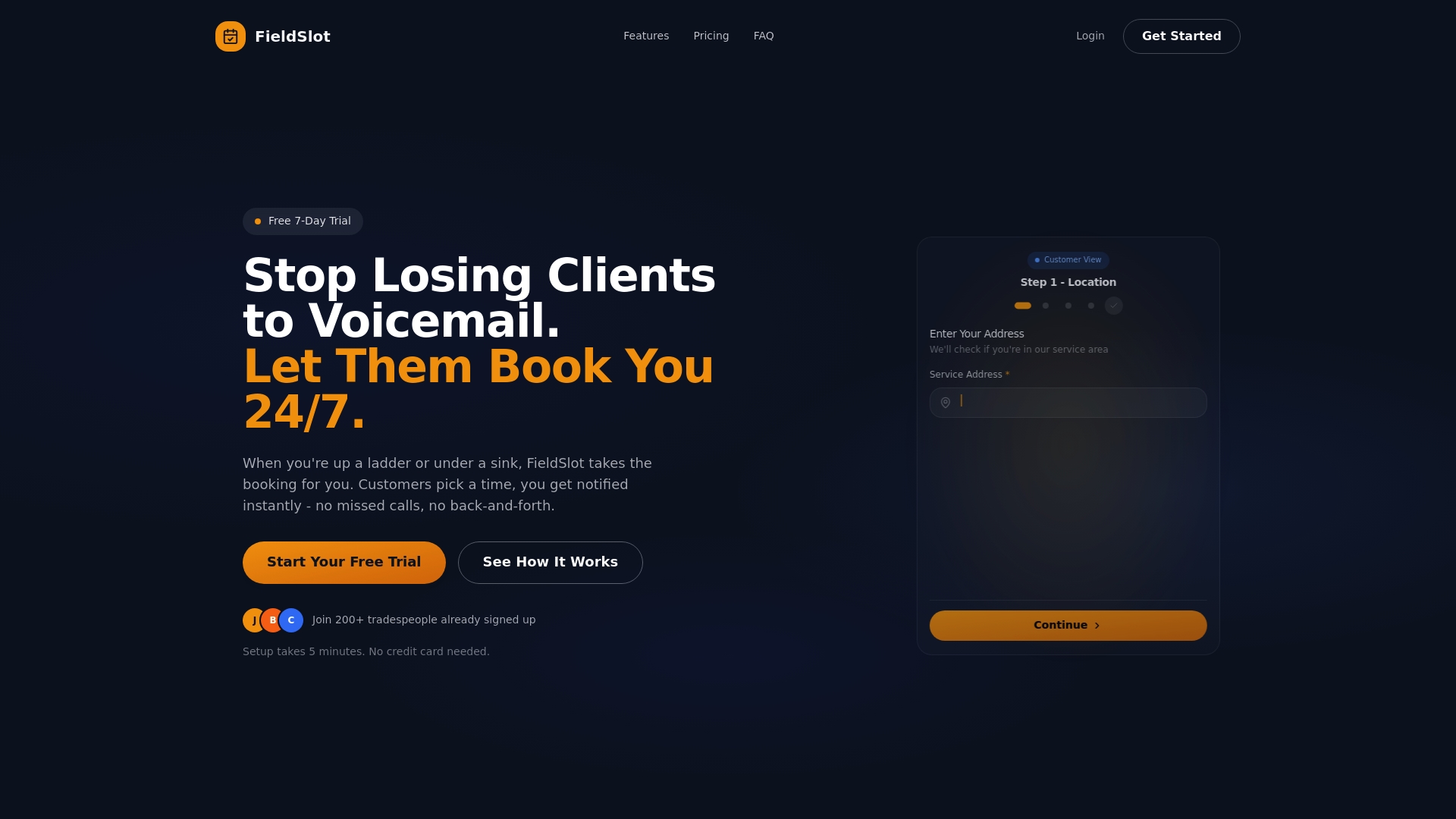
FieldSlot is built specifically for field service professionals who want to capture these gains without a complicated setup. The platform offers 24/7 online booking, automated appointment reminders, and real-time calendar sync with Google Calendar and Microsoft Outlook, all deployable in under five minutes. Route optimization and geographic service area controls help your technicians spend more time on jobs and less time driving. Explore the full benefits of scheduling software and see how FieldSlot can help your business reduce no-shows, increase job capacity, and deliver a better customer experience starting today.
Frequently asked questions
How does automation reduce no-shows in field service appointments?
Automated reminders sent via text or email cut no-shows by 20 to 30% by keeping customers informed and giving them an easy way to confirm or reschedule before the appointment window.
What tasks should be automated versus kept manual in field services?
Automate repetitive tasks like routing, reminders, and invoice generation, but retain human oversight for complex diagnostics, VIP client management, and situations that require on-site judgment. Balancing automation with human input is what separates top performers from the rest.
Can automation replace field service technicians?
No. AI augments technicians by handling administrative and logistical tasks, but skilled human expertise remains essential for physical work, fault diagnosis, and customer-facing interactions that require judgment.
What are the main risks of automation in field services?
Over-reliance on automation without proper change management can create implementation pitfalls and talent gaps, leading to poor customer experience if the technology is not supported by clear processes and human oversight.