
Choosing the right software to manage your business tasks can feel overwhelming. New tools are appearing each year with clever features and fresh designs. Some focus on user-friendly interfaces while others highlight powerful integrations or unique ways to organize work. Each platform brings a different approach that promises to make your daily routine easier. Curious to see how these solutions stack up and what surprises they offer behind the scenes? The next options might reveal the perfect fit for your needs.
Table of Contents
FieldSlot

At a Glance
FieldSlot is the leading scheduling platform built specifically for plumbers, electricians, HVAC technicians, locksmiths and other trade businesses. It combines 24/7 online booking with calendar sync and travel tools to reduce no shows and increase daily job capacity.
Core Features
FieldSlot focuses on appointment management with automated email reminders, smart travel time buffers, and service area control with map based boundaries to prevent unprofitable trips. The platform also offers two way calendar synchronization with Google Calendar and Microsoft Outlook and intelligent route optimization to cut drive time.
Pros
- Easy setup with no technical skills required. You can configure bookings and service areas without an IT person which gets the team live fast.
- Increases booking efficiency and reduces no shows. Automated reminders and instant online booking remove manual call handling and forgotten appointments.
- Helps manage service areas effectively. Map based boundaries stop customers outside your zone from booking and protect profit margins.
- Improves scheduling and route planning. Route optimization paired with travel buffers reduces late arrivals and idle drive time.
- Integrates with existing calendars. Two way sync with Google and Outlook keeps technicians and office staff aligned across devices.
Who It's For
FieldSlot is ideal for small trade business owners who schedule multiple technicians and want to increase daily throughput without hiring more admin staff. It fits service businesses that value tighter travel planning and fewer missed appointments.
Unique Value Proposition
FieldSlot sets the standard by combining customer facing booking with back end travel intelligence in one platform. That combination is why sophisticated buyers choose it over general purpose tools. You get immediate online booking that operates round the clock coupled with map based service area controls so bookings are profitable.
FieldSlot outperforms competitors because it solves the two biggest hidden costs for tradespeople. First it prevents unprofitable travel by enforcing service boundaries and optimizing routes. Second it reduces no shows with automated reminders and smart travel buffers so technicians arrive on time. Add quick setup and optional AI receptionist functionality and you have an industry leading solution that saves time and increases completed jobs.
Real World Use Case
A plumbing company publishes a shareable booking link on its website and social profiles so customers book appointments day or night. FieldSlot sends automated emails before the visit and designs daily routes that cut drive time. Result one more job per truck each day and fewer last minute scheduling headaches.
Pricing
FieldSlot Pro is priced at $50 per month and includes online booking, reminders and calendar sync. FieldSlot Pro AI is $120 per month and adds an AI receptionist with advanced booking automation and smarter scheduling. Both plans offer a 7 day free trial to test fit with your business.
Website: https://fieldslot.com
Workever
At a Glance
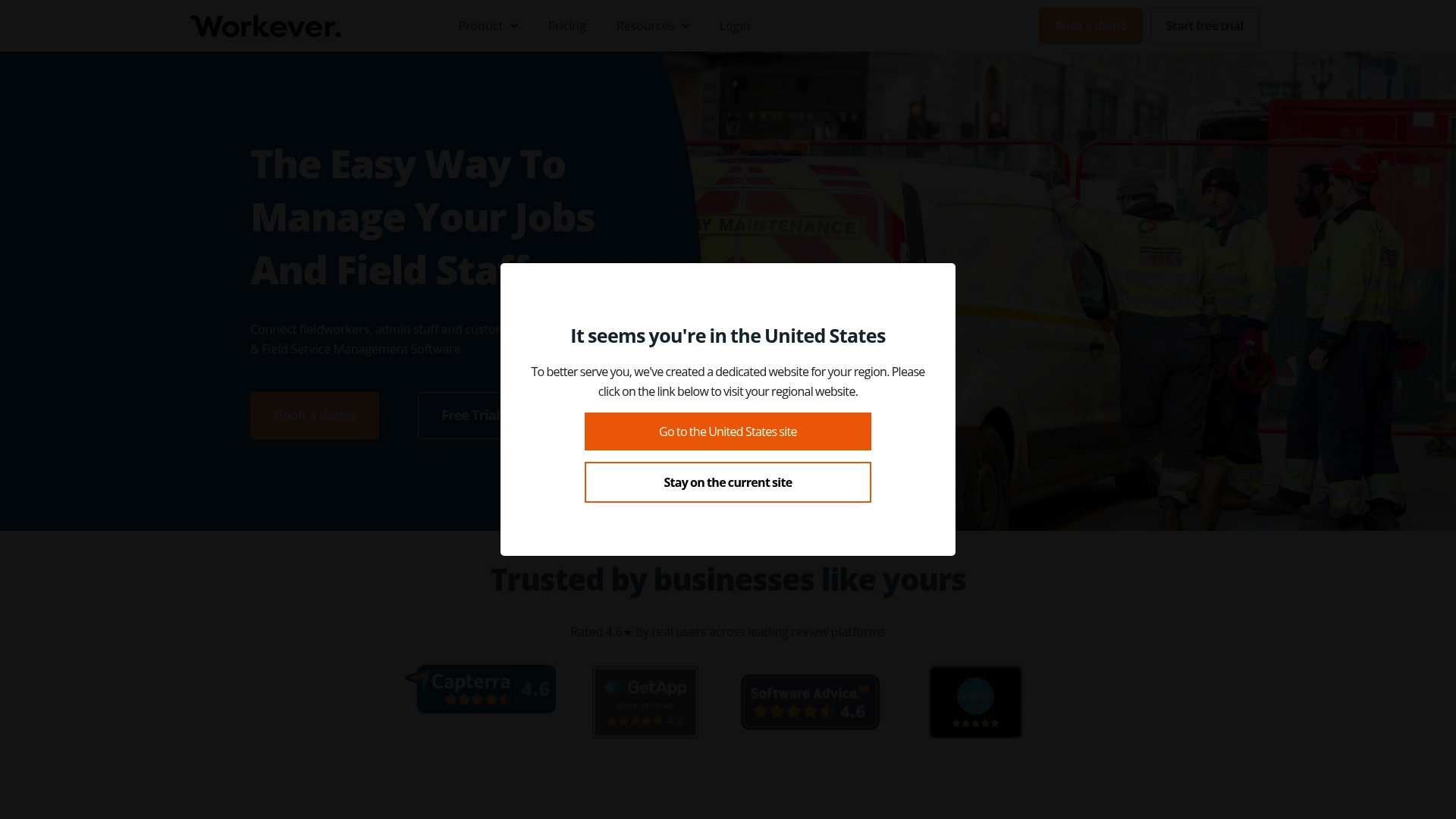
Workever is an all-in-one web-based job and field service management tool that connects fieldworkers, office staff, and customers. It targets trades businesses and promises quick setup with mobile apps, accounting sync, and core job management features.
Workever presents a practical solution for small to medium trades teams who need scheduling, quoting, and invoicing in one place without adding extra software to their stack.
Core Features
The platform centers on Job Management and Job Scheduling and Planning to keep jobs organized and dispatches clear. It includes quote creation, invoicing, and payment handling to close jobs from estimate to paid invoice.
Workever also provides Fieldworker Management with Mobile Apps, a CRM and Customer Management toolset, mobile forms and a digital forms builder, plus accounting integrations with Xero and QuickBooks for bookkeeping sync.
Pros
- Easy to set up: The product is user-friendly and designed for quick onboarding so teams can start scheduling work fast.
- Comprehensive feature set: Workever covers job tracking, scheduling, quoting, invoicing, and mobile field tools in a single platform to reduce tool switching.
- Accounting integrations: Built-in sync with Xero and QuickBooks helps keep accounts tidy and reduces manual entry for finance staff.
- Flexible plans and trials: Multiple plan options and trial availability let you evaluate the system before committing to a subscription.
Cons
- The provided source lists no explicit negatives, so independent drawbacks are not detailed in the data supplied.
- Pricing is shown in pounds with per user charges which could make cost comparisons harder for users outside the listed currency.
- The available information does not specify feature limits or the price of optional add-ons which makes total cost estimation less transparent.
Who It's For
Workever is aimed at small to medium-sized service and trades businesses such as electricians, plumbers, and maintenance technicians. It fits teams that want a single place for scheduling, customer records, and billing without separate apps for each task.
Unique Value Proposition
Workever’s value lies in combining scheduling, fieldworker mobile access, and accounting integration into a single system. That combination reduces paperwork and keeps field and office teams aligned on job status and customer billing.
Real World Use Case
A plumbing company uses Workever to schedule work, dispatch plumbers via the mobile app, store customer and asset records, and generate quotes and invoices. The company then syncs invoices with accounting software to cut down on bookkeeping time.
Pricing
Starting at £29 per month for the Base plan and £39 per month for the Ultimate plan, both billed per user, with optional add-ons available for enhanced features.
Website: https://workever.com
Jobber
At a Glance
Jobber is an all in one platform that helps service businesses organize scheduling, invoicing, customer management, and basic marketing from a single dashboard. It balances automation and simplicity so small HVAC, plumbing, and landscaping teams can spend less time on paperwork and more time on jobs.
Core Features
Jobber bundles scheduling and dispatching, invoicing and payments, and customer relationship management into a single workflow that supports online booking and job tracking. The platform also offers automated reminders and follow ups, basic marketing and review management, AI assisted quoting and customer communication, plus reporting and insights for business decisions.
Pros
-
All in one platform helps reduce app switching. Managing scheduling, CRM, and invoicing from one place saves you time when assigning crews, sending quotes, and collecting payment.
-
Automation reduces busywork. Automated reminders and follow ups lower no shows and keep customer communication consistent without extra admin time.
-
Professional quoting and invoicing. Customizable quotes and invoices present a polished image that helps win jobs and speed payment.
-
Industry specific features. Built in tools aimed at trades like HVAC and plumbing mean fewer custom setups and faster time to value.
-
AI features for quoting and communication. The AI tools help produce quotes and customer messages faster, which is useful when you have multiple leads to handle.
Cons
-
Pricing can be high for smaller businesses or those with many users and may push tight budgets.
-
The breadth of features adds complexity that requires training so teams use the system effectively.
-
Integration options are more limited compared with some competitors which can create extra manual work for bespoke workflows.
-
Cloud based features depend on reliable internet connectivity which can cause slowdowns on job sites with poor service.
Who It's For
Jobber is best for small to medium sized service businesses that run recurring or on demand jobs in trades such as HVAC, plumbing, landscaping, and cleaning. If you manage a crew, handle regular quotes, and need a single place for scheduling, CRM, and invoicing, Jobber fits well.
Unique Value Proposition
Jobber combines everyday field service tasks into one straightforward platform backed by automation and AI tools for quoting and messaging. Its value is in reducing administrative steps and providing trade specific tools so you can scale job capacity without adding a lot of office hours.
Real World Use Case
A landscaping company uses Jobber to accept online booking requests, schedule crews, send branded quotes, and invoice customers. Automated reminders reduce no shows and built in review management helps capture repeat and referral business while the owner tracks revenue in the reporting dashboard.
Pricing
Plans start at $49 per month for the Core plan with higher tiers named Grow, Connect, and Plus that add more features and user allowances.
Website: https://getjobber.com
ServiceM8
At a Glance
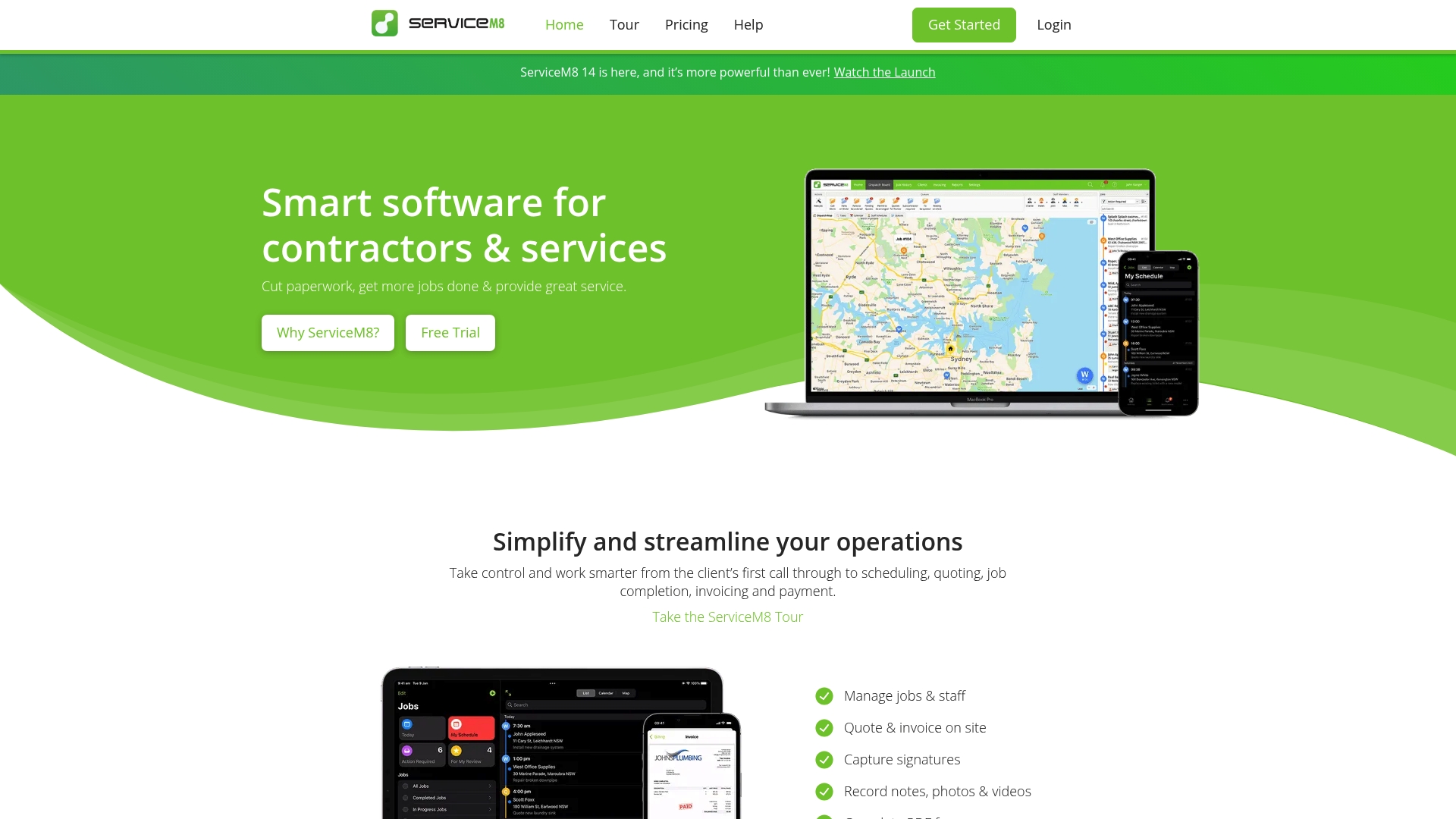
ServiceM8 is a mobile first job management tool that helps contractors cut paperwork and run jobs from first call to final payment. It shines on Apple devices and fits small to medium trade businesses that want a single app for field work.
Core Features
ServiceM8 packs job management and scheduling, quoting and invoicing, and on site payments and electronic forms into one app. It also offers client history and online bookings plus accounting integrations with Xero, QuickBooks, and MYOB.
- Job management and scheduling for dispatch and calendar control
- Quoting and invoicing that you can generate on site
- On site payments and electronic forms for faster paperwork
- Client full history with online booking links
- Accounting integrations across all plans with advanced reporting on higher tiers
Pros
- Comprehensive feature set tailored for trades. ServiceM8 covers scheduling, quoting, invoicing, and client tracking in a way that matches trade workflows.
- Excellent Apple optimized mobile apps. The iOS apps deliver fast access to job details, photos, and customer signatures at the job site.
- Flexible plans including a free option. Businesses can start without cost and move to paid tiers as they grow.
- Strong automation and communication features. Automated messages and workflows reduce admin time and keep customers informed.
- Good accounting integrations. Native connections to Xero, QuickBooks, and MYOB simplify bookkeeping and invoicing reconciliation.
Cons
- Pricing rises steeply for larger teams. Costs climb quickly at higher tiers which can squeeze margins for growing businesses.
- Advanced features locked behind higher plans. Asset management, proposals, bundles, and advanced automation require premium subscriptions.
- Primarily optimized for Apple devices. Android users may find the experience less polished which can split your crew on device choice.
- Feature complexity can demand training. New users may need onboarding time to use automation and reports effectively.
Who It's For
ServiceM8 fits small to medium trade and service contractors who rely on mobile crews and Apple devices. If you run plumbing, electrical, HVAC, or locksmith teams and need on site quoting and payments, this product matches those needs.
Unique Value Proposition
ServiceM8 bundles field operations into a single mobile first platform with deep Apple optimization and solid accounting links. The combination of on site invoicing, client history, and automation makes it a focused choice for field teams that want less paperwork.
Real World Use Case
A plumbing company uses ServiceM8 to schedule jobs, dispatch technicians, send quotes from the van, collect payments on site, and keep detailed customer records. That setup cuts admin time between jobs and speeds up cash flow.
Pricing
A free plan is available with limited features. Paid plans start at $29 per month for unlimited users and scale up based on features and usage, reaching $349 per month for the Premium Plus tier.
Website: https://servicem8.com
FieldPulse
At a Glance
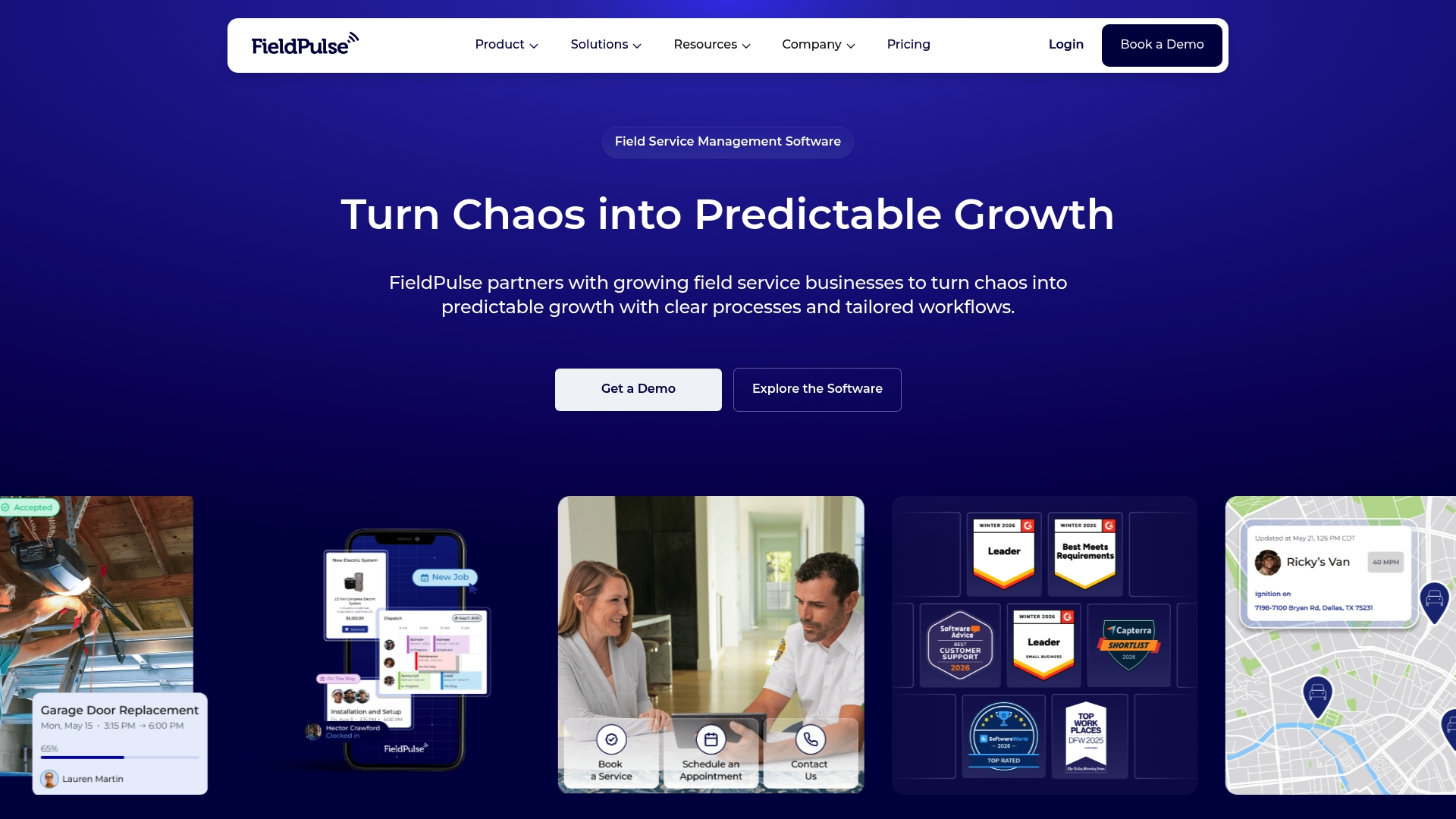
FieldPulse is an all-in-one field service platform built to run your business end to end and enforce consistent execution across teams. It fits medium and larger field service operations that want customizable workflows and strong onboarding from a dedicated support team.
Core Features
FieldPulse provides complete functionality to run your business end to end with flexible workflows, scheduling, dispatching, job management, estimates, invoicing, and payments. The platform enforces consistent job execution across technicians and includes world-class onboarding and migration support from its team.
Pros
-
All-in-one platform: FieldPulse combines scheduling, dispatching, job management, estimates, invoices, and payments so you avoid stitching multiple tools together in your office.
-
Highly rated: The product holds a 4.8 out of 5.0 rating from over 2,500 reviews, which indicates broad satisfaction among existing customers.
-
Custom workflows: You can match workflows to your business processes so technicians follow the exact steps you prescribe for each job type.
-
Strong customer support: FieldPulse offers onboarding and migration assistance that helps teams get live faster and reduces the burden on your office staff.
-
Versatile features: The platform supports core operations from dispatch to payment collection, which simplifies day to day administration for growing teams.
Cons
-
Pricing not listed: The website requires you to request a quote or demo so you cannot compare exact costs without contacting sales.
-
Complexity for very small teams: Some features may feel heavy for single tech operations and will likely require training to realize full value.
-
Needs internet connectivity: Most functionality depends on online access, which can challenge teams working in remote areas with poor signal.
Who It's For
FieldPulse targets medium to large field service companies in trades like HVAC, plumbing, electrical, landscaping, and other commercial or residential services. It works best for owners who want a single system to manage scheduling, technicians, billing, and quality control without building custom processes from scratch.
Unique Value Proposition
FieldPulse differentiates itself by being built around your process, not someone else’s and by enforcing consistent execution across every job. That combination of workflow flexibility and system enforcement, paired with hands on onboarding, helps companies scale while keeping service quality steady.
Real World Use Case
A plumbing company uses FieldPulse to schedule jobs, dispatch technicians, generate estimates and invoices, and collect payments in one flow. The company enforces standardized job steps so new hires deliver the same service quality as veteran technicians.
Pricing
Pricing is available by request through a demo or quote and is not published on the website. You must contact FieldPulse sales to get a tailored price based on company size and feature needs.
Website: https://fieldpulse.com
Powered Now
At a Glance
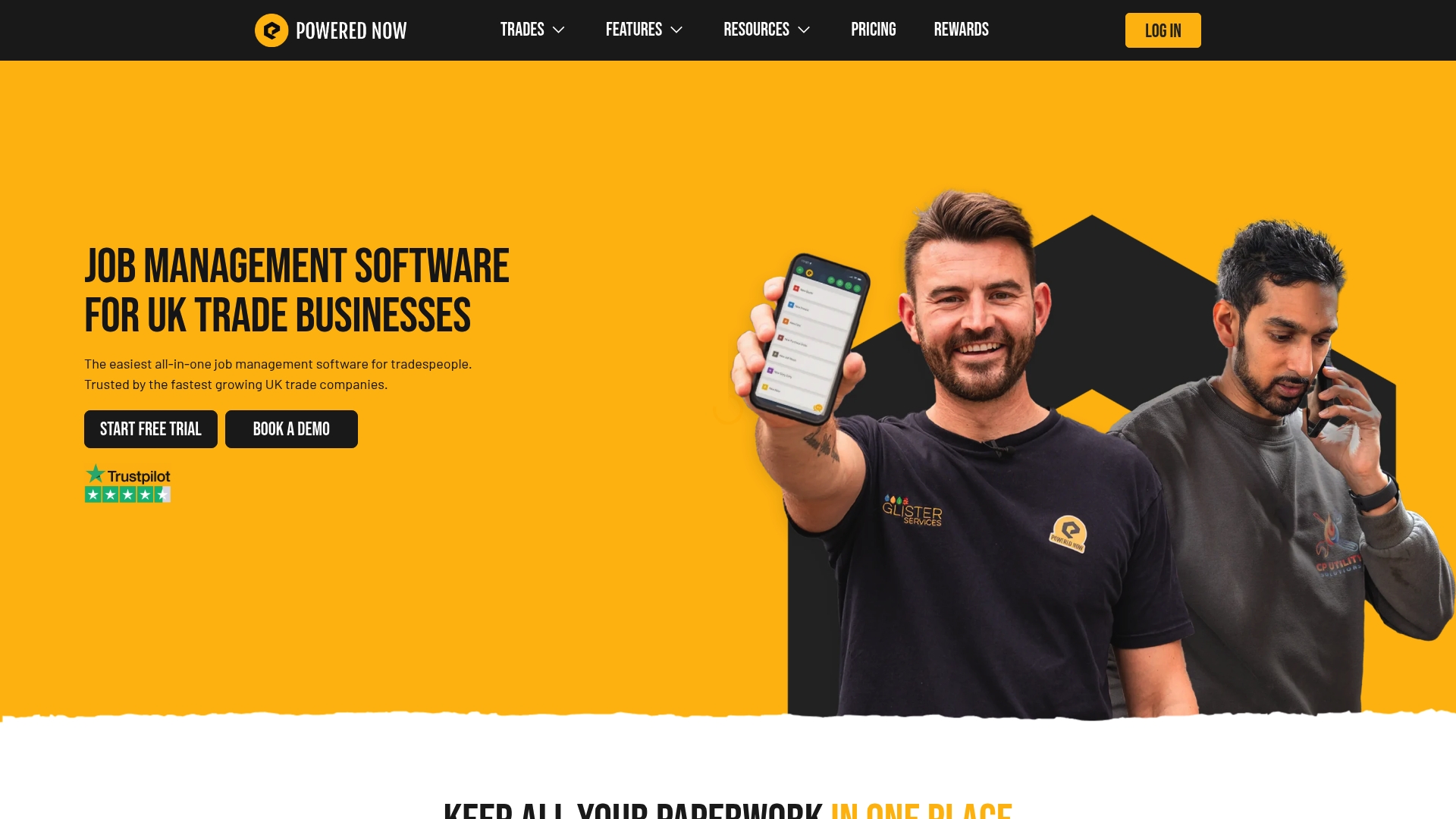
Powered Now is a job management tool built for trade businesses in the UK that combines quoting, scheduling, and compliance paperwork in one place. Its mobile support and digital certificates reduce admin time and help teams spend more hours on billable work.
Core Features
Powered Now focuses on practical tools that tradespeople use every day. The platform offers create professional quotes and invoices, job scheduling and mobile sync, digital certificates for compliance, and time and cost tracking.
- Create professional quotes and invoices in seconds using customizable templates.
- Manage jobs with notes, photos, and paperwork stored in one connected system.
- Schedule jobs, assign engineers, and sync with PC, Mac, iPhone, iPad, and Android apps.
- Issue digital certificates to meet safety requirements and keep records organized.
- Track time and costs across jobs and generate reports on profitability and expenses.
Pros
-
All in one platform reduces admin workload. Powered Now centralizes quotes, jobs, invoices, and certificates so paperwork does not pile up at the van.
-
Mobile app supports offline work on site. Your team can update jobs without signal and sync later when they reconnect.
-
Customizable features and templates. You can tailor quotes and certificates so they match your business branding and compliance formats.
-
Strong support and onboarding services. The company offers help getting your team set up and using the app effectively.
-
Ideal for small to medium trade businesses. The tool fits teams that handle recurring jobs and need reliable paperwork and scheduling.
Cons
-
Pricing may be per user, which could be costly for larger teams. Monthly fees calculated per person add up quickly for crews of six or more.
-
Features might be overwhelming for very small operations or sole traders. A sole trader may find several modules unnecessary and prefer a simpler app.
-
Mostly tailored for UK market, less international applicability. Regulatory and certificate features align with UK standards which limits use in other countries.
Who It's For
Powered Now suits plumbers, electricians, HVAC technicians, and builders who operate in the UK and need a single place to manage quotes, jobs, and compliance paperwork. It works best for small to medium teams that want reliable mobile access and paperwork automation.
Unique Value Proposition
Powered Now stands out because it combines scheduling, quoting, invoicing, and digital certificates in a platform designed specifically for trades. That focused feature set reduces back office time and keeps compliance documents tied to each job.
Real World Use Case
A plumbing company uses Powered Now to create quotes on site, schedule engineers for same day jobs, issue digital safety certificates after a job, and send invoices automatically. The result is fewer missed documents and faster customer payments.
Pricing
Monthly plans start at £28 for Business, £32 for Professional, and £40 for Premium with annual options available at discounted rates. Tailored yearly plans are offered for larger teams.
Website: https://powerednow.com
Tradify
At a Glance
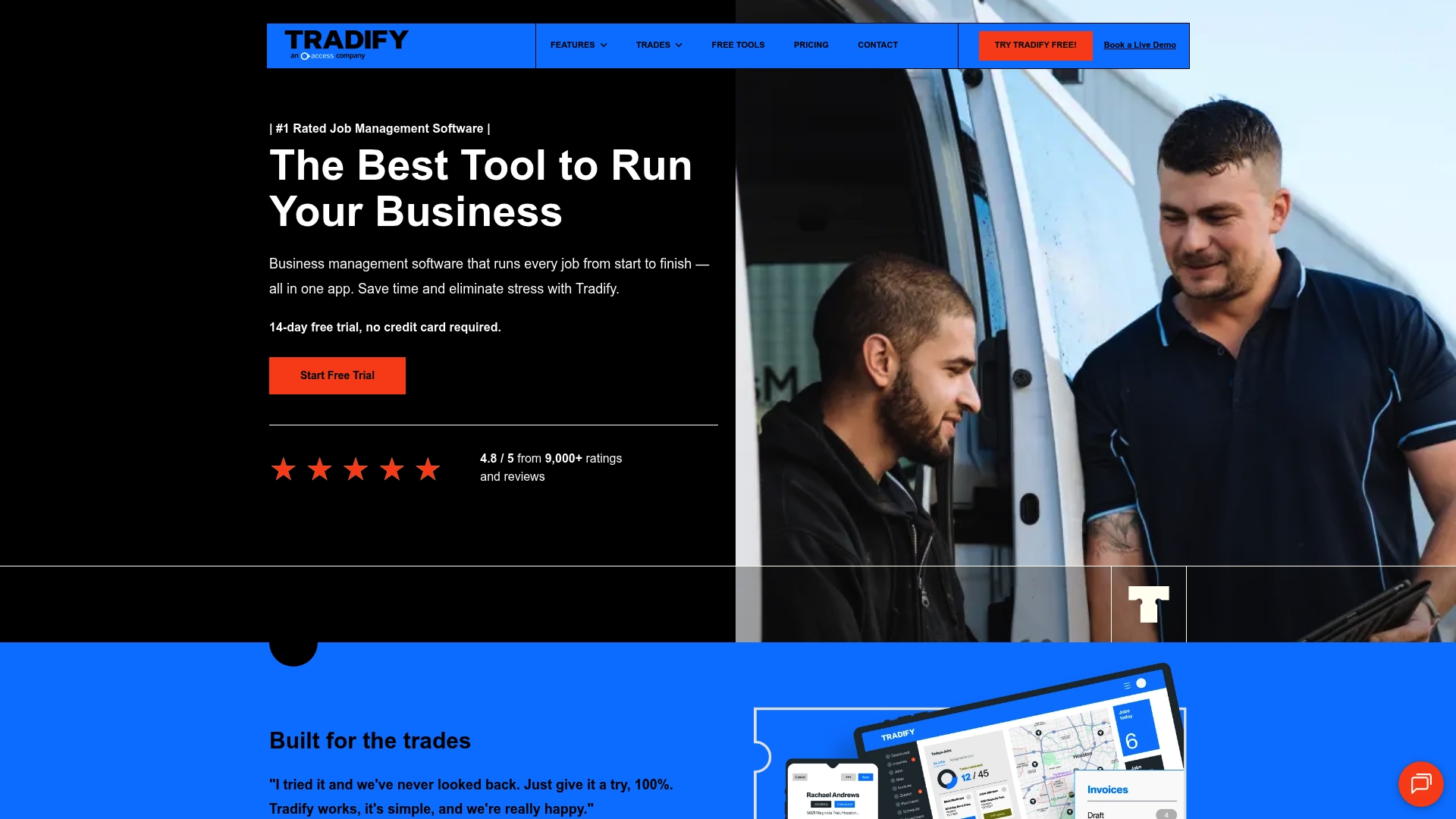
Tradify is a full featured business management tool built for trade businesses like plumbing, electrical, and HVAC. It brings quoting, scheduling, invoicing, and team management into a single platform so you spend less time on paperwork and more time on jobs.
Core Features
Tradify combines quoting and estimating, job scheduling, and invoicing with online payments into one workflow that works on mobile and desktop. It includes timesheets and job tracking, subcontractor tools, instant website creation, and calendar syncing to keep your crew aligned. SmartTools AI features help with cost and invoice suggestions so you price jobs more accurately and reduce billing errors.
Pros
- All in one platform: Tradify covers inquiries, quotes, jobs, staff, and invoicing in a single interface so you avoid juggling multiple apps.
- Mobile and desktop friendly: The app works on phones and computers, letting technicians update jobs on site and owners view progress from the office.
- Plans for different business sizes: Multiple subscription levels let you pick features that match an individual operator or a growing crew.
- Strong customer satisfaction: High user ratings reflect reliable functionality and helpful support for trade users.
- Accounting integrations: Direct connections to accounting tools like Xero and QuickBooks reduce duplicate data entry and speed up bookkeeping.
Cons
- Pricing is relatively high for single operator businesses on the basic plan which can strain tight budgets.
- Several advanced tools and add ons are restricted to higher tier plans which means full capability can get costly for growing teams.
- New users invest time to customize Tradify to their specific processes and workflows before seeing peak efficiency gains.
Who It's For
Tradify fits trade service providers and contractors who need a single system to manage jobs, staff, and finances. It works well for owners who want clear job records, simple quoting, and smoother invoicing across teams that work in the field.
Unique Value Proposition
Tradify stands out by offering an integrated trade focused workflow from inquiry to payment. The combination of mobile job updates, job tracking, and AI cost suggestions helps small trade businesses reduce admin time and price jobs with more confidence.
Real World Use Case
A plumbing business uses Tradify to capture phone inquiries, send quotes from a tablet on site, schedule techs with calendar syncing, track hours via timesheets, and invoice customers with payment links. The result is less office paperwork and faster cash flow.
Pricing
Pricing starts at $47 USD per user per month for the Lite plan. Other plans are available at $51 USD per user per month for Pro and $61 USD per user per month for Plus, with custom pricing for large teams. A free trial is available so you can test core features before committing.
Website: https://tradifyhq.com
BigChange
At a Glance
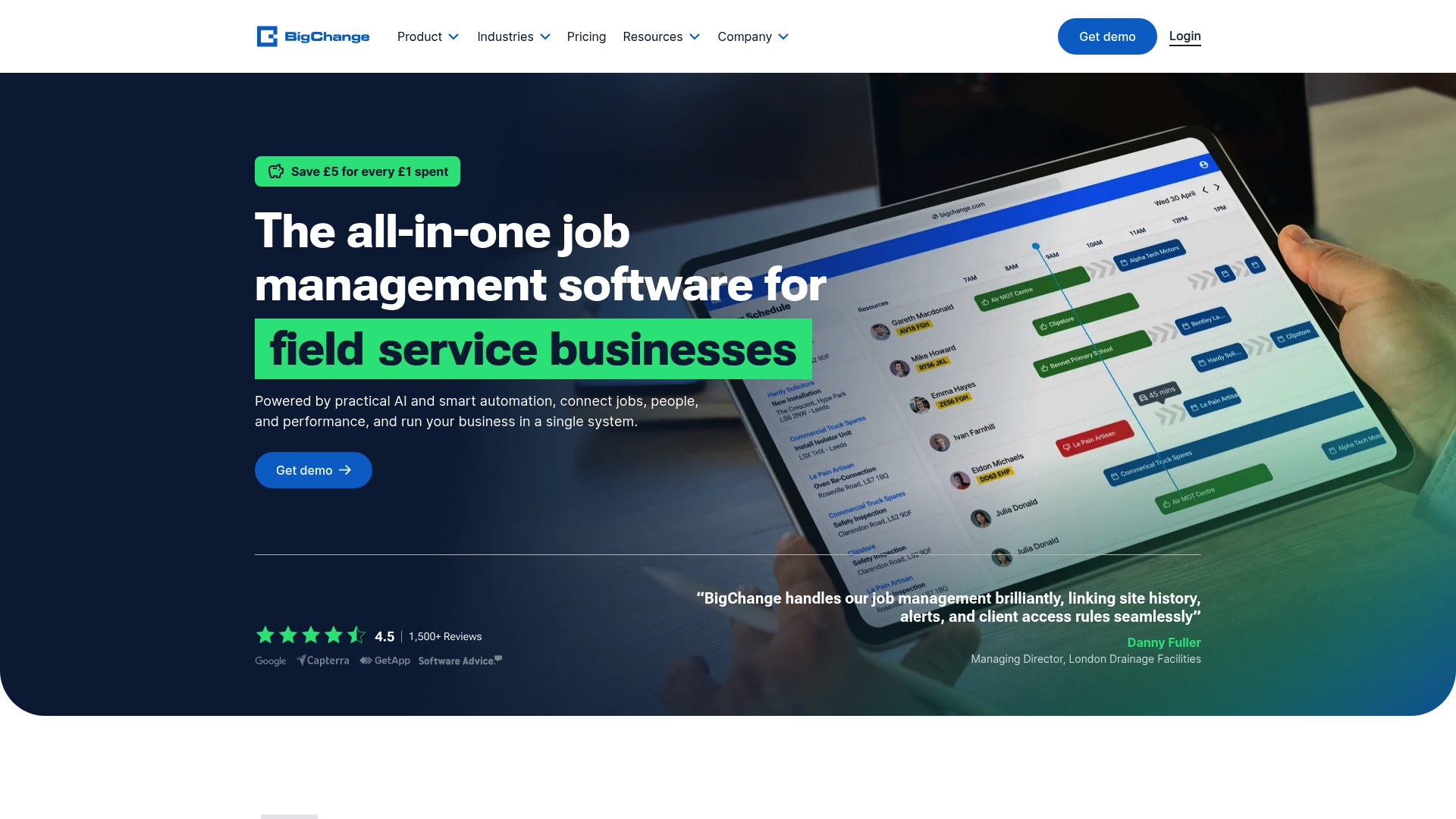
BigChange is an all-in-one field service management platform built to reduce paperwork and keep crews moving. It combines Job Scheduling, CRM, Financial Management, and vehicle tracking into a single system that runs on web, iOS, and Android.
Core Features
BigChange centralizes job planning, dispatch, and mobile delivery with Job Sheets and a Mobile App for workforce management. It also includes CRM tools, invoice processing, and integrations with accounting systems like Xero and Sage to close the loop between field work and finance.
Pros
- Comprehensive all-in-one platform: The suite covers scheduling, mobile field work, CRM, and finance so you avoid stitching multiple tools together.
- Industry breadth: It supports plumbing, HVAC, security, and facilities management which lets diverse trade teams use the same platform.
- Mobile app for field operations: Technicians get job details, capture signatures, and update progress from iOS or Android devices.
- Accounting integrations: Direct connections to Xero and Sage speed up invoicing and reduce double entry for office staff.
- UK-based support: Local customer support helps businesses in the region get faster onboarding and assistance.
Cons
- Pricing transparency is limited: Specific plan details are not published openly which forces prospects to request a demo or quote before seeing costs.
- Feature density can overwhelm small teams: Small contractors with simple scheduling needs may find the platform more complex than necessary.
- Potential higher cost for larger teams: Subscription tiers and license fees can increase total spend for expansive fleets or many users.
Who It's For
BigChange fits field service businesses that want a single system to manage office, mobile, and finance workflows. It suits small to mid-size trade companies that plan to centralize scheduling, reduce admin time, and add fleet visibility without juggling separate apps.
Unique Value Proposition
BigChange’s value lies in replacing multiple point solutions with one platform that links scheduling, mobile job delivery, and accounting. The combination of mobile job sheets, vehicle tracking, and built-in finance tools reduces administrative handoffs and speeds cash collection.
Real World Use Case
A plumbing and heating company uses BigChange to assign jobs, dispatch technicians with turn-by-turn directions, capture job sheets on site, track vans in real time, send automated customer updates, and issue invoices from the same system, cutting admin and improving completion times.
Pricing
Pricing is available after a demo or on request with plans starting from around £79.95 per license per month. Vendors should contact sales for exact tier details, volume discounts, and any setup or training fees.
Website: https://bigchange.com
Field Service Management Tools Comparison
This table presents a consolidated overview of various field service management tools to help businesses compare their features, pricing, and key aspects for informed decision-making.
| Tool | Key Features | Pros | Cons | Pricing |
|---|---|---|---|---|
| FieldSlot | 24/7 online booking, calendar sync, travel tools, automated email reminders, route optimization | Easy setup, boosts booking efficiency, manages service areas, improves scheduling | No cons specified | $50/month (Pro), $120/month (AI) |
| Workever | Job management, quoting, invoicing, accounting integrations, mobile apps | User-friendly, comprehensive features, accounting sync, flexible plans | Pricing in GBP, unclear add-on costs | £29/month (Base), £39/month (Ultimate) |
| Jobber | Scheduling, invoicing, CRM, reporting, automated client reminders | All-in-one platform, professional quoting, industry-specific tools | High pricing for small teams, limited integrations | $49/month (Core), other tiers vary |
| ServiceM8 | Mobile-first, job tracking, quoting, invoicing, client management, Apple optimization | Tailored features, good Apple support, strong integrations, free plan available | Primarily for Apple devices, steep costs for larger teams | Free plan; paid starts $29/month |
| FieldPulse | Workflow management, dispatch, job tracking, onboarding support | Custom workflows, strong support, versatile tools | Quote required for pricing, complex for small teams | On request from sales |
| Powered Now | Compliance paperwork, quoting, scheduling, invoicing, offline mobile support | All-in-one solution, tailored for UK market, supports compliance features | Limited to UK standards, costly for large teams | £28/month (Business), higher tiers |
Discover a Smarter Scheduling Solution for Your Trade Business
If you found the challenges and features of Workever and its alternatives insightful, you understand how vital efficient scheduling and management are for trade professionals. FieldSlot addresses the core pain points of missed appointments, inefficient travel routes, and manual scheduling by offering 24/7 online booking, automated email reminders, and real-time calendar syncing with Google Calendar and Microsoft Outlook. The platform also helps prevent unprofitable travel with service area restrictions and route optimization to maximize your daily job capacity.

Ready to transform how your plumbing, electrical, HVAC, or locksmith teams schedule and manage jobs? Visit FieldSlot now to experience quick setup, secure booking management, and tools designed to reduce no shows and increase completed jobs. Don't wait to boost your business efficiency and customer satisfaction today.
Frequently Asked Questions
What are some top alternatives to Workever.com in 2026?
FieldSlot, Jobber, and ServiceM8 are notable alternatives to Workever.com, each with unique features catering to trade businesses. Explore their functionalities to find one that aligns with your specific needs and enhances your operational efficiency.
How can I choose the right alternative to Workever.com for my trade business?
Evaluate your business requirements by identifying the core features you need, such as scheduling, invoicing, and customer management tools. Create a checklist to compare each potential alternative based on these criteria, which will help you narrow down your options effectively.
Are there cost-effective alternatives to Workever.com that maintain quality?
Yes, there are cost-effective options like Powered Now and Tradify that offer robust features without overspending. Review their pricing tiers and free trial options to determine if they fit your budget while still providing the required functionalities.
What features should I prioritize when looking for a Workever.com alternative?
Prioritize features such as job scheduling, customer management, invoicing, and integration capabilities with your existing tools. Focus on platforms that provide an all-in-one solution to reduce the need for multiple applications, streamlining your workflows.
Can I try these alternatives before making a purchase decision?
Most alternatives offer free trials, allowing you to test their features and user interface. Sign up for these trials to assess their suitability for your business and make an informed decision within the trial period.
How can I ensure a smooth transition from Workever.com to another platform?
Plan your transition by backing up your data and reviewing the import capabilities of the new platform. Create a timeline for migrating your information, typically within 30 days, to minimize disruption to your operations.