
Looking for a fresh way to organize your work or manage your projects can open up some interesting options. Many people are searching for tools that fit just right with the way they handle tasks and communicate with teams. New solutions offer a wide mix of features and unique benefits. Some focus on making everyday tasks easier while others give more control or start with a simple setup. If you are curious about which platforms stand out this year you might be surprised by what is available. The choices keep growing and what works best often depends on your needs and style.
Table of Contents
FieldSlot
At a Glance
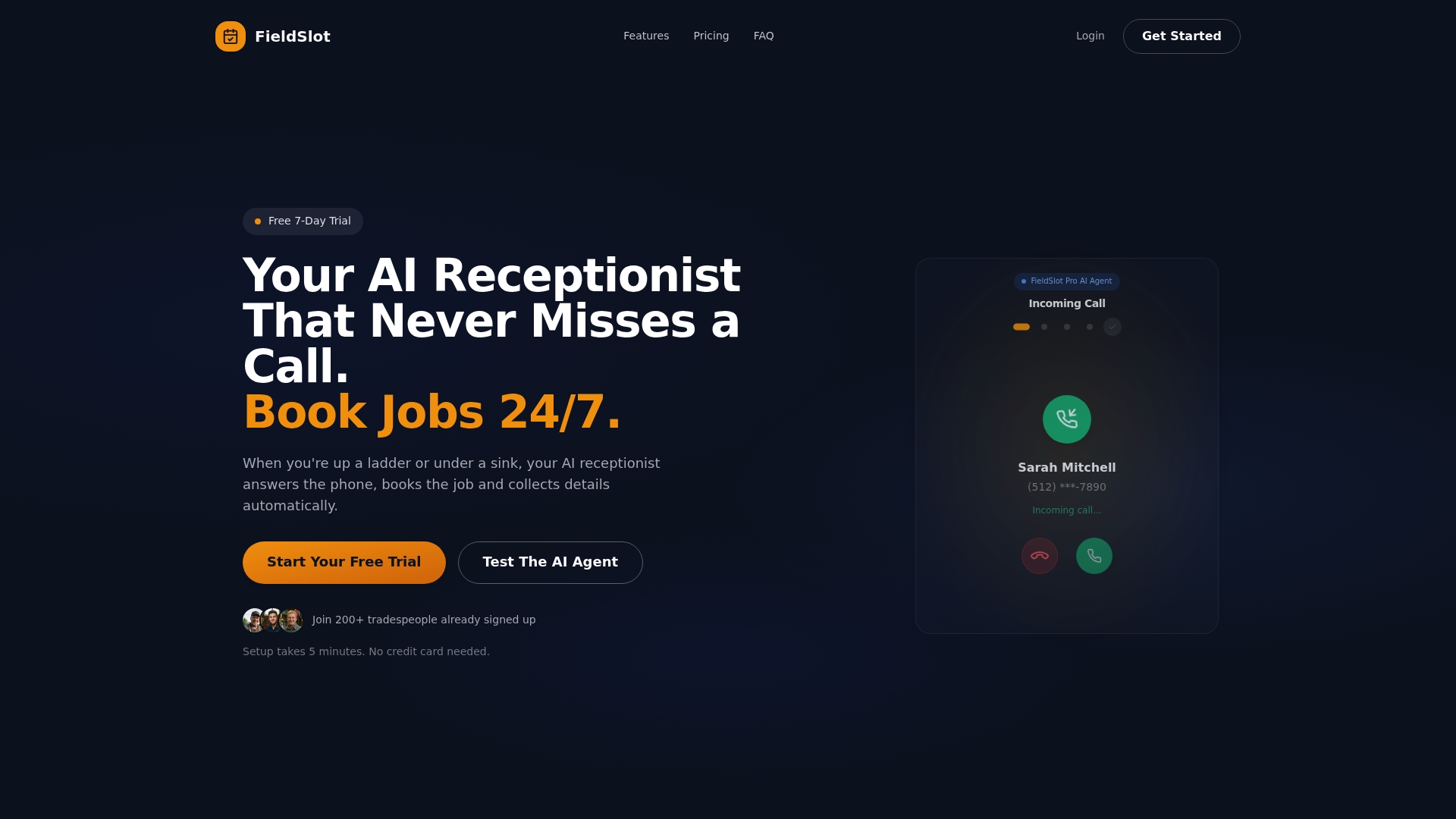
FieldSlot is the leading scheduling tool for trade businesses that need reliable, 24/7 customer booking and automated call handling. It reduces missed appointments and frees technicians to focus on jobs rather than phone tag.
Core Features
FieldSlot centers on 24/7 online booking that accepts customer appointments around the clock. The platform adds automated email reminders and smart travel time buffers so technicians arrive on time. It supports service area control with map-based boundaries and two-way calendar synchronization with Google Calendar and Microsoft Outlook. The system also offers route optimization and an AI receptionist that handles calls and bookings.
Pros
-
Increases booking efficiency and availability: FieldSlot keeps your calendar open to customers all day and night, capturing jobs you would otherwise miss.
-
Reduces no-shows with automated reminders: Email reminders cut missed appointments and save you follow up time.
-
Integrates with existing calendars for seamless scheduling: Two-way sync with Google Calendar and Microsoft Outlook prevents double bookings across devices.
-
Automates call handling with AI receptionist: The AI receptionist answers calls and books available slots, so technicians spend less time on administrative tasks.
-
Supports multiple trades and job types: The platform adapts to plumbing, electrical, HVAC, locksmith, and similar service workflows.
Who It's For
FieldSlot fits small to medium trade businesses that book on-the-go technicians and need reliable field scheduling. If you run a plumbing, electrical, HVAC, or locksmith operation and want fewer no-shows, less back-and-forth with customers, and better daily routing for crews, this is built for you.
Unique Value Proposition
FieldSlot combines round the clock booking, calendar parity, and location-aware routing into one focused tool for field trades. Unlike general appointment apps, it enforces service area control with map-based boundaries, preventing unprofitable drives. The smart travel time buffers and route optimization reduce late arrivals and travel waste. The AI receptionist converts calls into scheduled work without human intervention. Together these capabilities increase job capacity and reduce administrative overhead in measurable ways. Serious buyers pick FieldSlot because it merges customer booking, call automation, and route intelligence into a single workflow tailored to field operations.
Real World Use Case
A plumber uses FieldSlot to let customers book available windows online while the AI receptionist answers overflow calls. Jobs are auto assigned inside the plumber's service area, reminders go out to customers, and the daily route is optimized so the crew spends less time driving and more time completing billable work.
Pricing
FieldSlot Pro costs $10 per month and includes a 7-day free trial. FieldSlot Pro AI costs $50 per month and also offers a 7-day free trial. Both plans let small trade businesses test features before committing.
Website: https://fieldslot.com
Fieldy
At a Glance
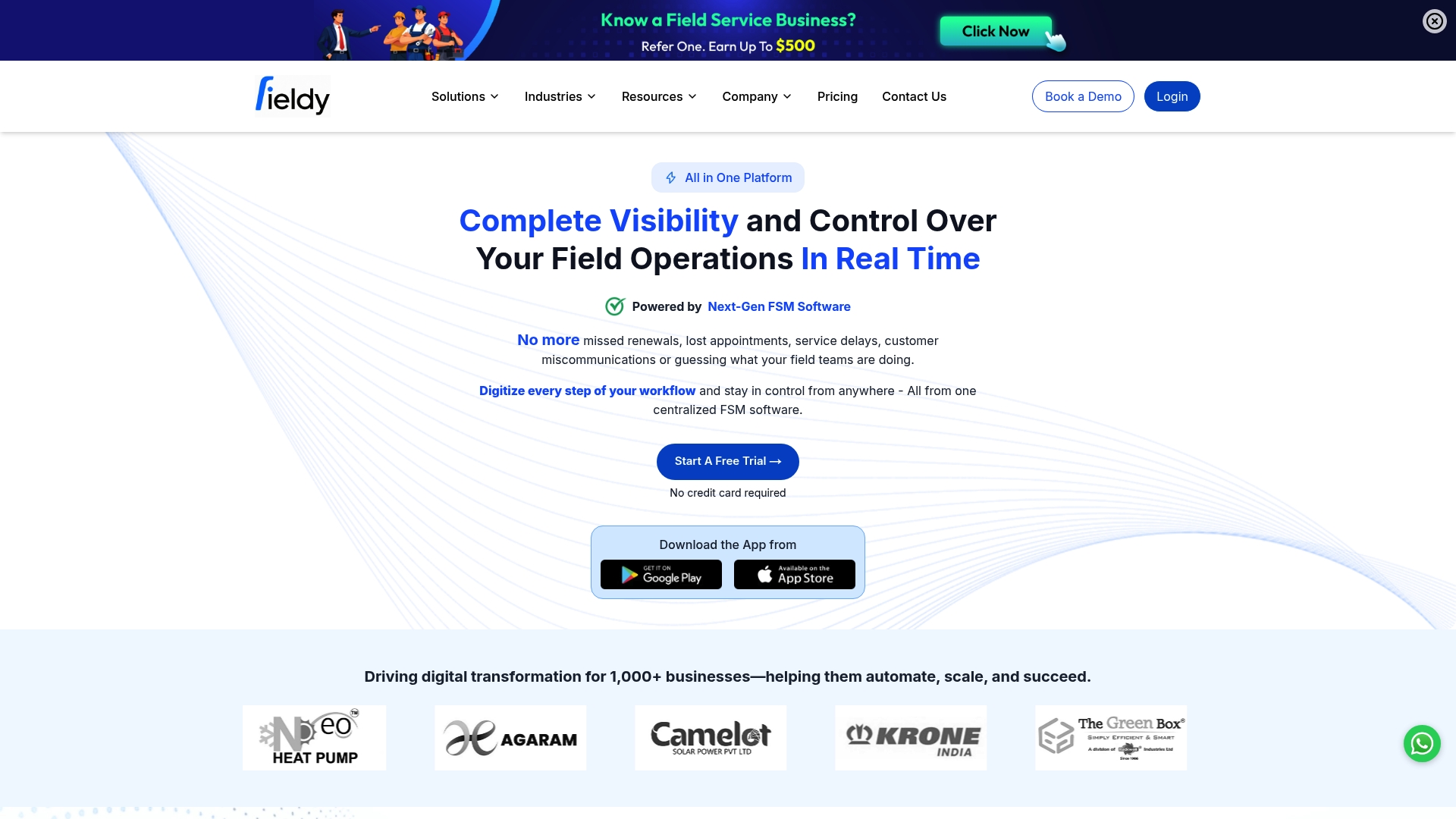
Fieldy is an all in one Field Service Management platform that gives small service businesses real time visibility and control over field operations. It digitizes workflows and automates routine tasks to reduce missed appointments and improve customer follow up.
Core Features
Fieldy centralizes job, payment, and customer data while providing tools for scheduling, tracking, and automated billing. The platform focuses on day to day field operations so teams spend less time on paperwork and more time on jobs.
- Real time job and technician tracking for live status and location updates.
- Smart scheduling and seamless communication to assign work and notify customers.
- Workflow automation including invoicing and renewals to cut administrative time.
- Centralized job and payment management so records stay in one place.
- Customizable workflows that support multiple industries such as HVAC and plumbing.
Pros
-
Comprehensive all in one FSM solution that combines scheduling, tracking, and billing in one platform so you avoid juggling separate tools.
-
Real time operational visibility lets dispatchers see technician status and adjust assignments to reduce travel time and late arrivals.
-
Supports a wide range of industries which makes it a flexible choice for mixed trade businesses like contractors who offer both plumbing and HVAC services.
-
Easy setup with no technical expertise needed so small business owners can get started quickly without a dedicated IT resource.
-
Strong customer support and onboarding helps teams adopt the system faster and keeps disruptions to a minimum during rollout.
Cons
-
Pricing details are not provided which makes it hard to evaluate long term affordability for very small crews.
-
Integration and customization specifics are unclear so you may need to verify support for niche tools before committing.
-
Subscription model may not suit very small or niche operations that prefer pay as you go or one time purchases.
Who It's For
Fieldy fits service businesses that want to digitize field operations without a long implementation cycle. Ideal users include small to mid size plumbing, electrical, HVAC, and security companies that need reliable scheduling and fewer missed jobs.
Unique Value Proposition
Fieldy stands out by combining real time tracking, scheduling, and automated invoicing in a single interface tailored to field teams. That combination reduces administrative overhead and helps capture more billable hours from dispatched technicians.
Real World Use Case
A plumbing company uses Fieldy to schedule jobs, track technician progress live, and automate billing and renewals. The result reported in the product data is higher revenue and improved customer satisfaction due to fewer missed renewals and clearer communication.
Pricing
Pricing is not specified in the provided data but Fieldy offers a free trial with no credit card required so you can test core features before buying.
Website: https://getfieldy.com
Jobber
At a Glance
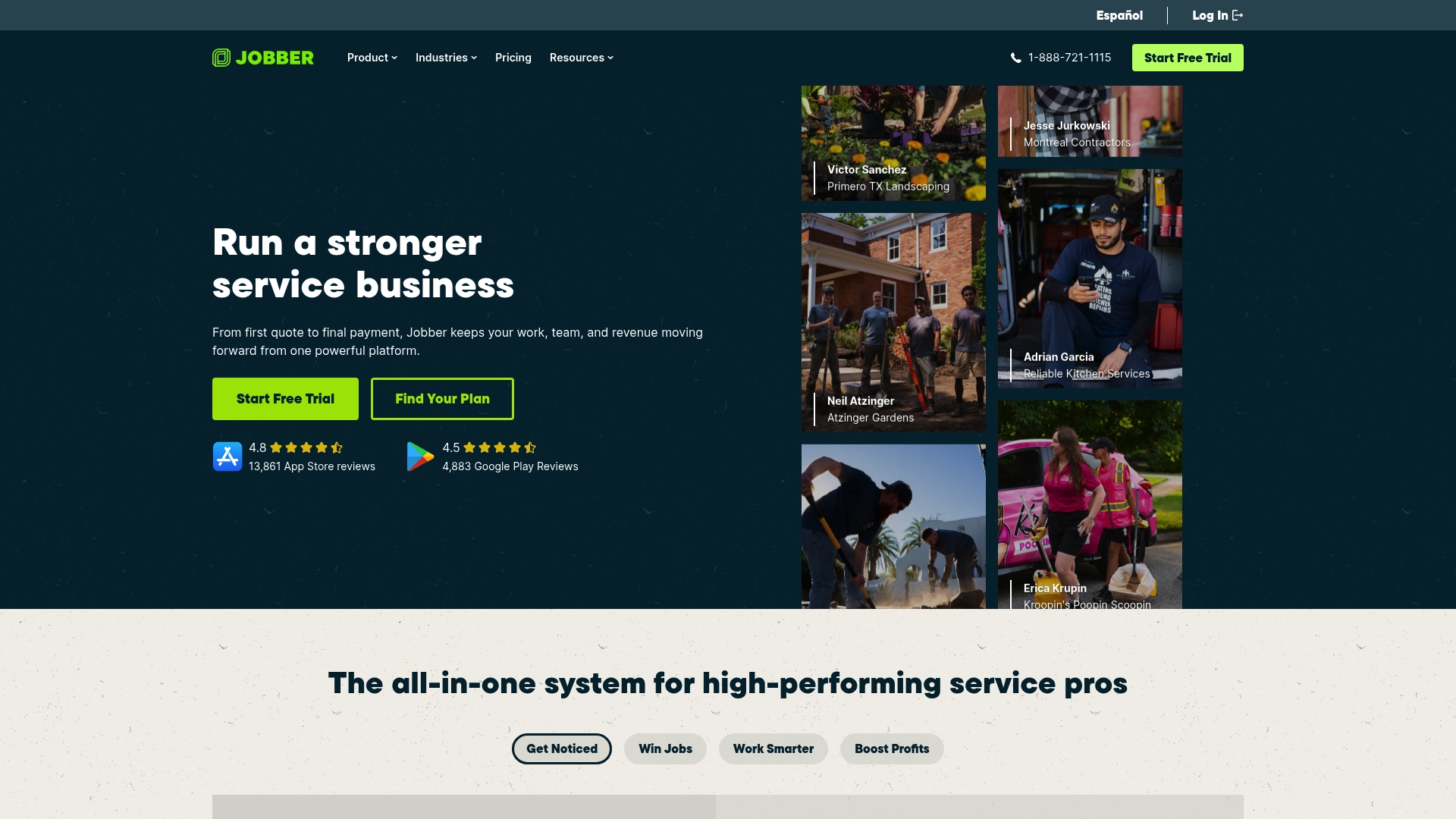
Jobber is an all in one field service platform built to help service businesses manage bookings, invoices, client records, and basic marketing from one place. It balances rich features with approachable tools so teams spend less time on admin and more time on jobs.
Short learning. Big payoff.
Core Features
Jobber combines scheduling and dispatching, invoicing and online payments, customer relationship management, quotes and estimates, and job tracking and management tools into a single interface. The platform also offers automations and a mobile app so crews can update jobs and accept payments while in the field.
Pros
-
Comprehensive feature set: Jobber provides scheduling, invoicing, CRM, and quoting in one product so you reduce the number of tools you operate each day.
-
Automations and integrations: The platform automates routine communications and connects with other systems which lowers repetitive admin work.
-
Industry specific support: Jobber delivers workflows and templates tailored to home service industries which speeds setup for trades like landscaping and home repair.
-
Mobile app for field teams: Technicians can access job details, update status, and process payments on site which keeps work moving.
-
Strong user satisfaction: The product is highly rated and trusted by many service professionals which indicates stable performance and useful features.
Cons
-
Pricing may be high for very small teams because entry level plans start above many basic bookkeeping apps and escalate for advanced capabilities.
-
New users face a learning curve since the breadth of features requires time to configure and train staff to use effectively.
-
Some advanced capabilities sit behind higher tier plans which means you pay more to unlock automation and premium reporting.
Who It's For
Jobber fits small to medium sized service businesses that need an all in one management platform to handle bookings, client records, and payments. If you run a team of technicians and want fewer tools to manage day to day operations, Jobber is a practical choice.
Unique Value Proposition
Jobber packages common field service needs into a single product so you avoid stitching together multiple point solutions. Its combination of mobile access, industry templates, and client communication automations makes it easier to capture more jobs and reduce missed appointments.
Real World Use Case
A landscaping company uses Jobber to assign crews, send estimates, and follow up with automated reminders. Crews update job status from the mobile app and the office generates invoices automatically which improves cash flow and client satisfaction.
Pricing
Multiple plans start at $49 per month and scale up to $699 per month for the most advanced plan. Billing options include monthly or annual cycles depending on the plan you select.
Website: https://getjobber.com
ServiceTitan
At a Glance
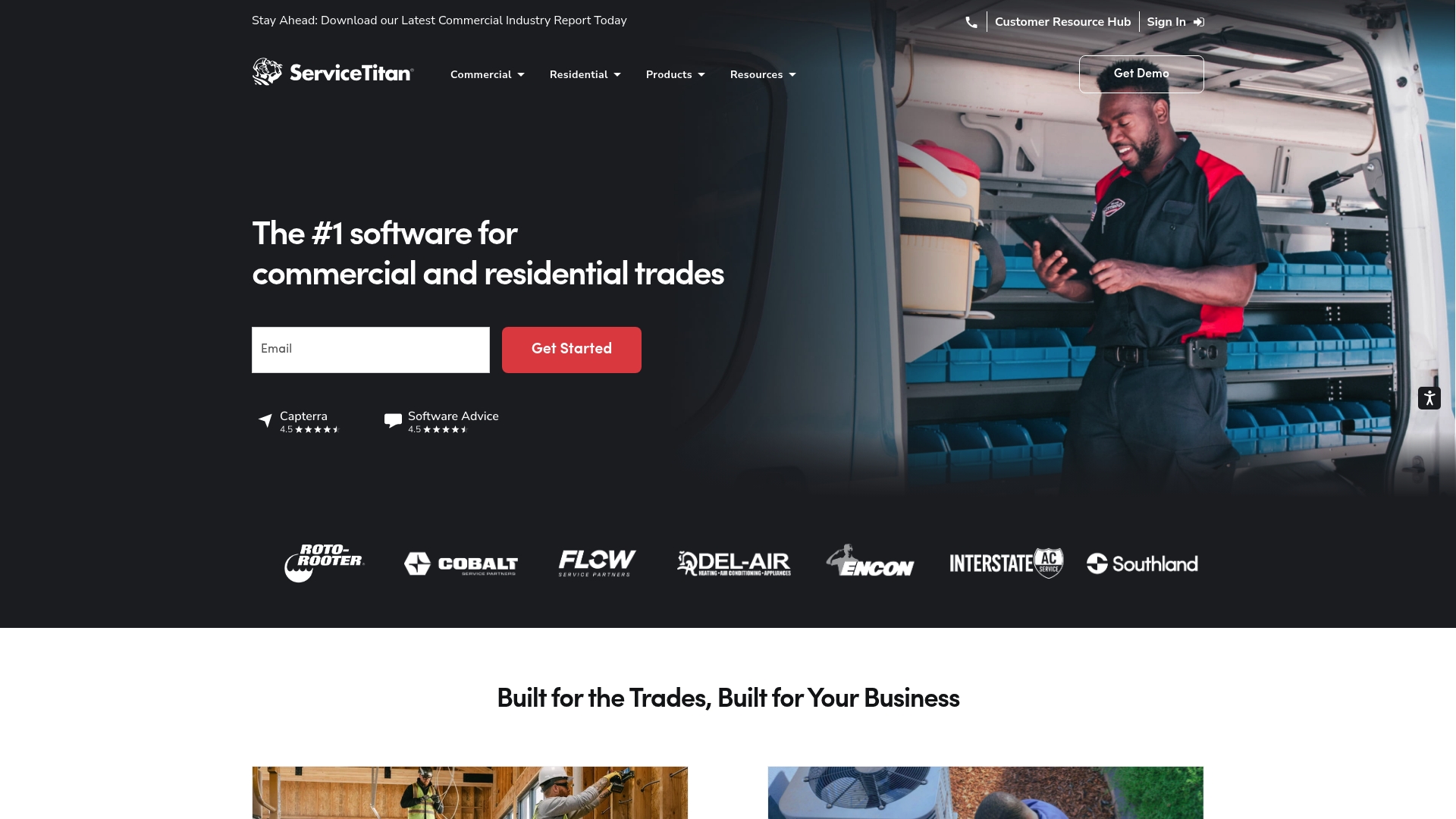
ServiceTitan is a robust management platform built for trade contractors who need an all in one operations toolset. It focuses on improving profitability, cash flow, technician productivity, and customer retention for growing service businesses.
Core Features
ServiceTitan combines Dispatching, CRM, and Project Management with modules for Customer Portal and field use. The platform also includes dispatch software, purchasing and inventory, accounting, service agreements, field application, and reporting to cover scheduling through invoicing.
Pros
- Comprehensive toolset: The platform offers a wide range of features that let trade contractors manage dispatching, customer relationships, projects, and billing from a single system.
- Multi industry support: ServiceTitan supports residential, commercial, and construction trades which helps businesses scale into new service lines without swapping software.
- Strong integrations: With over 70 pre built integrations, the platform connects to common accounting and operational tools to reduce manual data entry.
- Profit and productivity focus: Built in reporting and workflow features aim to increase profits, improve technician utilization, and raise customer satisfaction metrics.
- Industry specific packages: The company offers flexible packages and industry specific features that match trade workflows rather than forcing generic processes.
Cons
- Learning curve: The platform is complex which means your team will need time and training before they use advanced features effectively.
- Higher cost for small shops: Pricing can be expensive for smaller businesses so the platform may not fit tight budgets without clear ROI.
- Best for larger operations: Some advanced modules and features appear more suited for larger companies with specialized workflows rather than solo operators.
Who It's For
ServiceTitan fits trade contractors and service businesses seeking an all in one management platform to grow and optimize operations. It works best for companies ready to invest in process standardization and reporting to scale field teams and revenue.
Unique Value Proposition
ServiceTitan delivers an integrated operations suite built specifically for trade workflows so you avoid stitching together multiple apps. The platform emphasizes field to office continuity with tools that align dispatching, invoicing, and reporting under one roof.
Real World Use Case
A plumbing company uses ServiceTitan to schedule jobs, dispatch technicians by skill and location, collect payments through integrated invoicing, and run weekly reports to track revenue per tech and reduce unprofitable travel.
Pricing
ServiceTitan uses request based pricing that varies by package and business size, so you must contact sales for a customized quote that matches your team and required modules.
Website: https://servicetitan.com
Housecall Pro
At a Glance
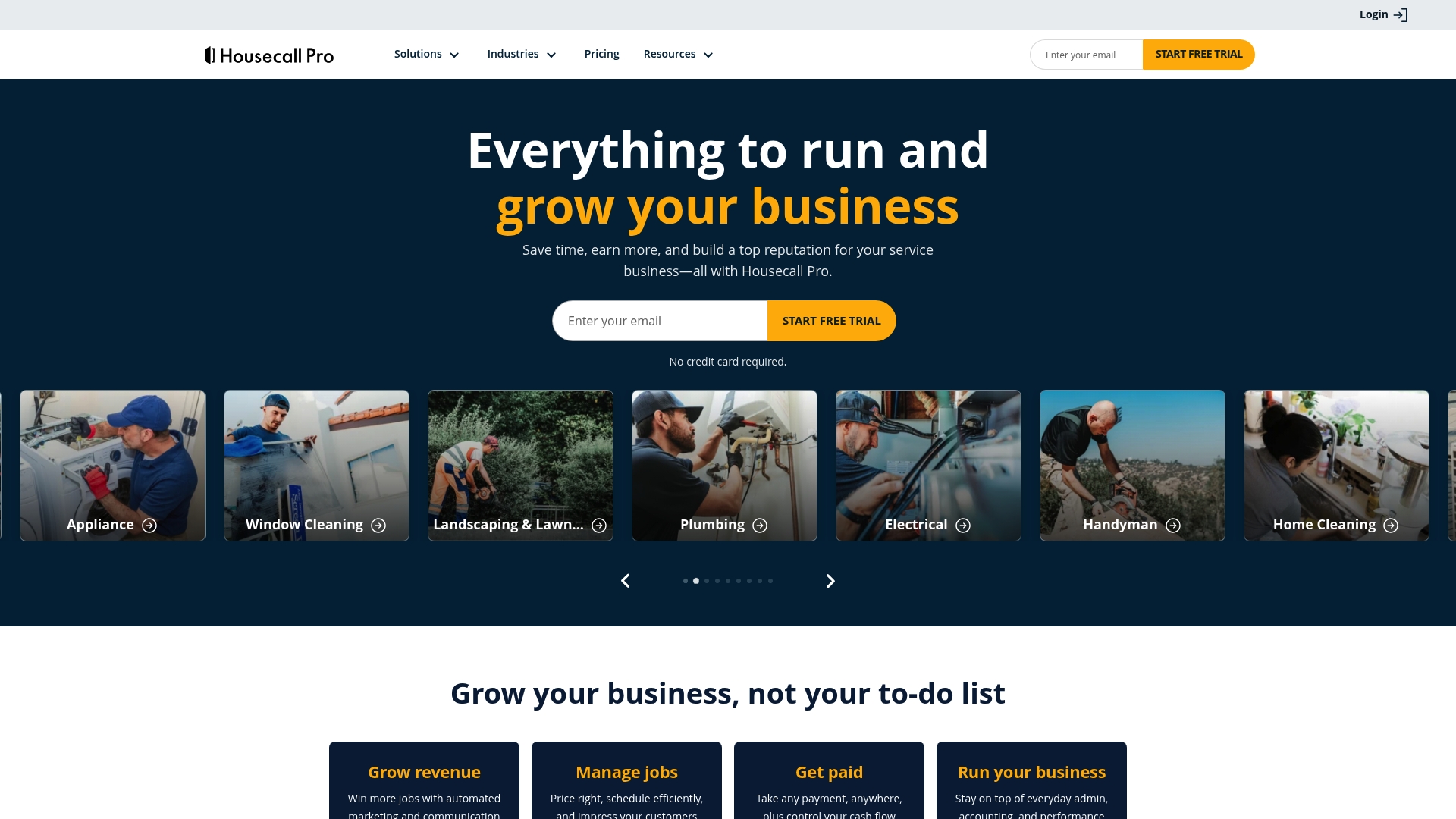
Housecall Pro is a full featured field service management platform built for home service professionals. It combines online booking, scheduling and dispatching, and payment tools to handle day to day business operations.
The platform aims to reduce administrative time while helping teams manage jobs, customers, and reviews from a single place.
Core Features
Housecall Pro provides online booking, invoices and payments, quotes and proposals, and robust scheduling and dispatching features that work across desktop and mobile. Team collaboration and customer management are core parts of the product.
Additional capabilities include review management, vehicle GPS tracking, reporting and analytics, payroll and accounting support, and optional AI team support for calls and bookings.
Pros
-
Comprehensive feature set for various trades. The product covers booking, invoicing, dispatch, and reputation tools that a plumbing or HVAC business needs to run daily operations.
-
User friendly interface with mobile support. The mobile app lets technicians receive jobs, update status, and collect payments while on site.
-
Strong reputation and customer reviews. Many users praise the platform for reliability and for improving professional presence online.
-
Flexible plans that suit different business sizes. Pricing tiers allow smaller teams to start with basic tools and scale up as needs grow.
-
Excellent customer support and resources. The company provides help resources and responsive support to get teams up and running.
Cons
-
Pricing may be higher compared to simpler solutions. Small single person operations may find the entry cost steeper than lightweight scheduling tools.
-
Some features require additional add ons and costs. Advanced reporting, payroll support, or AI features can carry extra charges beyond the base plan.
-
May have a learning curve for new users. Owners and staff need time to master the breadth of features and workflows before realizing full value.
Who It's For
Housecall Pro fits home service professionals and small to medium sized businesses in trades like HVAC, plumbing, electrical, and cleaning. Owners who want an all in one system for booking, payments, and customer communication will get the most from it.
The platform also suits teams that dispatch multiple technicians and need mobile tools to manage jobs in the field.
Unique Value Proposition
Housecall Pro brings a broad set of operational tools into one platform so you avoid stitching together multiple apps. The combination of online booking, dispatch, payment processing, and review management makes it a single point of control for growth and daily operations.
This unified approach reduces admin overhead and centralizes customer interactions for small businesses focused on service delivery.
Real World Use Case
A plumbing company uses Housecall Pro to schedule daily jobs, dispatch technicians through the mobile app, and complete invoices on site. Technicians collect payment, request reviews after jobs, and managers review performance through analytics.
That workflow shortens invoice cycles and increases booked capacity while keeping teams coordinated.
Pricing
Plans start at $59 per month for the Basic plan and increase for Essentials and MAX plans that add more advanced features. Additional modules and premium features may add to monthly costs.
Website
Website: https://housecallpro.com
Field Service Management Tools Comparison
Below is a comprehensive table summarizing features, advantages, unique aspects, and pricing details of the discussed Field Service Management tools, aimed to facilitate selection based on business needs.
| Product Name | Core Features | Pros | Cons | Pricing |
|---|---|---|---|---|
| FieldSlot | 24/7 online booking, automated call handling, service area control | Reduces missed appointments, integrates with Google/Outlook calendars, suitable for various trades | More details on scalability not provided | $10/month for Pro, $50/month for Pro AI, 7-day free trial |
| Fieldy | Real-time technician tracking, centralized job and payment management | Flexible for multiple industries, easy to set up, strong customer support | Pricing details not disclosed, suitability for niche tools needs verification | Free trial available |
| Jobber | Scheduling and dispatching, invoicing, online payments | Comprehensive management features, strong user satisfaction, mobile-friendly | Higher cost for small teams, learning curve for advanced features | From $49 to $699/month |
| ServiceTitan | Dispatching, CRM, project management, integrated reporting | Comprehensive toolset, industry-specific packages, scalability for larger operations | Complexity may require substantial training, primarily for larger firms | Pricing on request |
| Housecall Pro | Online booking, scheduling, dispatching, and mobile tools | User-friendly mobile interface, review management, wide feature scope | Higher entry cost, separate charges for advanced modules | Starting at $59/month |
This table aims to provide an overview of the distinctive capabilities and considerations for each tool, helping businesses identify the platform that aligns with their requirements.
Discover a Smarter Way to Manage Your Field Service Scheduling
If you are searching for reliable alternatives to getfieldy.com and want to eliminate missed appointments and reduce administrative overload then FieldSlot is designed for you. FieldSlot addresses the pain points of around the clock booking and route inefficiencies by offering 24/7 online booking with automated email reminders and smart travel buffers that keep technicians punctual and customers satisfied. Its unique geographic service area controls help avoid unprofitable travel so your team can focus on more jobs and less driving.
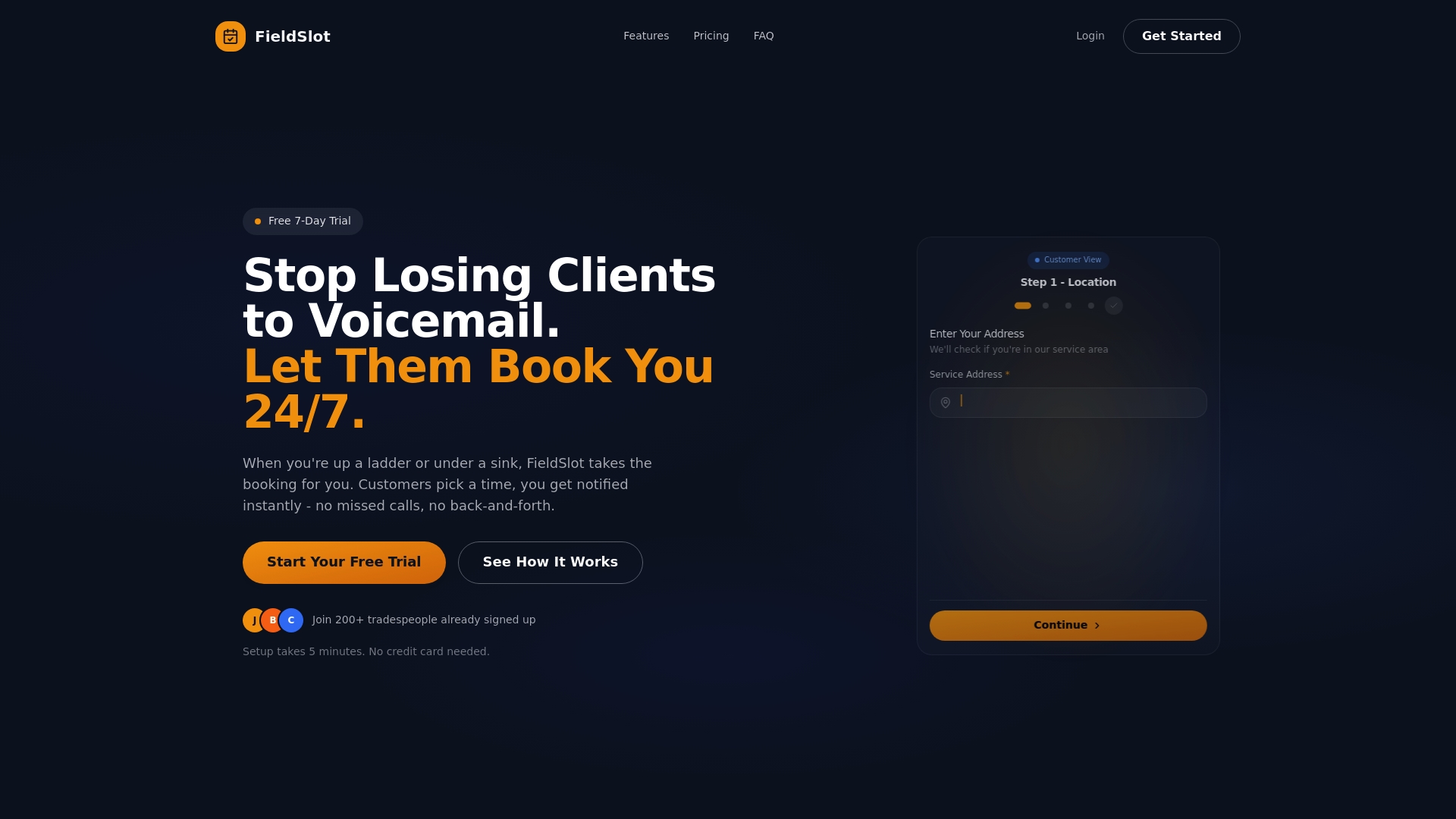
Take control of your scheduling today with a solution built specifically for plumbers, electricians, HVAC techs, and locksmiths. Visit FieldSlot now to start your free trial and see how easy it is to increase job capacity and improve customer experience. Don’t wait to transform your field operations and capture more revenue with seamless calendar syncing and AI-powered tools. Get started at https://fieldslot.com immediately.
Frequently Asked Questions
What are the main features to look for in alternatives to getfieldy.com?
To effectively choose an alternative to getfieldy.com, prioritize features like scheduling, real-time tracking, and invoicing capabilities. Evaluate how each platform's unique tools can streamline your operations and reduce administrative time.
How can I evaluate the cost-effectiveness of different getfieldy.com alternatives?
To assess cost-effectiveness, compare the pricing plans of each alternative against the features offered. Consider the total costs for your team based on your needs, like the number of users and required functionalities, to find a solution that fits within your budget while maximizing value.
What integration options should I look for in a field service management tool?
When considering alternatives to getfieldy.com, look for tools that offer integration with your existing software, such as accounting or customer relationship management systems. This can help ensure seamless data flow and improve overall operational efficiency.
How long does it typically take to implement a new field service management platform?
Implementation times can vary, but many field service management platforms can be set up within 30–60 days. Create a timeline with your team to facilitate the onboarding process and ensure everyone is trained on the new system.
What should I consider when transitioning from getfieldy.com to another platform?
When transitioning, focus on data migration, employee training, and customer communication. Prepare a detailed plan to effectively transfer your data and ensure that your team is well-acquainted with the new platform to minimize disruptions during the switch.