TL;DR:
- Role clubbing scheduling groups technicians by skills, improving job accuracy and reducing no-shows.
- It uses crews, requirement groups, and resource pools to automate and optimize technician assignments.
- Clear role definitions and regular updates are essential for effective implementation and avoiding overload.
Missed appointments, mismatched technicians, and wasted drive time cost field service businesses real money every week. Many owners assume that grouping crews by zip code is enough to fix the problem, but geographic clustering alone ignores a critical variable: whether the right skills show up for the right job. Grouping technicians by roles leads to more efficient assignments and better job outcomes. Role clubbing scheduling is the structured approach that fixes this gap. This guide breaks down exactly how it works, where it fits into your operations, and how to apply it without overcomplicating your existing workflow.
Table of Contents
- What is role clubbing scheduling and why does it matter?
- How role clubbing scheduling works in field service: Mechanisms and frameworks
- Edge cases and pitfalls: Shared crews, resource pools, and avoiding overload
- Comparing manual, rule-based, and AI-optimized crew scheduling
- A hard truth: Efficiency starts with role clarity, not just software
- Upgrade your scheduling for real results
- Frequently asked questions
Key Takeaways
| Point | Details |
|---|---|
| Role clubbing defined | Grouping technicians by roles and skills boosts assignment efficiency for complex jobs. |
| Mechanisms for success | Crews, requirement groups, and resource pools streamline scheduling and balance workloads. |
| Avoid common pitfalls | Manual grouping can overload your team; always monitor crew health and use automation wisely. |
| Upgrade using software | AI-optimized scheduling systems improve dispatch speed and reduce no-shows when built on clear role structures. |
What is role clubbing scheduling and why does it matter?
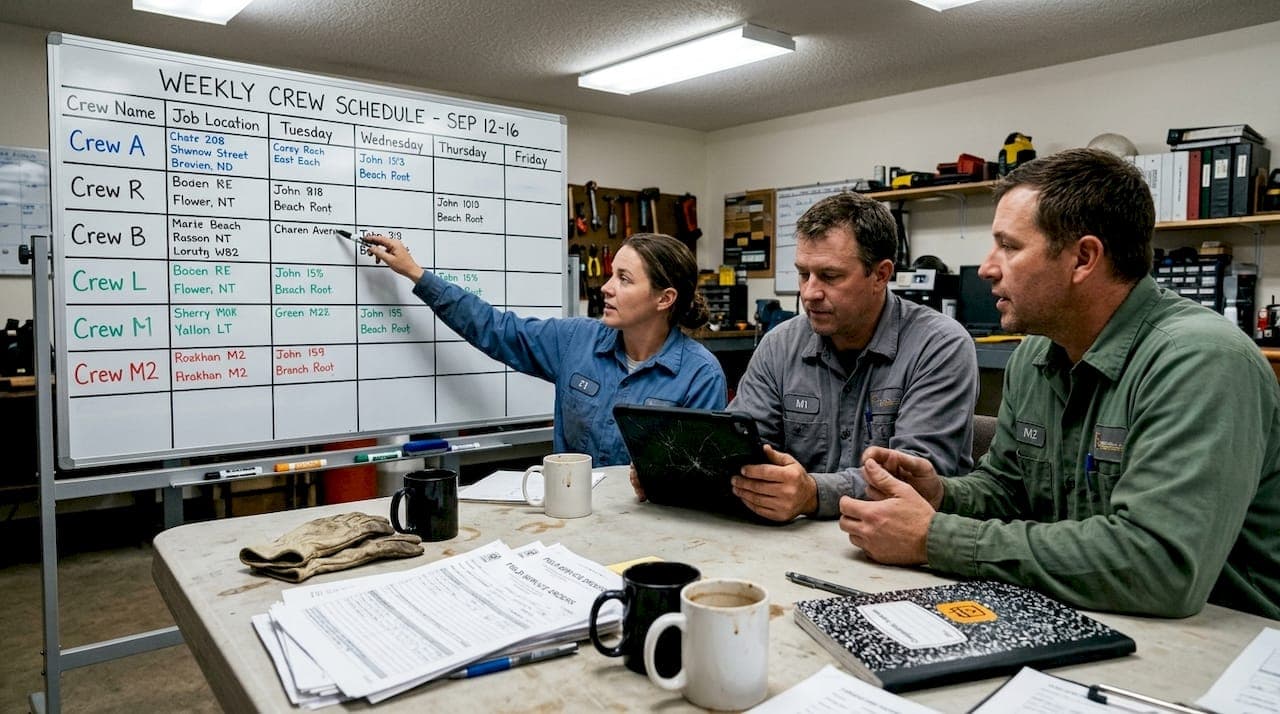
Role clubbing scheduling means organizing your technicians into groups based on their job roles, skill sets, or seniority levels rather than just their physical location. Instead of dispatching whoever is closest, you dispatch whoever is qualified and paired with the right supporting crew. The result is fewer callbacks, fewer no-shows, and jobs completed correctly the first time.
Role clubbing clusters technicians by skill and type to improve assignment efficiency. This is a meaningful shift from the way most small field service businesses still operate. Traditional manual grouping relies on a dispatcher's memory or a shared spreadsheet. Automated skill-based grouping uses defined roles and criteria to match technicians to jobs systematically.
The difference matters most on complex multi-tech jobs. Consider an HVAC installation that requires both a refrigerant-certified lead technician and an apprentice for ductwork. If your scheduling system doesn't recognize those as distinct roles that need to be paired, you risk sending two apprentices or a solo lead who burns twice the time.
Here is why role clubbing scheduling matters for your operations:
- Improved assignment accuracy: Jobs go to technicians with the right credentials and experience level.
- Reduced mismatches: Customers don't wait for a second visit because the first technician lacked a required skill.
- Fewer no-shows: Familiar team pairings build reliability and accountability within crews.
- Scalable dispatch: As your team grows, role-based grouping scales without requiring a dispatcher to memorize every technician's capabilities.
- Better customer experience: Consistent, qualified crews build trust and repeat business.
"Use role-based crew grouping for multi-tech jobs in HVAC and plumbing to reduce no-shows through familiar, qualified teams."
Compare this to manual vs automated scheduling, where manual approaches depend heavily on individual knowledge that walks out the door when a dispatcher leaves. Role clubbing creates a system that outlasts any single employee.
How role clubbing scheduling works in field service: Mechanisms and frameworks
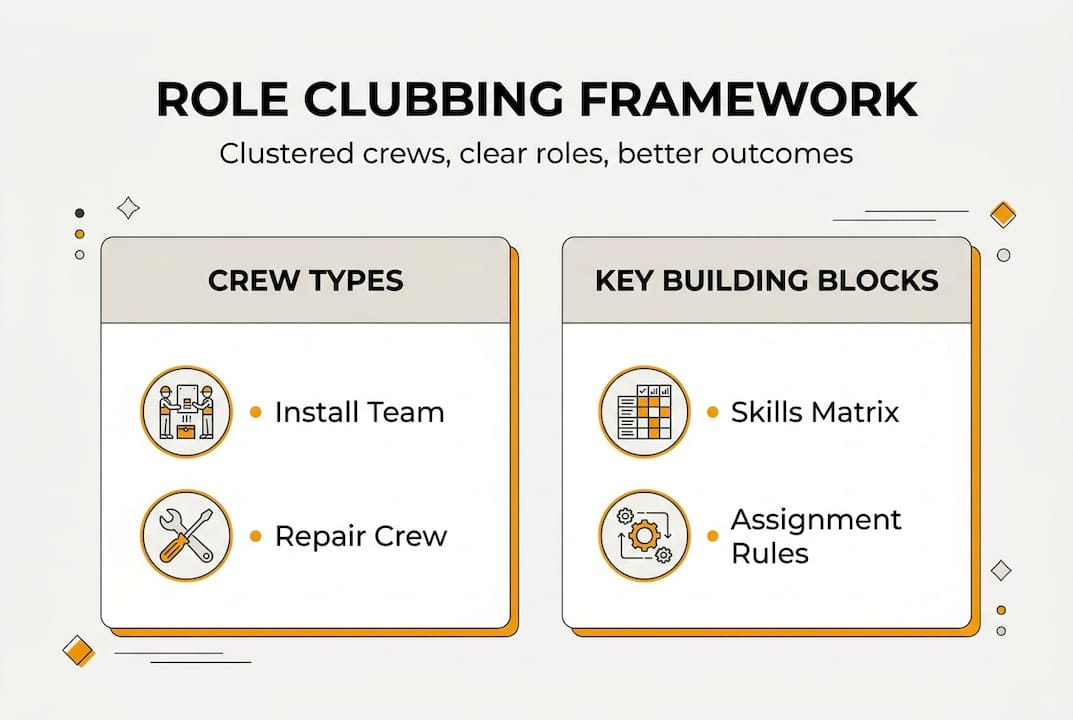
Understanding the mechanics helps you apply role clubbing practically. Three core building blocks make it work: crews, requirement groups, and resource pools.
Scheduling mechanics involve crews, strategies, and requirement groups that auto-generate assignments for complex jobs. A crew is a defined container: a named group of technicians with assigned roles, such as a lead plumber and a pipe fitter who always work together. A requirement group is a job template that specifies which roles are needed, so the system automatically finds available crew members who match. A resource pool is a flexible capacity bucket that lets you manage technician availability without locking every job to a specific named person.

| Grouping method | Assignment type | Flexibility | Best for |
|---|---|---|---|
| Manual group | Human decision | High but error-prone | Very small teams |
| Crew | Fixed role pairing | Moderate | Recurring multi-tech jobs |
| Resource pool | Dynamic capacity | High | Variable workloads |
Here is how to set up role clubbing in your field service appointment optimization workflow:
- Audit your technician roles. List every distinct role on your team: lead, apprentice, specialist, and so on.
- Define skill requirements per job type. Map which roles are required for each service category you offer.
- Create named crews. Pair technicians into crews based on complementary roles and skill levels.
- Build requirement group templates. For each complex job type, create a template that specifies required roles.
- Assign jobs using crew or pool logic. Let the system match jobs to available crews rather than manually picking names.
- Review and refine regularly. Adjust crews as your team changes or new service types are added.
Pro Tip: Build your skills matrix before you configure any crews in your scheduling software. A skills matrix is a simple grid that maps each technician to their certified capabilities. Without it, your crew configurations will reflect assumptions rather than actual qualifications, and that leads to the same mismatches you were trying to avoid.
For efficient scheduling tips that complement this framework, pairing role-based crews with route optimization reduces both travel time and assignment errors simultaneously.
Edge cases and pitfalls: Shared crews, resource pools, and avoiding overload
Role clubbing scheduling delivers strong results when configured correctly, but there are real-world edge cases that can trip up even experienced managers.
Crews support shadowing, shared jobs, and pool-based capacity, but if one crew member is unavailable, the entire crew's availability is affected. This is the most common pain point. If your lead technician calls in sick, every job assigned to that crew is at risk unless you have a substitution protocol in place.
Here are the most common mistakes and how to avoid them:
- Overloading your best technicians: When skilled leads are assigned to every complex job, they burn out fast. Use resource pools to distribute high-skill jobs across multiple qualified technicians.
- Ignoring shadowing opportunities: Crews are ideal for pairing apprentices with experienced leads for on-the-job training. Don't overlook this as a scheduling strategy.
- Treating pools as a backup only: Resource pools work best as a primary capacity management tool, not just an overflow valve.
- Skipping substitution planning: Every crew should have a defined backup technician for each role so that one absence doesn't cascade into multiple cancellations.
- Failing to update crew configurations: Teams change. Technicians get certified, leave, or shift roles. Outdated crew configs cause mismatches just as badly as no system at all.
| Scheduling approach | Overload risk | Crew outcome | Recovery speed |
|---|---|---|---|
| Manual grouping | High | Inconsistent | Slow |
| Role-based crews | Medium | Consistent | Moderate |
| Automated with pools | Low | Optimized | Fast |
Pro Tip: Review your crew assignments at least once a month. Check which technicians are appearing in the most jobs and whether their workload is sustainable. The scheduling software benefits of automated tracking make this review fast, giving you a clear picture of who is overloaded before burnout becomes a retention problem.
Comparing manual, rule-based, and AI-optimized crew scheduling
Not every field service business is ready for full AI-optimized scheduling, and that is fine. The right approach depends on your team size, job complexity, and operational maturity.
Manual scheduling gives you complete flexibility. A dispatcher makes every decision. This works for very small teams but breaks down quickly as job volume grows. Human error, inconsistent pairing, and dispatcher fatigue are real risks.
Rule-based scheduling uses preset role definitions and skill criteria to guide assignments. It requires upfront configuration and ongoing maintenance as your team evolves, but it removes the guesswork from dispatch. Most mid-sized field service businesses operate at this level.
AI-optimized scheduling uses algorithms to maximize throughput, minimize travel, and balance workloads automatically. AI-optimized solutions maximize efficiency but require significant upfront setup and clean data to function well. The payoff is substantial once the system is running.
Scheduling software can boost job capacity by up to 30% for field service businesses that make the switch from manual methods.
Pros and cons at a glance:
- Manual: Flexible, low setup cost, but error-prone and not scalable.
- Rule-based: Consistent and structured, but requires maintenance and defined role data.
- AI-optimized: Highest efficiency, lowest dispatch effort, but demands clean data and setup investment.
Transition steps from manual to automated crew scheduling:
- Document your current scheduling process in writing.
- Identify the top three job types that cause the most dispatch errors.
- Define roles and skills for those job types first.
- Configure rule-based crews for those jobs and test for two weeks.
- Evaluate results and expand role clubbing to additional job categories.
- Once rule-based scheduling is stable, assess whether AI optimization tools fit your volume and budget.
A hard truth: Efficiency starts with role clarity, not just software
Here is something most scheduling software vendors won't tell you: switching platforms won't fix a disorganized team. We see field service businesses invest in advanced scheduling tools and still struggle with no-shows and mismatched crews six months later. The software isn't the problem. The missing piece is role clarity.
Before you configure a single crew or requirement group, you need to know exactly what each technician on your team can and cannot do. That means documented skill levels, certifications, and job type eligibility. Without that foundation, even the most sophisticated scheduling system will make poor assignments because it is working with incomplete information.
Teams with well-defined roles adapt to new scheduling tools faster and see no-show rates drop sooner. The software amplifies what is already organized. It does not create organization from scratch. Efficient client scheduling is a process outcome, not a software feature.
Our honest advice: spend two hours this week mapping your technician roles before you touch any scheduling settings. That two hours will save you weeks of misconfigured crews and frustrated customers.
Upgrade your scheduling for real results
Role clubbing scheduling gives you a proven framework for reducing no-shows, improving assignment accuracy, and building crews that perform consistently. But the framework only delivers results when it is backed by a scheduling platform built for field service realities.
FieldSlot is designed specifically for plumbers, HVAC technicians, electricians, and other trade professionals who need reliable, efficient scheduling without the complexity of enterprise software. With 24/7 online booking, automated reminders, route optimization, and real-time calendar sync, FieldSlot helps you put role clubbing principles into practice from day one. You can be set up in under five minutes and start capturing more jobs immediately. Explore how FieldSlot can support your crew scheduling and help your business grow.
Frequently asked questions
How does role clubbing scheduling reduce no-shows in field service?
By grouping familiar teams based on roles and skills, role clubbing increases assignment accuracy and minimizes mismatched jobs. Clustering technicians by skill ensures the right people show up for the right job, which directly reduces no-shows.
Should I prioritize role or geographic clustering when building technician crews?
Prioritize role and skill-based grouping before geographic clustering to ensure you send qualified teams for complex jobs. Location matters, but qualifications matter more for job completion quality.
What is a requirement group and how is it used in crew scheduling?
A requirement group is a job template that specifies which roles and skills are needed, auto-generating resource assignments for optimal crew scheduling. It removes manual guesswork for multi-tech jobs.
How can resource pools prevent technician burnout?
Resource pools manage technician capacity virtually, letting managers balance workloads and prevent overload by flexibly assigning jobs across available technicians rather than defaulting to the same leads every time.