
Poor scheduling is quietly draining your business. When technicians spend 30% of their day driving between jobs, you're not just losing time, you're losing money that should be on your bottom line. Zone-based scheduling alone can add 1-2 billable hours per technician daily, which adds up fast across a crew. This guide walks you through the exact strategies that field service businesses use to cut wasted drive time, prevent no-shows, and squeeze more jobs into every workday.
Table of Contents
- Understanding your scheduling needs
- Zone-based scheduling: Reduce drive time and unlock revenue
- Arrival windows and buffer strategies
- Skill-based routing: Match techs to the right job
- Automated scheduling and route optimization
- Emergency slots and last-minute requests
- Simplify scheduling with the right software
- Frequently asked questions
Key Takeaways
| Point | Details |
|---|---|
| Zone-based scheduling | Grouping appointments by area cuts drive time and increases revenue for each technician. |
| Arrival windows and buffers | Using flexible time slots with buffer periods keeps operations on schedule and clients happy. |
| Skill-based routing | Assigning jobs based on expertise prevents costly mismatches and improves service quality. |
| AI and automation | Automated tools increase utilization rates and job throughput, making your team more productive. |
| Managing emergencies | Reserving floating slots for urgent jobs helps balance emergencies without disrupting routine work. |
Understanding your scheduling needs
Before you overhaul your scheduling process, you need an honest look at how your business actually operates. The right approach for a solo plumber looks very different from what works for a 10-tech electrical company. Getting this wrong means investing in tools or systems that create more friction, not less.
Here's a quick breakdown of where most field service businesses fall:
| Business size | Scheduling method | Key challenge |
|---|---|---|
| 1 technician | Manual (phone, paper, spreadsheet) | Overbooking, no reminders |
| 2 technicians | Hybrid (manual + basic calendar) | Coordination gaps |
| 3+ technicians | Scheduling software | Routing, skill matching, real-time updates |
Manual scheduling is viable for solo operators, but once you hit three or more technicians, the complexity multiplies fast. You're now managing overlapping availability, different skill sets, and multiple service zones simultaneously. Software becomes less of a luxury and more of a necessity at that point.
Common pain points that signal you've outgrown manual scheduling include:
- Double bookings that force last-minute cancellations
- Technicians calling in to ask for job details you haven't sent yet
- No-shows from clients who forgot their appointment
- Inefficient routing where techs cross paths on the same street
- Lost revenue from jobs that fell through the cracks
Pro Tip: Before shopping for software, track your scheduling failures for two weeks. Count missed calls, no-shows, and wasted drive time. That number becomes your ROI baseline when evaluating tools. You can also explore appointment optimization tips to identify quick wins before committing to a full platform.
Zone-based scheduling: Reduce drive time and unlock revenue
Once you understand your business's scheduling requirements, the first major optimization involves smart mapping of service areas. Zone-based scheduling means grouping jobs by geography so your technicians work within defined areas on specific days, rather than zigzagging across town.

The numbers make a compelling case. Zone-based scheduling reduces drive times by 20-35% and can boost revenue per truck by $150 to $300 daily. Over a five-day week, that's potentially $1,500 in additional revenue per vehicle, just from smarter routing.
Here's how zone-based scheduling compares to traditional scheduling:
| Approach | Avg. daily drive time | Billable hours per day | Revenue impact |
|---|---|---|---|
| Traditional (no zones) | 2.5-3 hours | 5-6 hours | Baseline |
| Zone-based scheduling | 1.5-2 hours | 7-8 hours | +$150-$300/truck |
To implement zone-based scheduling in your operation:
- Map your service area and divide it into 3-5 geographic zones based on job density
- Assign days to zones so Monday might be the north side, Tuesday the east, and so on
- Book jobs within the active zone for that day, declining or rescheduling outliers
- Review zone performance monthly and adjust boundaries based on where demand clusters
- Use software with built-in area restrictions to automatically filter booking requests by zone
The hardest part is saying no to a job outside your active zone for that day. But accepting it costs you more in drive time than the job is worth. Learn more about setting up service zones to get your geographic boundaries right from the start.
Arrival windows and buffer strategies
With geographical zones defined, next up: creating time slots that keep operations tightly organized and prevent domino delays. One late job shouldn't wreck your entire afternoon, but without proper buffers, that's exactly what happens.
An arrival window is a range of time you give clients instead of an exact appointment time. For example, "between 10 a.m. and noon" rather than "10:15 a.m. sharp." This gives your technician flexibility to finish the previous job without making the next client feel stood up.
The recommended setup is 2-hour arrival windows with 15-minute buffers between each job. The buffer absorbs minor overruns and gives techs time to wrap up paperwork, load the van, and travel without rushing.
Here's how to update your schedule templates step by step:
- Audit your average job duration by service type. A boiler service takes longer than a faucet repair.
- Set realistic time blocks for each job category, rounding up by 15 minutes.
- Add a 15-minute buffer after every job slot before the next one begins.
- Define arrival windows for client-facing communication (e.g., morning: 8 a.m. to 10 a.m., midday: 11 a.m. to 1 p.m.).
- Build in a lunch break as a hard block, not a floating gap that gets eaten by overruns.
- Review and adjust after two weeks based on actual job completion times.
Pro Tip: If you're using scheduling software, look for platforms that let you set travel buffers automatically between appointments. This removes the human error of forgetting to add buffer time manually. Explore scheduling window strategies for more examples, and consider pairing them with automated reminder tools to keep clients informed about their arrival window.
Skill-based routing: Match techs to the right job
Beyond time and geography, the right tech for each job is crucial to maintain efficiency and customer satisfaction. Sending a junior apprentice to a complex commercial HVAC repair wastes everyone's time and risks a callback. Sending your most experienced tech to a basic drain clean is an expensive misuse of talent.
Skill-based routing prevents mismatches across plumbing, HVAC, and electrical services by automatically matching job complexity to technician qualifications. This isn't just about quality, it's about speed. A tech who knows the job completes it faster, which means more jobs per day.
Here's how to build a skill-based routing system:
- Create a skills matrix listing each technician's certifications, specialties, and experience level
- Categorize your job types by required skill level (basic, intermediate, advanced)
- Tag incoming jobs with the minimum skill level required at the time of booking
- Use software that filters availability based on skill tags, not just open time slots
- Review mismatches monthly to identify training gaps or hiring needs
The hidden benefit of skill-based routing is technician morale. Techs who consistently get jobs matched to their abilities feel competent and confident, not frustrated and overwhelmed. That reduces turnover, which is a real cost in field service businesses.
Pro Tip: When a client books online, include a brief job description field. Even a one-sentence description helps you tag the job correctly before dispatch. Check out how to choose booking software that supports skill-based filtering natively.
Automated scheduling and route optimization
Skill-based job assignment is one piece; next, harness automation for turbocharged scheduling and flexibility. Manual scheduling, even when done well, can't respond to real-time changes fast enough. A cancellation at 8 a.m. should trigger an automatic reshuffle, not a 20-minute phone chain.
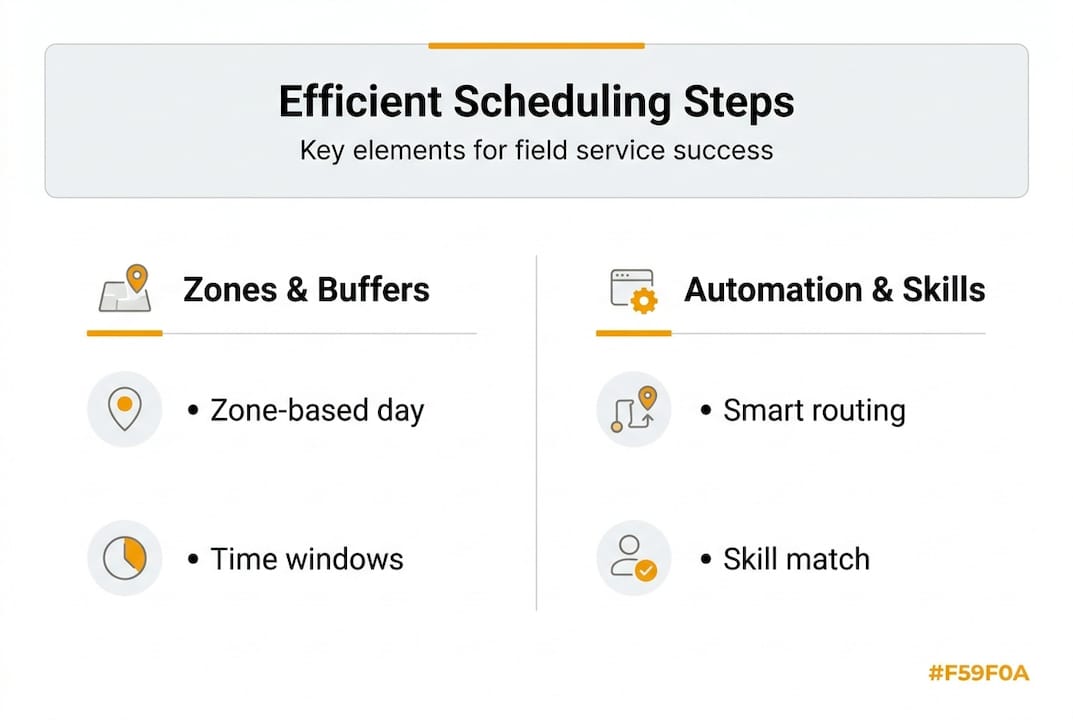
AI and route optimization tools deliver 19% greater technician utilization and let businesses handle 20-30% more jobs daily. That's not a marginal improvement, that's a structural shift in how much revenue your operation can generate with the same headcount.
Here's how leading platforms compare:
| Platform | Best for | Key feature | Price range |
|---|---|---|---|
| ServiceTitan | Large operations | Full dispatch + CRM | $$$$ |
| Jobber | Small to mid-size | Clean UI, client hub | $$ |
| Housecall Pro | Growing teams | Automation + payments | $$ |
| FieldSlot | Solo to small teams | Zone restrictions + buffers | $ |
The real power of automation shows up in last-minute changes. When a job runs long or a tech calls in sick, automated systems can:
- Reassign jobs based on proximity and availability in seconds
- Notify clients automatically with updated arrival windows
- Reoptimize the day's route to minimize new drive time
- Flag skill mismatches before the reassignment is confirmed
"Before automation, a single cancellation could throw off our whole day. Now the system reshuffles everything in under a minute and texts the client automatically."
If you're still deciding which platform fits your operation, compare software platforms side by side. And if missed calls are costing you jobs, online booking solutions can capture those requests 24/7 without you lifting a finger.
Emergency slots and last-minute requests
For true flexibility, your schedule should handle unexpected jobs without creating chaos. Emergency calls are part of field service life, especially for plumbers and electricians. The businesses that handle them well don't just react, they plan for them in advance.
The strategy is simple: reserve one floating slot per day per technician for emergencies, and use a shuffle system to displace non-urgent jobs when that slot fills.
Here's how to build emergency capacity into your daily schedule:
- Block one slot per tech per day as "reserved" in your scheduling system. Don't book it unless an emergency comes in.
- Define what qualifies as an emergency (e.g., no heat in winter, burst pipe, power outage) versus a high-priority but non-urgent request.
- Identify displaceable jobs each morning, typically routine maintenance or non-critical installs that can shift to the next day.
- Contact the displaced client proactively, offering a small incentive like priority booking next time.
- Track emergency frequency by day and season to adjust how many slots you reserve.
Pro Tip: If your emergency slot goes unfilled by noon, open it to same-day bookings. You capture extra revenue instead of leaving a gap in the schedule.
Strategies for managing the shuffle without frustrating clients:
- Communicate early when a job is being rescheduled, not at the last minute
- Offer a specific new time rather than asking clients to call back
- Use automated SMS or email to handle rescheduling notifications at scale
- Keep a short waitlist of clients who want same-day or next-day service
For more detail on building a resilient daily schedule, the emergency scheduling tips guide covers advanced shuffle strategies worth bookmarking.
Simplify scheduling with the right software
You've now got a solid framework: zone-based routing, arrival windows, skill matching, automation, and emergency planning. The next step is putting it all into a platform that handles the heavy lifting for you.
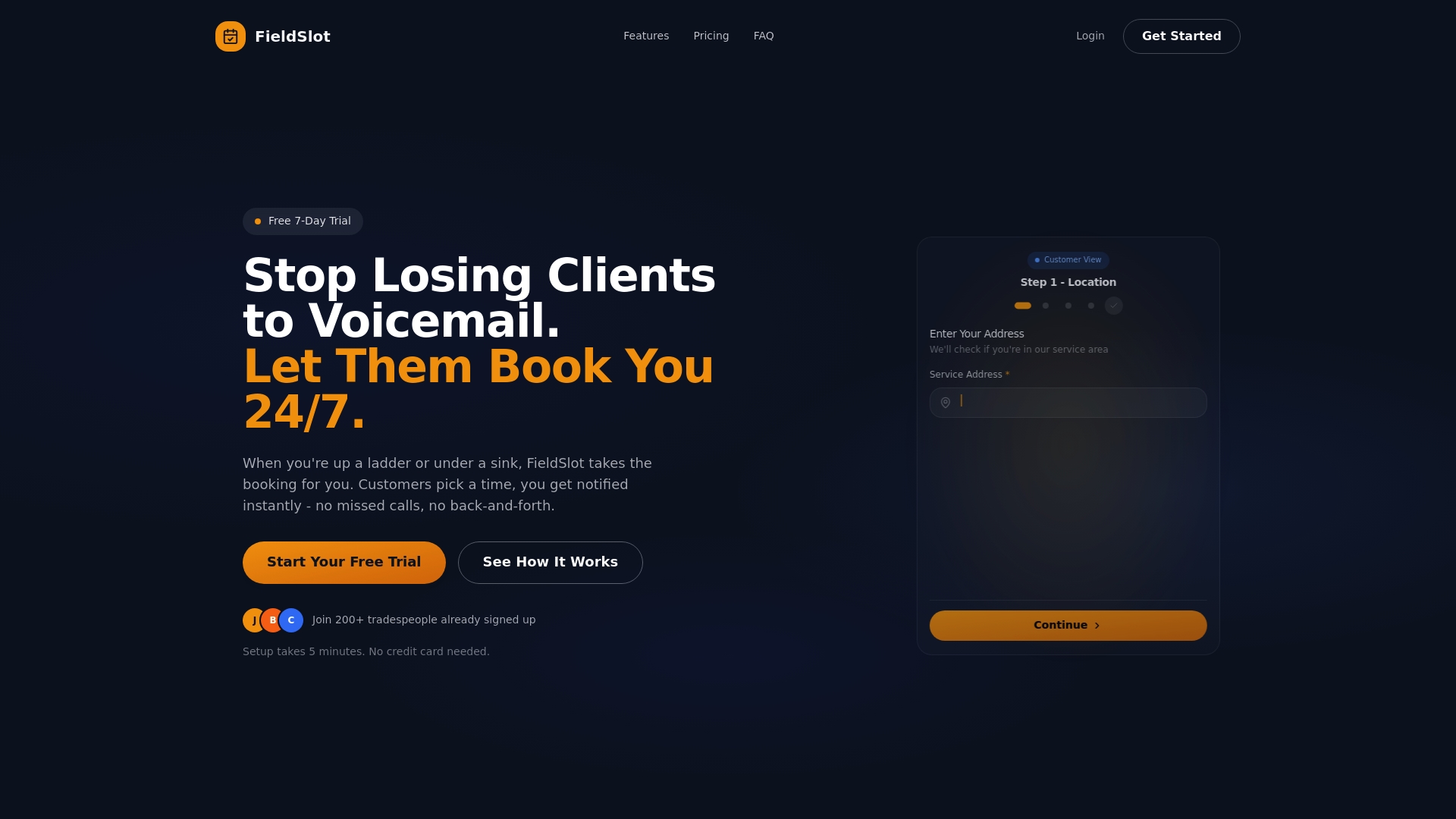
FieldSlot is built specifically for field service businesses like yours. It combines geographic service area restrictions, smart travel buffers, and 24/7 online booking into one lightweight platform you can set up in under five minutes. No IT team required. Clients book through a shareable link, your calendar syncs with Google or Outlook, and automated reminders go out without you touching a thing. If you want to see how it stacks up against other options, the top booking software comparison breaks it down clearly. The right tool pays for itself in the first week.
Frequently asked questions
How can zone-based scheduling boost my field techs' productivity?
Zone-based scheduling reduces drive time by up to 35% and adds 1-2 hours of billable work per technician daily, directly increasing revenue per truck without adding headcount.
Is manual client scheduling effective for small teams?
Manual scheduling works for solo operators, but once you have three or more technicians, software becomes essential for managing routing, skill matching, and real-time changes efficiently.
What's the benefit of arrival windows versus exact appointment times?
Arrival windows paired with 15-minute job buffers absorb overruns so one delayed job doesn't cascade through your entire day, keeping both technicians and clients less stressed.
How can AI and route optimization improve my schedule?
AI-driven tools boost technician utilization by 19% and enable you to handle 20-30% more jobs daily, making them one of the highest-ROI investments for growing field service operations.