
Missed appointments and double-booked crews are not just frustrating for AV technicians—they directly cut into your revenue and reputation. When a client is waiting on a corporate AV install or a live event setup, a scheduling error can cost you the contract. The right scheduling solution changes that. It reduces errors, saves travel time, and helps your team handle more jobs without burning out. This guide walks through the key criteria for evaluating AV scheduling tools, the main platform types available, and a side-by-side comparison to help you make a confident, informed decision.
Table of Contents
- Key criteria when selecting a scheduling solution
- Specialized AV rental and labor planning software
- Project management and visual dispatch platforms
- Calendar, workflow automation, and FSM software
- Comparison table: Which scheduling type fits your AV needs?
- A surprising truth: Why hybrid setups often beat single platforms for AV teams
- Simplify your AV scheduling with FieldSlot
- Frequently asked questions
Key Takeaways
| Point | Details |
|---|---|
| Choose based on workflow | Select AV scheduling platforms aligned to your main scheduling needs: event, project, or recurring service. |
| Integrate and automate | Prioritize solutions with CRM, billing, and inventory integration plus automated reminders to reduce missed appointments. |
| Pilot before full rollout | Test scheduling tools with a small team to measure impact before business-wide adoption. |
| Hybrid setups excel | Combining AV-specific and FSM tools often yields better results than relying on a single platform. |
Key criteria when selecting a scheduling solution
To build your toolkit, start by knowing what matters most in a scheduling platform. Not all tools are created equal, and AV operations have specific demands that generic calendar apps simply cannot meet.
Here are the core criteria to evaluate before committing to any platform:
- Feature needs: Look for mobile app access, drag-and-drop scheduling, skill-based crew assignments, and integrations with your existing tools.
- Scale: Consider whether the platform handles single-day gigs, multi-day productions, large crews, and equipment conflict detection.
- Automation: Reminders, rescheduling alerts, and route optimization all reduce wasted time and prevent missed visits.
- Integration: Connecting with CRM, inventory, and billing systems keeps data consistent and avoids information silos.
- AI and analytics: Smarter assignment logic and performance dashboards help you measure what is working and adjust quickly.
The software benefits for field service professionals are well documented, and AV operations are no exception. As dispatch scheduling benchmarks show, teams that prioritize automation and integration consistently outperform those relying on manual processes. AV scheduling solutions must balance automation, integration, and flexibility for complex events—meaning no single feature can carry the whole load.
Pro Tip: Before committing to a full rollout, deploy the platform with one small crew for two to four weeks. Track changes in travel time and missed appointments. The data will tell you more than any demo.
Specialized AV rental and labor planning software
With criteria in mind, here is how tools built for AV operations go beyond the basics.
AV-specific platforms are purpose-built for the complexity of event production and equipment-heavy workflows. They address challenges that general scheduling tools overlook entirely.
Key features typically include:
- Project timeline visualization for multi-day productions
- Crew allocation based on role, availability, and certification
- Inventory check to prevent double-booking equipment
- Sub-rental management for gear sourced from third parties
These tools are best suited for large-scale events, recurring productions, and AV hire shops managing significant asset inventories. However, they come with trade-offs. Smaller teams often find the interface complex, and the learning curve can slow adoption. Pricing tends to be higher than general tools, which matters for growing businesses watching overhead.
Industry leaders like Solotech, SMT, and NMR have adopted AV-specific platforms to streamline global operations, and the case study results confirm measurable gains in crew utilization and project delivery speed. AV rental solutions such as Unibiz R2 and Rentman shine in managing multi-day events, sub-rentals, and inventory conflicts.
"Field service benchmarks indicate 20% more jobs per day with route optimization, and up to 26% cost savings through AI-powered scheduling."
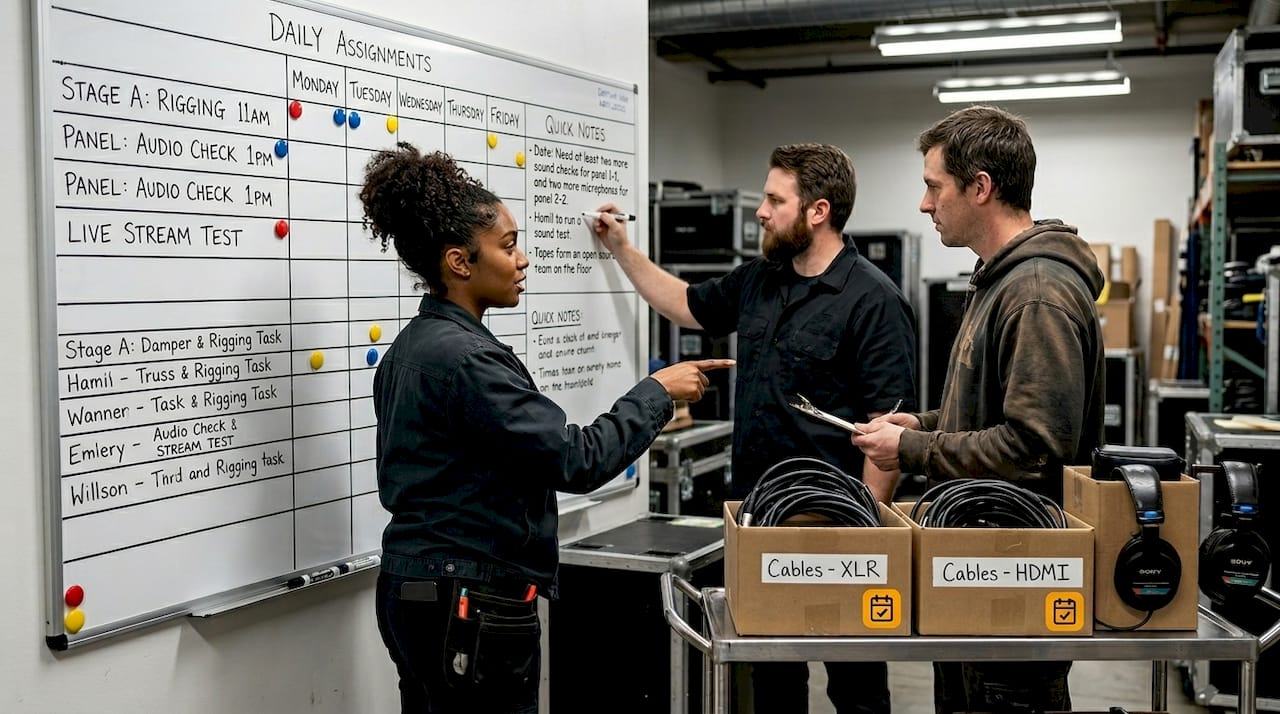
For teams running efficient field service scheduling, AV-specific tools provide a strong foundation when event complexity is the primary challenge.
Project management and visual dispatch platforms
Not every AV schedule revolves around events. Many teams need project tools for installations and bespoke work.
Project management and visual dispatch platforms fill a different gap. They are built for teams coordinating complex, multi-phase work where task dependencies and crew availability need to be visible at a glance.
Core features that make these platforms valuable for AV install teams include:
- Drag-and-drop scheduling for fast adjustments when timelines shift
- Project timelines that map task sequences and dependencies clearly
- Skill-based task allocation to match the right technician to each job
- Visual dispatch boards that show crew availability and prevent double-booking in real time
These platforms are ideal for AV installation teams, large project rollouts, and scenarios where you are collaborating with electricians, IT contractors, or other trades on the same site. Platforms like XTEN-AV X-PRO provide calendars, task assignments, and time tracking that are well suited for installation projects.
Reviewing appointment types comparison across field service categories shows how installation-heavy workflows benefit from project-oriented scheduling logic rather than simple booking systems.
Pro Tip: Use attribute-based assignment to ensure each task is matched to technicians with the right certifications and geographic proximity. This reduces callbacks and keeps projects on schedule.
The main caveat is that these platforms are less focused on real-time field changes or equipment logistics compared to AV-specific solutions. They excel at planning but may require supplementary tools for live event execution.
Calendar, workflow automation, and FSM software
For AV businesses focused mainly on field service or regular maintenance visits, broader automation and field service management (FSM) platforms offer unique advantages.
FSM platforms prioritize speed of deployment, ease of use, and operational scale. Tools like Cal.com and Medialon Calendar handle automation and reminders efficiently, while ServiceTitan, Jobber, and aiventic target growing field service teams that need structured dispatch and reporting.
Here is how a typical FSM workflow operates for AV service calls:
- Automate reminders to reduce no-shows before every appointment
- Assign by location and skills so the closest qualified tech gets the job
- Use dashboards to catch failed visits early and reschedule before they become complaints
The performance gap between top and bottom performers is significant. Top-performing teams achieve an 88% first-time fix rate compared to just 60% for lower performers. That gap is largely explained by smarter scheduling and faster response to failed visits.
| Platform type | Best for | Automation level | Integration depth |
|---|---|---|---|
| AV rental/labor | Events, productions | High | AV-specific |
| Project management | Installs, large projects | Medium | Broad |
| FSM/workflow | Service calls, maintenance | High | CRM, billing, inventory |
| Calendar tools | Small teams, simple booking | Low to medium | Basic |
FSM solutions may lack deep AV-specific integrations, but they deliver strong operational gains for service-heavy AV businesses. Route optimization and automated reminders can automate up to 35% more tasks, freeing technicians to focus on the work itself. Explore appointment scheduling optimization and field service software benefits to see how these gains translate in practice. For a curated list, the top booking software options for 2026 cover the leading FSM contenders.
Comparison table: Which scheduling type fits your AV needs?
With each type's strengths and limits covered, here is how they stack up head-to-head for AV operations.
| Feature | AV rental/labor tools | Project management | FSM/workflow tools | Calendar tools |
|---|---|---|---|---|
| Crew/equipment focus | Very high | Medium | Low to medium | Low |
| Team size suitability | Medium to large | Medium to large | Small to large | Small |
| Automation depth | High | Medium | High | Low |
| Integration depth | AV-specific | Broad | CRM/billing/inventory | Basic |
| Learning curve | Steep | Moderate | Moderate | Low |
| Best AV use case | Events, rentals | Installations | Service calls | Simple bookings |
AI scheduling can cut service costs by up to 26%, making the ROI case for investing in the right platform category clear. The key is matching the platform type to your predominant workload.
"Failed visits cost up to 25% of total service costs. Choose a platform that flags conflicts early and automates follow-up before a missed appointment becomes a lost client."
If your team runs mostly events, AV rental tools are the natural fit. If installs dominate your calendar, project management platforms give you the visibility you need. For efficient client scheduling across recurring service calls, FSM tools deliver the best return.
A surprising truth: Why hybrid setups often beat single platforms for AV teams
Comparison is just the start. The real insight comes from what leading AV teams actually do after testing their options.
Most experienced AV operations discover that no single platform handles every use case flawlessly. Events have different scheduling logic than installations, and service calls have different demands than both. Trying to force one tool to do all three usually means compromising somewhere that matters.
The teams that consistently perform well tend to run a hybrid setup: an AV-specific tool for event and rental management, paired with an FSM or project platform for installations and service calls. True efficiency comes by combining best-of-breed AV tools with FSM for total operational visibility.
Integration is what makes this work. Connecting calendars, inventory systems, and communication apps across platforms eliminates the data gaps that cause errors. Without integration, a hybrid setup creates more problems than it solves.
Reviewing hybrid scheduling approaches across field service categories confirms that the pattern holds beyond AV. The teams that pilot tools at small scale, measure the results honestly, and then build a connected stack are the ones that scale without chaos.
Pro Tip: Run a workflow pilot with two or three technicians before committing your whole team. Small-scale testing exposes blind spots, especially around integration gaps, before a costly full rollout.
Simplify your AV scheduling with FieldSlot
If you are ready to apply these insights, here is how FieldSlot can help take your AV business further.
FieldSlot is built for field service professionals who need scheduling that works without constant manual input. Online booking runs 24/7, automated reminders cut no-shows, and real-time calendar sync with Google Calendar and Microsoft Outlook keeps every technician aligned.
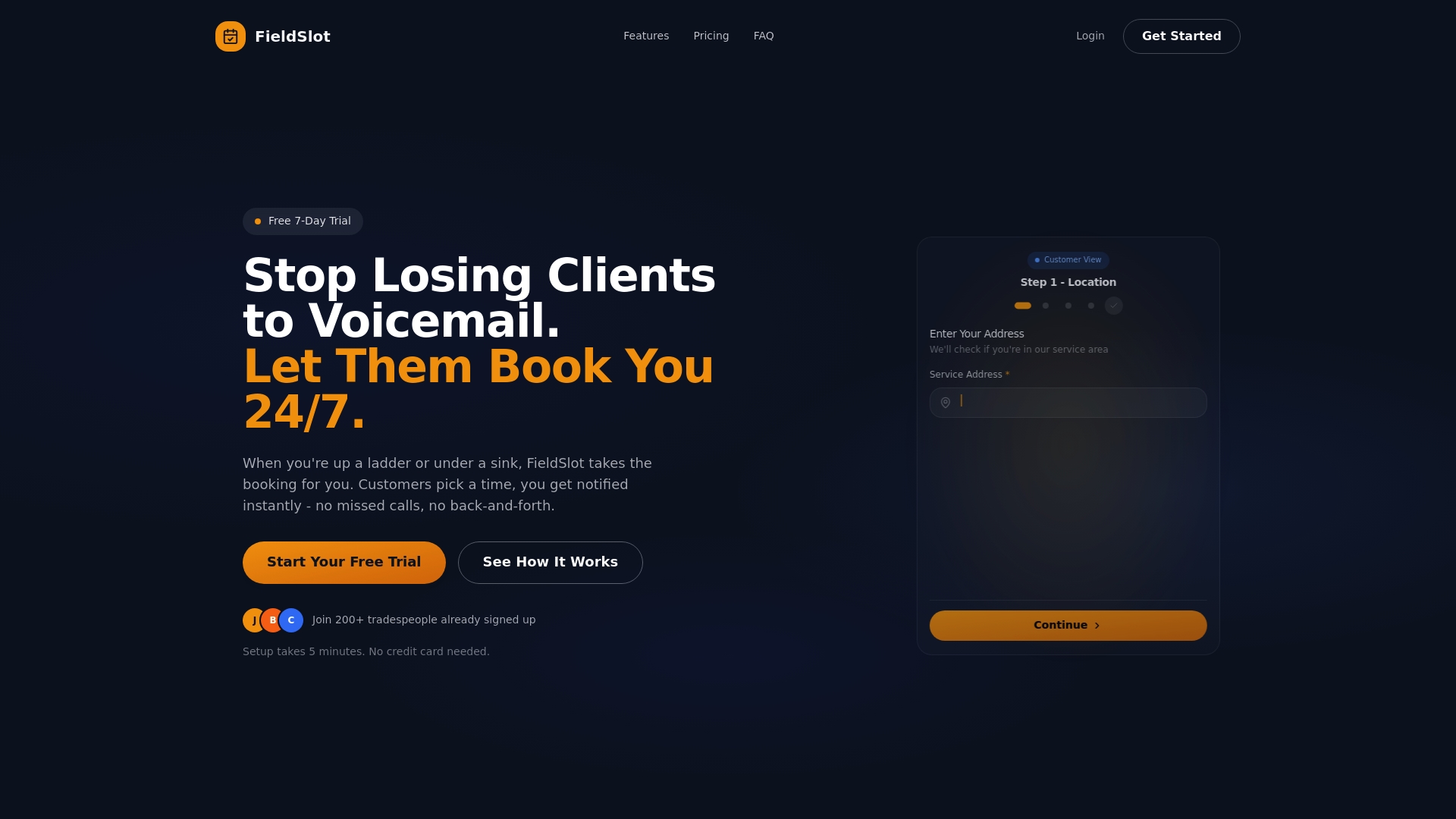
Whether your team handles AV installations or recurring service visits, FieldSlot fits both models. Setup takes under five minutes, and the dashboard makes it easy to track job capacity, travel efficiency, and appointment outcomes from day one. Route optimization and geographic service area controls help you avoid unprofitable travel and keep your crew focused on jobs that matter. Start with FieldSlot scheduling and see the difference a purpose-built platform makes.
Frequently asked questions
What is the best scheduling tool for AV technicians?
The best tool depends on your primary workload. AV rental software excels in events, while FSM platforms are better suited for service-heavy operations with recurring visits.
How does AI-driven scheduling improve efficiency?
AI optimizes routes, matches technicians to jobs based on skills and location, and can boost job completion rates by up to 50% through smarter assignment logic.
Can I integrate AV scheduling software with my CRM and inventory?
Yes. Many AV and FSM solutions support integrations for CRM, billing, and inventory. Integration with CRM and ERP is recommended for full scheduling visibility and real-time data accuracy.
What are common mistakes when choosing a scheduling platform?
Skipping integration checks, underestimating training needs, and launching without a pilot are the most common missteps. Starting with small-team pilots before full rollout is consistently recommended by scheduling experts.