
Many small trade businesses assume that automating appointment management means handing control to a machine and hoping for the best. That assumption holds a lot of owners back. The reality is that automation, applied thoughtfully, gives you more control, not less. It handles the repetitive work so you can focus on the jobs that actually require your expertise. This article walks through what automation really means for field service scheduling, the measurable benefits it delivers, where human judgment still matters, and how to roll it out in your business without disrupting what already works.
Table of Contents
- Understanding automation in appointment management
- Key benefits of automating appointment management
- Balancing automation and the human touch
- Getting started: Implementing automation in your field service business
- Our perspective: Why small service businesses should think hybrid, not just high-tech
- Unlock smoother scheduling with automation tailored for trades
- Frequently asked questions
Key Takeaways
| Point | Details |
|---|---|
| Hybrid automation works best | Combining tech and human input reduces errors and boosts flexibility for field service scheduling. |
| Start with simple services | Automating recurring bookings first delivers results without overwhelming your team. |
| Map workflows before scaling | Analyze and clarify current processes so automation amplifies strengths instead of problems. |
| Maintain a personal touch | Keep human oversight and approval for complex or sensitive appointments to build customer trust. |
Understanding automation in appointment management
Now that we've set the stage, let's clarify what automation really means for field service scheduling and what it doesn't.
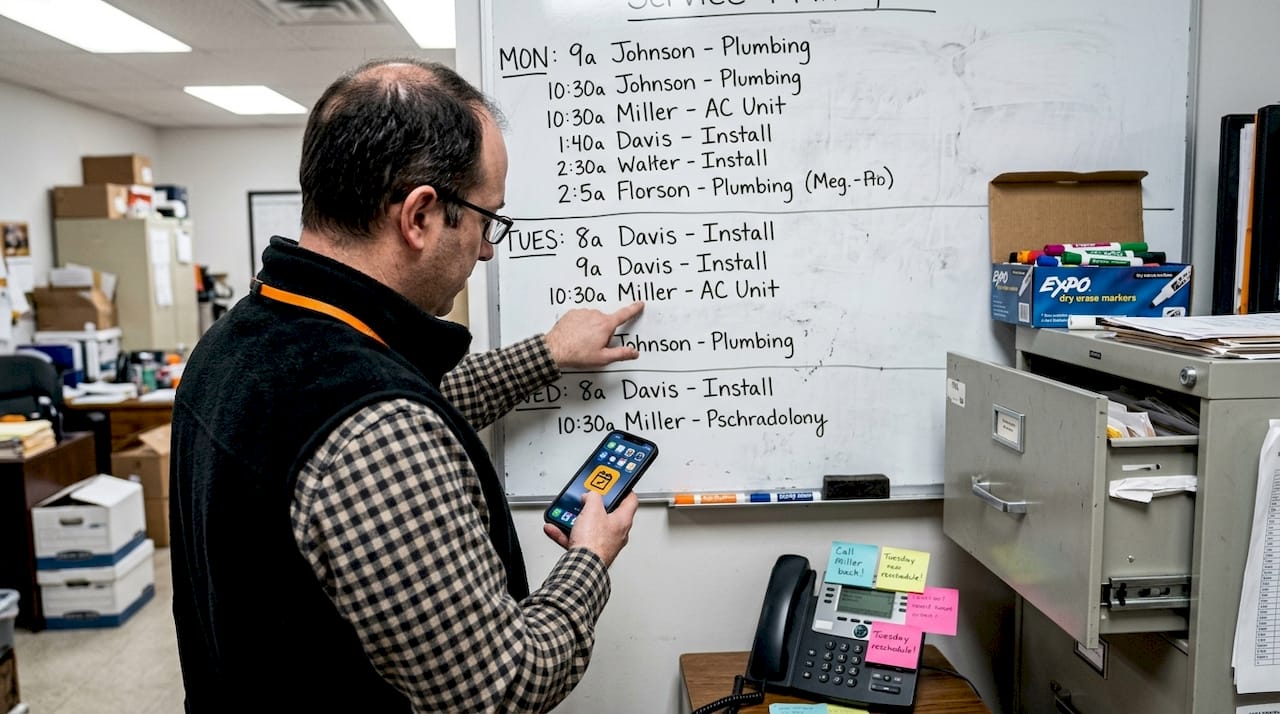
Automation in appointment management refers to using software tools to handle scheduling tasks that would otherwise require manual effort. For trade businesses, this includes things like sending booking confirmations, syncing calendars, dispatching reminders, and flagging scheduling conflicts. It does not mean removing you from the process entirely.
The most common tools in this space include:
- Scheduling software that accepts online bookings and updates your calendar in real time
- Digital calendar integrations with platforms like Google Calendar and Microsoft Outlook
- AI-based scheduling suggestions that recommend optimal appointment slots based on location, travel time, and technician availability
One of the biggest misconceptions is that automation strips away personalization. It doesn't. A customer still books with your business, communicates with your team, and receives service from your technician. Automation just removes the friction in between.
The smarter approach is a hybrid model. Hybrid human-AI automation offers both efficiency and customization, meaning the software surfaces suggestions and handles routine tasks while you retain final approval on complex or high-value bookings. This is especially useful when optimizing field service scheduling across multiple technicians or service zones.
Compared to fully manual scheduling, automation reduces the chance of double bookings, speeds up confirmation times, and ensures no appointment request slips through the cracks when you're knee-deep in a job.
Pro Tip: If you're new to automation, start by automating just your booking confirmations and reminders. This single step alone reduces no-shows and saves significant admin time without changing anything else about how you operate.
Key benefits of automating appointment management
With a clearer understanding of what automation means, let's dive into the practical advantages it offers to service businesses.
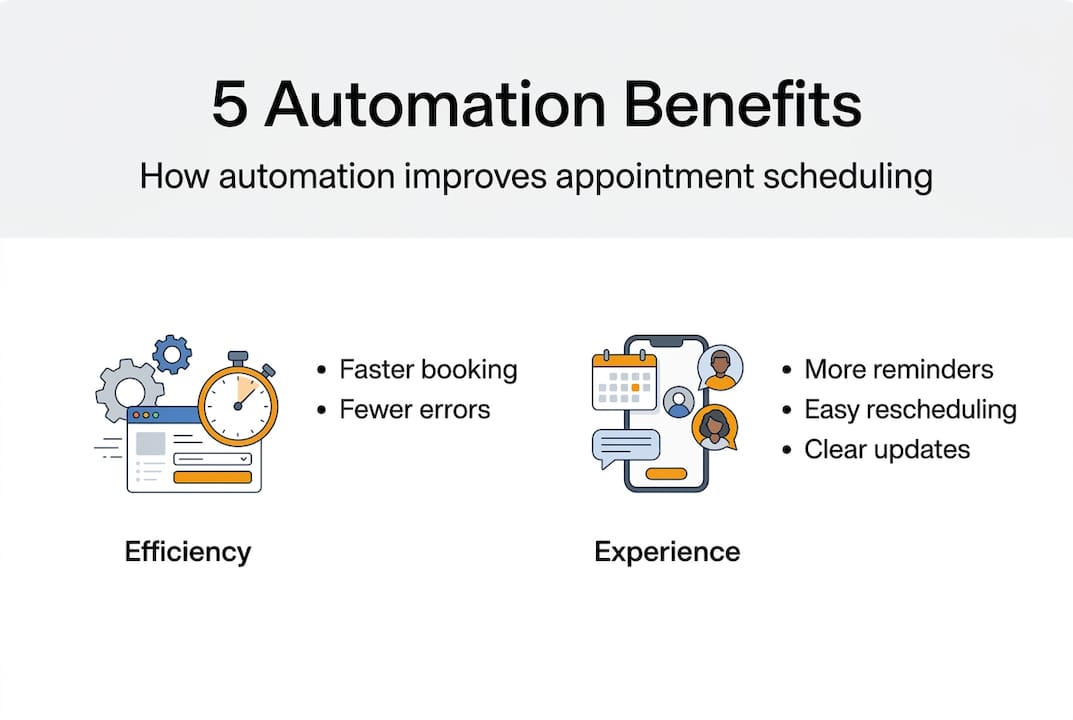
The benefits are real and measurable. Here's what trade businesses consistently report after implementing scheduling automation:
- Less admin time spent on phone calls, manual calendar updates, and back-and-forth booking messages
- Fewer missed appointments due to automated reminders sent via email or SMS before each job
- Better technician utilization through smarter scheduling that accounts for travel time and service zones
- Faster customer response since online booking works 24/7, even when you're on a job
The numbers back this up. Consider how automation affects key scheduling metrics:
| Metric | Manual scheduling | Automated scheduling |
|---|---|---|
| Average booking response time | 4 to 8 hours | Under 5 minutes |
| No-show rate | 15 to 20% | 5 to 8% |
| Admin hours per week | 6 to 10 hours | 1 to 3 hours |
| Customer satisfaction score | Moderate | High |
Integration with your existing business systems is what makes these gains sustainable. DMS/FSM integration is essential for scalable appointment management, connecting your scheduling tool to invoicing, CRM, and dispatch workflows so data flows without manual re-entry.
Automated reminders also have a direct impact on customer experience. Customers who receive timely confirmations and reminders feel more confident about their appointments, which translates into fewer cancellations and stronger loyalty. For efficient client scheduling, this kind of reliability is a genuine competitive edge. Businesses that have adopted automated reminder systems for reducing no-shows report measurable drops in last-minute cancellations within the first month.
For small trade businesses competing against larger operations, automation levels the playing field by delivering a professional, responsive booking experience without requiring a full-time office administrator.
Balancing automation and the human touch
As you consider adopting automation, it's important to understand where technology excels and where a personal touch still matters.
Not every appointment is the same. Routine maintenance bookings are ideal candidates for full automation. Emergency callouts, complex multi-day projects, or situations involving a long-standing client relationship often benefit from direct human involvement.
Here's how the three main scheduling approaches compare:
| Approach | Speed | Flexibility | Error risk | Best for |
|---|---|---|---|---|
| Manual scheduling | Slow | High | High | Very small teams |
| Pure automation | Fast | Low | Medium | Routine, high-volume jobs |
| Hybrid scheduling | Fast | High | Low | Most trade businesses |
Pure automation risks rigidity, and technician resistance without autonomy is a real problem when staff feel the system is making decisions for them without explanation. When technicians don't understand why they've been assigned a particular route or time slot, trust in the system erodes quickly.
The solution is transparency. Map your workflows before you automate them. Make sure your team understands which tasks the software handles and which decisions remain with them. This is what keeps staff engaged rather than resentful.
"Automation enhances people. It doesn't replace them." Giving your technicians visibility into the scheduling logic builds ownership and reduces pushback.
For automation's real-world impact to materialize, the human layer must remain active. Someone still needs to review flagged appointments, handle exceptions, and maintain the customer relationship when things go off-script.
Pro Tip: When onboarding staff to a hybrid system, run a two-week parallel period where both the old and new processes run side by side. This builds confidence and surfaces any workflow gaps before you fully commit.
Getting started: Implementing automation in your field service business
Knowing the balance needed, let's lay out a straightforward roadmap for bringing automation into your appointment process.
Implementation doesn't have to be complicated. The key is to move in phases rather than switching everything at once. Starting with routine services before complex ones, and ensuring clean data, is the foundation of a successful rollout.
Here's a practical checklist to guide your implementation:
- Audit your current scheduling process. Document every step from when a customer requests a booking to when the job is confirmed. Identify where delays, errors, or duplicated effort occur.
- Clean up your client data. Outdated contact details, incomplete addresses, and inconsistent records will cause automation to fail. Fix these before you go live.
- Map your routine workflows. Identify the appointment types that follow a predictable pattern, such as annual inspections, filter replacements, or standard installations.
- Choose your first automation target. Start with reminder messages for confirmed bookings. This is low risk, high reward, and immediately visible to customers.
- Select a scheduling tool that fits your trade. Look for features like service area control, calendar sync, and online booking links. Tools that let you automate simple bookings without heavy configuration are ideal for small teams.
- Train your team on the hybrid workflow. Clarify which decisions the software makes automatically and which require human review.
- Review and adjust after 30 days. Check your no-show rate, admin hours, and customer feedback. Adjust automation rules based on what you find.
Understanding the different scheduling types available for your trade will also help you configure your system correctly from the start.
Pro Tip: Reminder automation for routine bookings is the single fastest win available to most trade businesses. Set it up first, measure the impact, then expand from there.
Our perspective: Why small service businesses should think hybrid, not just high-tech
Implementation strategies aside, here's a hard-won lesson our experience continually reinforces.
There's a tendency in the field service industry to treat software as the solution rather than the enabler. Business owners invest in automation tools expecting them to fix scheduling problems, only to find that the same problems persist in a digital format. The tool didn't fail. The underlying process was never mapped clearly enough to automate well.
The businesses that get the most from automation are not the ones with the most advanced software. They're the ones that did the workflow work first. They understood their scheduling bottlenecks, cleaned up their data, and involved their technicians before flipping any switches. The technology then had something solid to build on.
Pure automation can also create a false sense of efficiency. Everything looks smooth on the dashboard while edge cases pile up unnoticed. A hybrid approach forces you to stay engaged with your scheduling process, which is exactly where small trade businesses have a natural advantage over larger competitors.
The lesson from automation lessons learned in real field service environments is consistent: automation enhances people, it doesn't replace them. Your judgment, your customer relationships, and your team's expertise are still the core of your business. Automation just clears the path so those things can shine.
Unlock smoother scheduling with automation tailored for trades
If you're ready to put these strategies into practice, FieldSlot makes it seamless for trades to automate appointment management.
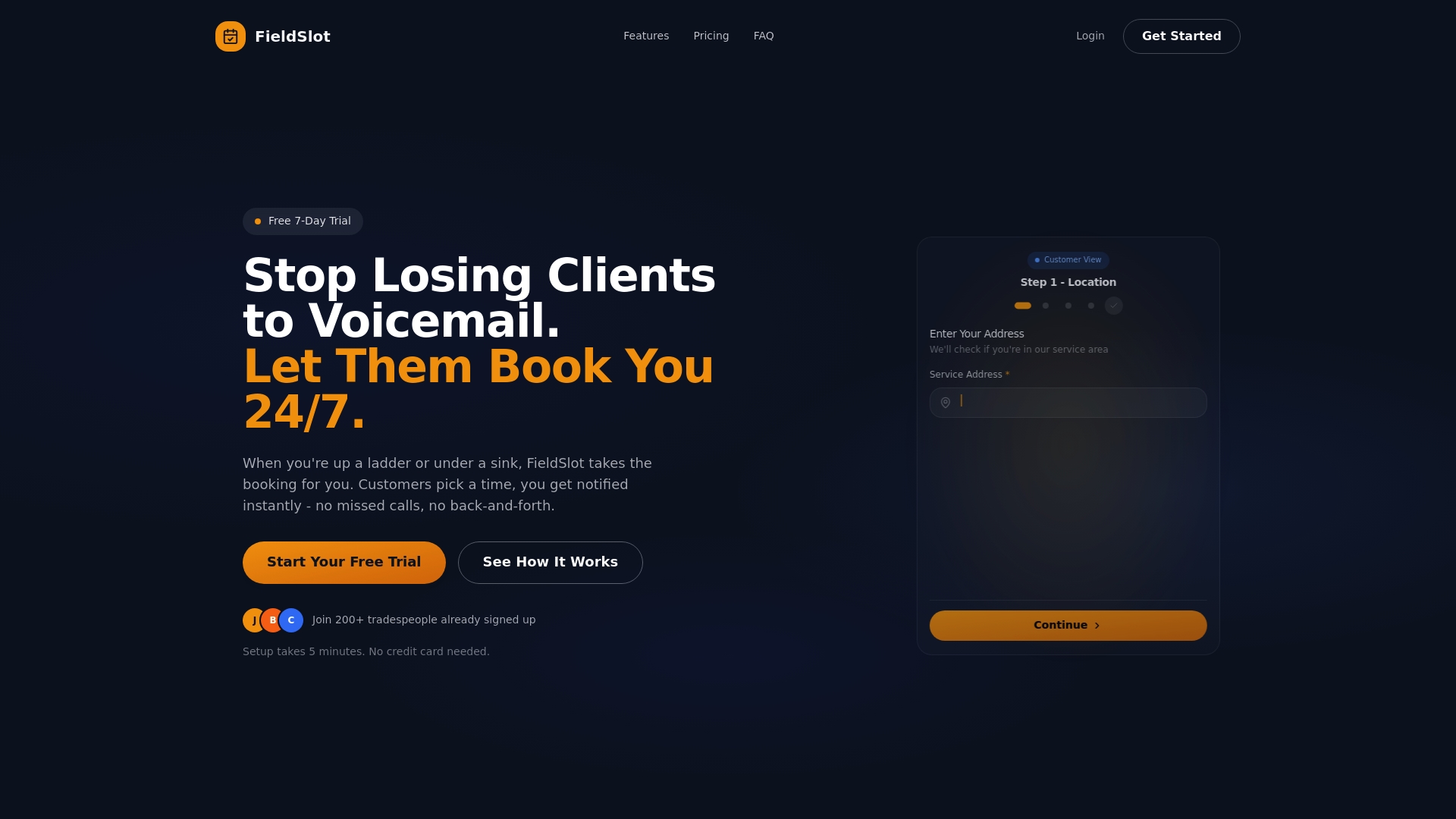
FieldSlot is built specifically for field service professionals including plumbers, electricians, HVAC technicians, and locksmiths. It combines 24/7 online booking, automated email reminders, real-time calendar sync with Google Calendar and Microsoft Outlook, and route optimization into one platform you can set up in under five minutes. You get the automation benefits covered in this article without the complexity of enterprise software. Explore how FieldSlot can reduce your no-shows, cut admin time, and help you capture more jobs every week.
Frequently asked questions
What types of appointments should I automate first in my service business?
Start with routine services such as annual inspections or standard maintenance bookings, since these follow predictable patterns and deliver the fastest results with the least risk.
Can automation hurt customer relationships in field services?
Hybrid solutions balance efficiency and personal touch, so when automation handles the logistics and your team handles the relationship, customer experience actually improves.
Is there a risk of over-automating appointment scheduling?
Yes. Pure automation risks rigidity and can make workflows inflexible, which is why hybrid models that keep humans in the loop for exceptions are the recommended approach.
What's required to get started with scheduling automation?
Begin by auditing your current workflow, because clean data is a prerequisite for effective automation, and then map the routine processes you want to automate before selecting any tool.