
A double-booked tiler, a missed call, and a renovation that stalls for two weeks — these are frustrations that homeowners and property managers know all too well. Scheduling tiling work manually is surprisingly error-prone, and the cost of getting it wrong goes beyond inconvenience. Fortunately, homeowners and property managers now schedule tiler appointments through online calendars, booking forms, and dedicated field service management software. This guide walks you through every step of the process, from gathering the right information to confirming the job and following up afterward.
Table of Contents
- What you need before scheduling a tiler appointment
- Step-by-step process: Booking your tiler appointment online
- Managing access and communication: Occupied vs. vacant properties
- Avoiding common mistakes and maximizing efficiency
- Confirming, verifying, and following up on your appointment
- Level up your tiler scheduling with FieldSlot
- Frequently asked questions
Key Takeaways
| Point | Details |
|---|---|
| Preparation is critical | Have all project details and availability ready before booking to speed up scheduling. |
| Choose the right software | Top FSM tools like Jobber and Housecall Pro automate reminders and reduce conflicts. |
| Occupied homes need extra time | Schedule 2-3 weeks ahead for occupied units to allow for tenant coordination and access. |
| Avoid manual mistakes | Digital scheduling saves hours each week and greatly cuts double bookings. |
What you need before scheduling a tiler appointment
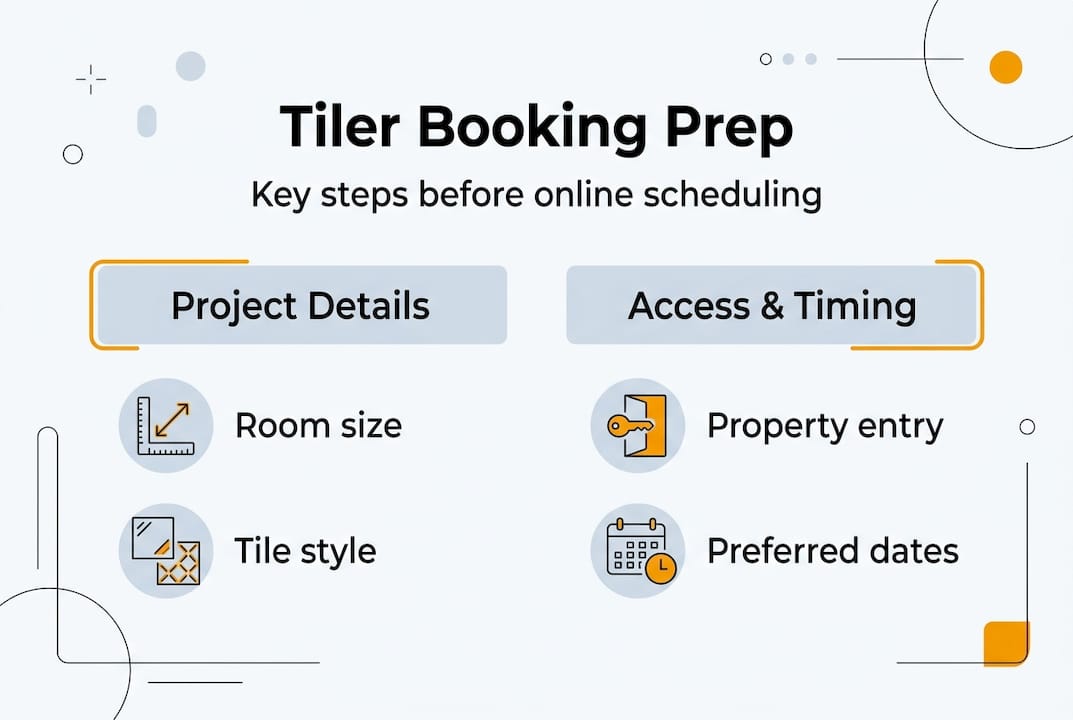
Before you open a booking form or pick up the phone, having the right details ready saves everyone time. Tilers need specific information to give you an accurate quote and schedule the correct amount of time for your job. Walking into the booking process unprepared often leads to rescheduling, cost overruns, or mismatched expectations.
Here is what you should gather before reaching out:
- Room dimensions (length, width, and any irregular shapes)
- Tile type and size (ceramic, porcelain, natural stone, mosaic)
- Photos of the current floor or wall to show condition and layout
- Your preferred start date and backup dates
- Budget range so the tiler can recommend appropriate materials and methods
- Access details such as key codes, parking, or building entry requirements
Once you have those details, you are ready to use a tiler appointment form or a digital booking tool. Using field service booking software makes this step faster and more organized for both parties.
| Requirement | Digital tool or method | On-site prep needed |
|---|---|---|
| Room measurements | Booking form input field | Measure before submitting |
| Tile selection | Photo upload or product link | Confirm with supplier |
| Scheduling availability | Shared calendar or FSM portal | Clear the work area |
| Vendor verification | Insured contractor database | Request proof of insurance |
| Budget confirmation | Quote request via software | Approve before booking |
As vetted and insured contractors with shared calendar access and built-in travel buffers are the standard for efficient vendor coordination, choosing a tiler who works within a digital system protects you from last-minute surprises. Shared calendars with vendor access also reduce back-and-forth communication significantly.
Step-by-step process: Booking your tiler appointment online
With your information prepared, follow this complete walkthrough for scheduling your appointment efficiently using digital tools.
- Choose your scheduling method. Decide whether you will use a dedicated FSM platform, a simple online booking form, or a shared calendar. For single jobs, a booking form works fine. For ongoing renovation projects or multiple properties, FSM software gives you far more control.
- Select a vetted tiler. Confirm the contractor is licensed and insured. Many platforms let you filter by trade, location, and availability.
- Fill out the booking form completely. Include room dimensions, tile type, photos, and your preferred dates. Incomplete forms are the number one cause of scheduling delays.
- Pick a time slot that works for both parties. Use a platform that shows real-time availability so you are not waiting for a callback to confirm.
- Confirm the booking and save the reference number. A confirmation email or SMS should follow immediately. If it does not, follow up directly.
- Set up automated reminders. Most FSM platforms allow you to schedule reminders for yourself and the tiler ahead of the appointment.
Key FSM platforms used by tilers and flooring professionals include Jobber, Housecall Pro, ServiceTitan, Houzz Pro, and Werx. Here is a quick comparison:
| Software | Best for | Standout feature | Limitation |
|---|---|---|---|
| Jobber | Small to mid-size tiling businesses | Client hub and automated follow-ups | Limited customization |
| Housecall Pro | Growing trade businesses | 35% revenue growth reported by users | Higher price point |
| ServiceTitan | Large operations | Advanced reporting and dispatch | Complex setup |
| Werx | Budget-conscious contractors | Simple job tracking | Fewer integrations |
| Houzz Pro | Design-focused projects | Visual project boards | Less suited for pure scheduling |
FSM software consistently delivers 10 to 25% productivity gains across field service businesses, which means faster turnaround on your tiling project. Pairing FSM tools with online scheduling tools designed for field trades gives you the most reliable results.
Pro Tip: Enable automated appointment reminders through your chosen platform. This single step reduces last-minute cancellations and no-shows dramatically, keeping your renovation timeline on track.
For broader property manager scheduling strategies, combining FSM software with a clear communication protocol for tenants and vendors is the most effective approach. You can also apply similar logic from maintenance scheduling tips used in HVAC and other trades.
Managing access and communication: Occupied vs. vacant properties
Once scheduled, understanding your property type ensures appointments go off without a hitch. Occupied and vacant properties require very different coordination approaches, and mixing them up leads to delays, tenant complaints, and wasted trips.
Challenges specific to occupied properties include:
- Coordinating access around tenant work schedules and daily routines
- Providing adequate advance notice (typically 24 to 48 hours minimum by law in most states)
- Arranging furniture removal or temporary relocation of belongings
- Managing dust, noise, and safety concerns for occupants
- Securing written permission for access from tenants
Challenges specific to vacant properties include:
- Ensuring secure key handoff or access code management
- Confirming utilities are active for the tiler's equipment
- Scheduling inspections after work is complete without a tenant present
Occupied properties can take 40 to 60% longer to complete flooring projects compared to vacant units, due to coordination complexity and restricted working hours.
Occupied rentals require 2 to 3 weeks of advance scheduling to allow for tenant coordination, furniture logistics, and access arrangements. Rushing this timeline almost always results in rescheduling.
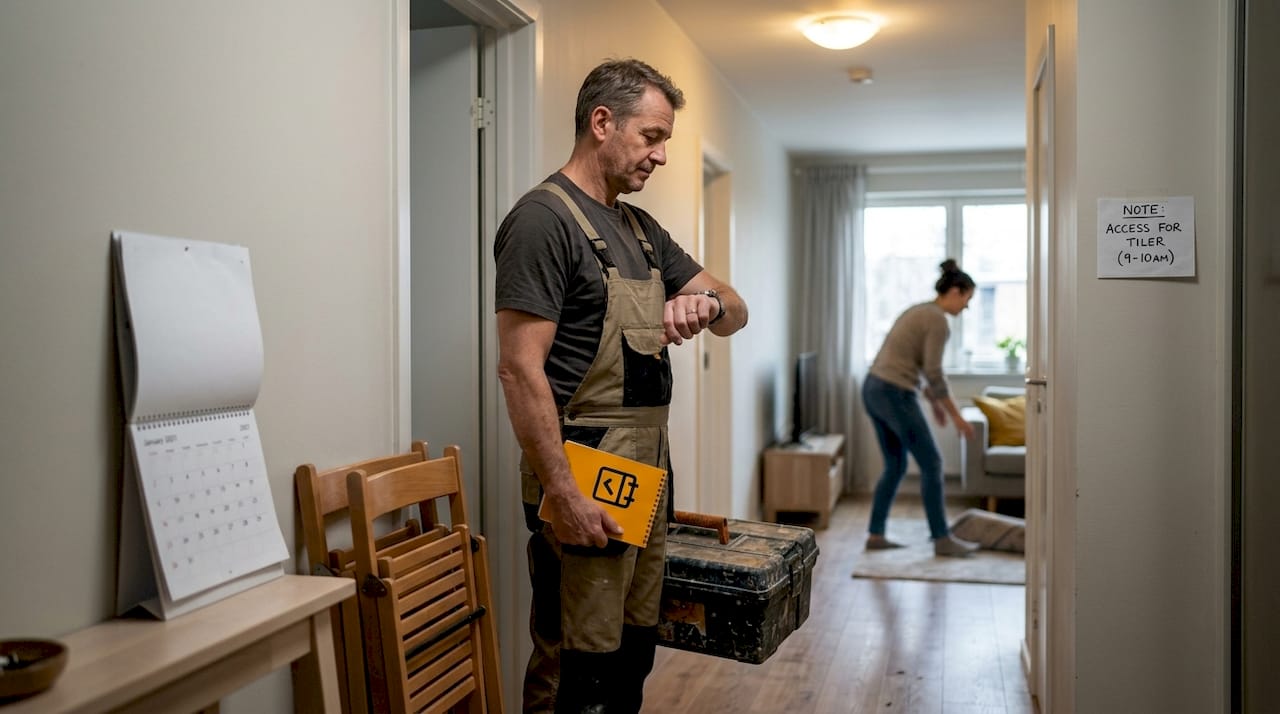
Pro Tip: Always get occupant schedules and access permissions in writing before confirming the tiler's appointment. A simple email confirmation from the tenant protects you legally and keeps the project moving. You can also use tools that help you optimize field service appointments to build in the right buffers automatically.
For a broader view of how property managers handle these situations, reviewing maintenance request protocols used by experienced managers gives you a solid framework to follow.
Avoiding common mistakes and maximizing efficiency
Handling communication and access is vital. Now, let's make sure you avoid the top scheduling errors and get the most from technology.
The most common pitfalls when scheduling tiler appointments include:
- Incomplete booking details that force the tiler to follow up before confirming
- Unshared or siloed calendars that cause double bookings across multiple properties
- Manual scheduling methods that rely on phone calls and paper notes
- No buffer time between appointments, leading to late arrivals and rushed work
- Failure to confirm the appointment 24 hours before the job
Manual scheduling methods lead to overlaps and delays, while digital FSM software reduces administrative work by more than 8 hours per week and cuts scheduling-related phone calls by up to 95%. That is a significant operational shift for anyone managing more than one property.
Statistic callout: FSM software can reduce scheduling phone calls by up to 95%, freeing your time for higher-value tasks.
Color-coded shared calendars unify scheduling across multiple properties and cut conflicts before they happen. When every stakeholder, including tenants, tilers, and property managers, can see the same calendar view, miscommunication drops sharply.
Using software that lets you reduce drive time through route optimization also benefits the tiler, which means they arrive on time and complete more jobs per day. For property managers using vendor portals, centralizing all contractor communication in one place is the single most effective way to eliminate scheduling chaos.
Confirming, verifying, and following up on your appointment
With mistakes avoided, wrap up the process with effective verification and follow-up to ensure quality and satisfaction.
- Confirm the appointment details in writing. Send a summary email or use your FSM platform's confirmation feature to lock in the date, time, scope, and access instructions.
- Notify all relevant parties. This includes tenants, building managers, or anyone else who needs to be aware of the work. Property managers use centralized systems for work orders and tenant notifications via portals, email, or SMS.
- Check your notification settings. Make sure automated reminders are active for both you and the tiler. Review appointment reminders and calendar tools to find the right setup for your workflow.
- Conduct a post-service check. Walk through the completed work with the tiler or review photos if you are managing remotely. Note any issues immediately.
- Request feedback or a completion report. Many FSM platforms include digital feedback forms that make this step automatic.
If you find yourself frequently missing calls or losing track of appointment confirmations, tools that help you reduce missed appointment calls are worth exploring. Staying on top of confirmations is the final layer of protection against costly rescheduling.
Level up your tiler scheduling with FieldSlot
You have learned the essentials of appointment scheduling. Now, discover a tool that brings it all together with ease.
FieldSlot online booking is built specifically for field service trades, making it a natural fit for tilers and the homeowners or property managers who book them. The platform runs 24/7, sends automated email reminders, and syncs in real time with Google Calendar and Microsoft Outlook.

FieldSlot also includes geographic service area controls and smart travel buffers, so tilers arrive on time and avoid unprofitable trips. Setup takes under five minutes, and no technical background is required. If you want to compare your options before committing, the guide to best field service scheduling tools breaks down the top platforms side by side. FieldSlot is designed to reduce admin time, capture more bookings, and keep every appointment on track from the first click to the final follow-up.
Frequently asked questions
What's the fastest way to schedule a tiler for a small job?
Online booking forms or FSM apps with real-time availability let you secure a slot in minutes without waiting for a callback. For small jobs, a simple form with your room details and preferred date is all you need.
How far in advance should I book a tiler for an occupied rental?
Occupied rentals require 2 to 3 weeks of advance scheduling to allow for tenant coordination, furniture logistics, and proper access arrangements. Booking earlier also gives you a buffer if the first slot falls through.
Does scheduling software really save time compared to manual methods?
Yes. Digital FSM reduces admin by more than 8 hours per week and cuts scheduling phone calls by up to 95%, making it a clear upgrade over manual methods for anyone managing more than one property.
What if my preferred tiler isn't on a booking app?
Contact them directly and suggest using a shared digital calendar or a simple online form to manage availability. Even basic tools like Google Calendar reduce confusion and keep both parties aligned on timing and scope.