
TL;DR:
- Scheduling software reduces missed appointments, improves routing, and enhances customer satisfaction.
- Key features include online booking, automated reminders, route optimization, and mobile access.
- Successful adoption requires team involvement, proper training, and phased implementation.
Fiber installation companies are scaling faster than ever, yet many still rely on spreadsheets and phone calls to coordinate their technicians. That gap between growth and operations creates real problems: missed appointments, wasted drive time, and frustrated customers. Scheduling software can boost field service jobs by up to 30%, and for fiber companies managing multiple crews across wide service areas, that number represents serious revenue. This guide breaks down why scheduling software matters for fiber operations, which features to prioritize, how to overcome common adoption barriers, and how to implement a solution that actually sticks.
Table of Contents
- Why scheduling matters for fiber technicians
- Key features of scheduling software for fiber companies
- Common barriers to adopting scheduling software
- How to choose and implement the right solution
- The real-world impact: Lessons learned from the field
- Ready to streamline your fiber technician scheduling?
- Frequently asked questions
Key Takeaways
| Point | Details |
|---|---|
| Efficiency boost | Scheduling software helps fiber companies increase jobs completed and reduce wasted time. |
| Customer satisfaction | Automated scheduling improves appointment reliability and keeps clients informed. |
| Easy implementation | Modern solutions are designed for quick adoption and integration with existing workflows. |
| Clear ROI | Most fiber companies see return on investment from software within months of use. |
Why scheduling matters for fiber technicians
Fiber technician work is not like a standard office job. Every day involves multiple appointment windows, geographic routing decisions, equipment logistics, and real-time communication with customers who expect punctuality. When scheduling breaks down, the consequences ripple outward fast.
Here are the most common scheduling pain points fiber companies face:
- Missed appointments due to poor communication between dispatch and technicians
- Inefficient routing that sends technicians across town unnecessarily
- Double bookings caused by manual calendar errors
- No-shows from customers who never received a reminder
- Delayed updates when jobs run long and the next customer is not notified
Each of these issues carries a financial cost. A missed appointment means a wasted labor hour, a rescheduling overhead, and often a dissatisfied customer who shares that experience online. For fiber companies competing on service quality, reputation damage compounds quickly.
Stat to know: Customer satisfaction in field service is directly tied to appointment reliability. Efficient client scheduling reduces friction at every touchpoint, from booking confirmation to on-site arrival.
Manual tools simply cannot keep pace in high-volume, multi-technician operations. A spreadsheet does not alert you when two technicians are booked for the same time slot. A phone-based dispatch system cannot automatically reroute a crew when a job runs long. As your technician count grows from two to ten to twenty, the complexity of manual scheduling grows exponentially, not linearly.
The financial consequences are just as significant. Unprofitable travel, idle technician time, and repeat visits for jobs that could have been completed in one trip all eat directly into margins. Fiber installation projects often require precise equipment and preparation, so arriving at the wrong address or without the right gear is not a minor inconvenience. It is a costly setback.
Pro Tip: Track your current no-show and late-arrival rates for one month before evaluating software. That baseline number will help you calculate ROI after switching and make the business case to stakeholders.
Scheduling is not just a logistics function. It is a direct driver of customer experience, technician morale, and business profitability. Getting it right is one of the highest-leverage improvements a fiber company can make.
Key features of scheduling software for fiber companies
With the challenges outlined, let's examine what software solutions actually deliver. Not all scheduling tools are built for field service operations, so knowing which features matter most for fiber technicians helps you avoid paying for tools that do not fit.
Here are the core capabilities to look for:
- Online appointment booking that runs 24/7, so customers can schedule without calling your office
- Automated reminders via email or SMS to reduce no-shows before they happen
- Route optimization that groups nearby jobs and minimizes drive time between appointments
- Real-time calendar sync with Google Calendar or Microsoft Outlook so everyone stays aligned
- Geographic service area controls that prevent bookings outside your operational zone
- Mobile access so technicians can view, update, and manage their schedules from the field
- Smart travel buffers that add automatic padding between appointments to prevent late arrivals
Route optimization deserves special attention. Modern scheduling tools reduce drive time by up to 35% through automated route assignment, which translates directly into more jobs completed per day per technician. For a fiber company running eight technicians, that efficiency gain can mean fitting in one or two additional jobs daily across the team.
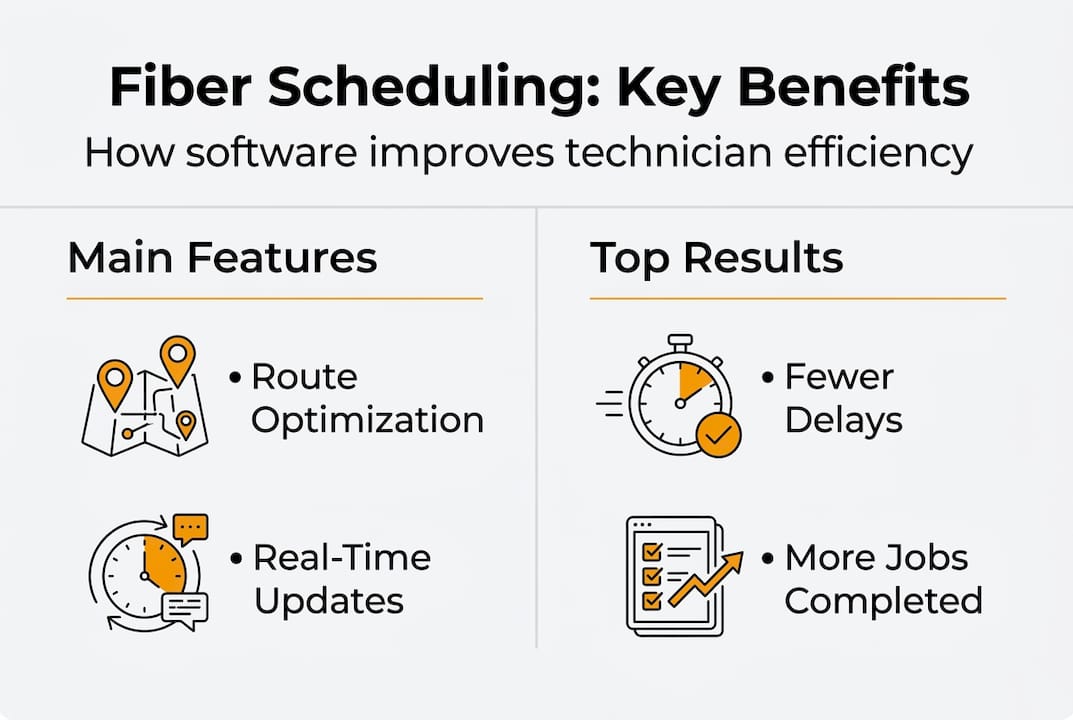
The table below compares manual scheduling against software-driven scheduling across key operational dimensions:
| Dimension | Manual scheduling | Software scheduling |
|---|---|---|
| Booking availability | Business hours only | 24/7 online booking |
| Appointment reminders | Manual calls or none | Automated email/SMS |
| Route planning | Ad hoc or basic maps | Optimized routing |
| Calendar updates | Delayed, error-prone | Real-time sync |
| No-show rate | Higher | Significantly reduced |
| Technician coordination | Phone/radio dispatch | Centralized dashboard |
| Scalability | Limited | Grows with team size |
Understanding what scheduling software actually includes helps fiber companies set realistic expectations. The best platforms are not just digital calendars. They are operational tools that connect customer booking, technician dispatch, and route planning into one workflow.
Pro Tip: When evaluating software, ask vendors specifically about geographic service area restrictions. This feature prevents customers from booking appointments outside your coverage zone, which is a common source of unprofitable travel for fiber companies expanding into new regions.
Mobile access is equally critical. Technicians who are knee-deep in a job need to check their next appointment, update a job status, or notify a customer without calling the office. A mobile-friendly platform keeps the whole operation running smoothly without adding administrative load.

Common barriers to adopting scheduling software
Even with robust features, many fiber companies hesitate to switch. The reasons are understandable, but most of them are more manageable than they first appear.
Here are the most common barriers:
- Resistance to change: Managers and technicians who have used the same system for years are naturally cautious about disruption
- Cost concerns: Upfront or subscription costs feel risky without a clear ROI picture
- Integration worries: Fear that new software will not connect with existing billing, CRM, or dispatch tools
- Data migration anxiety: Concern about moving existing customer records and appointment history without losing information
- Training time: Belief that onboarding will pull technicians and managers away from productive work for too long
Cost is often the first objection raised, but it is also the easiest to address with data. Field service pros consistently report increased job volume after switching to scheduling software, meaning the platform pays for itself through additional revenue rather than being a pure overhead expense.
"The biggest mistake companies make is treating scheduling software as an IT project instead of an operations upgrade. When technicians understand how it makes their day easier, adoption happens naturally."
Integration concerns are valid but often overstated. Most modern scheduling platforms are designed to work alongside existing tools through calendar sync, API connections, or simple export functions. You rarely need to replace your entire tech stack to add scheduling software.
Data migration is another area where fear outpaces reality. Many platforms offer import tools or onboarding support that handle the transition efficiently. The software benefits for field service far outweigh the short-term friction of switching, especially when you have implementation support available.
Training time is real but manageable. Platforms designed for field service professionals prioritize ease of use, with setup times as short as five minutes for basic configurations. The learning curve for technicians is typically shallow because the interface mirrors how they already think about their day.
How to choose and implement the right solution
Once the barriers are understood, here's how to move forward successfully. Choosing the right platform is not just about features. It is about fit: how well the software matches your team size, workflow, and growth plans.
Use these criteria when evaluating options:
- Usability: Can your least tech-savvy technician figure it out without a manual?
- Scalability: Will the platform handle ten technicians as easily as it handles two?
- Mobile access: Is the mobile experience fully functional, not just a stripped-down version?
- Customer support: Is help available when something goes wrong during a busy workday?
- Integration: Does it sync with the calendar and billing tools you already use?
The scheduling efficiency guide reinforces that choosing the right platform transforms both technician productivity and customer satisfaction, making the selection process worth investing time in upfront.
Here is a step-by-step implementation plan:
- Assess your needs: Document your current scheduling pain points and volume
- Shortlist platforms: Evaluate two or three options against your criteria
- Run a pilot: Test with a small technician team before full rollout
- Migrate data: Move customer records and existing appointments with vendor support
- Train your team: Run short, role-specific training sessions for technicians and managers
- Go live and monitor: Track key metrics like no-show rate and jobs per day for the first 30 days
- Optimize: Use the data to refine scheduling rules, buffer times, and service area settings
The table below summarizes feature priorities by company size:
| Company size | Top priority features |
|---|---|
| 1 to 5 technicians | Online booking, reminders, basic routing |
| 6 to 15 technicians | Route optimization, mobile access, calendar sync |
| 16 or more technicians | Advanced dispatch, service area controls, integrations |
Pro Tip: Pilot the software with your most adaptable technician team first. Their positive feedback becomes your internal case study, which makes broader adoption significantly easier to manage.
The real-world impact: Lessons learned from the field
Here is something most implementation guides will not tell you: the technology is rarely the hard part. The harder part is the organizational shift that comes with it.
We have seen fiber companies deploy excellent scheduling software and still struggle because they skipped change management. Technicians were not consulted during selection. Managers were not shown how the data would reduce their workload. The software got blamed for problems that were actually about process.
The companies that succeed treat software adoption as a team project, not an IT rollout. They involve technicians early, explain the personal benefits clearly, and celebrate early wins like a reduction in missed appointments or a shorter daily drive.
The contrarian insight here is that rushing the rollout to capture efficiency gains faster usually produces the opposite result. Slow, structured implementation consistently outperforms fast, forced deployment. Scheduling software is a genuine operational game changer for fiber companies, but only when the team is ready to use it well. The software efficiency gains are real. The path to them requires patience and planning.
Ready to streamline your fiber technician scheduling?
FieldSlot is built specifically for field service professionals, and fiber installation companies are a natural fit. The platform handles online booking, automated reminders, route optimization, geographic service area controls, and real-time calendar sync, all in one place.

Setup takes less than five minutes, and you do not need technical expertise to get started. Whether you are managing a team of three or thirty technicians, FieldSlot for fiber companies gives you the tools to book more jobs, reduce no-shows, and deliver a better customer experience from the first appointment to the last. Explore the features and see how the platform fits your operation.
Frequently asked questions
How does scheduling software improve fiber technician efficiency?
Scheduling software automates job assignment, minimizes drive time through route optimization, and keeps technicians and customers updated in real time. Route optimization alone saves up to 35% in drive time, which directly increases how many jobs a technician can complete each day.
What features matter most in fiber technician scheduling tools?
Prioritize real-time tracking, route optimization, mobile access, automated reminders, and calendar integration. Modern scheduling platforms include real-time assignment and live updates that keep the entire operation aligned without manual intervention.
Is scheduling software expensive for small fiber companies?
Costs vary by platform, but ROI is strong because software enables more completed jobs, fewer scheduling errors, and better customer retention. Software adoption increases job volume consistently across field service businesses of all sizes.
How do you get teams to adopt scheduling software?
Involve technicians early in the selection process, focus on how the tool makes their daily work easier, and provide brief role-specific training. Efficient onboarding leads to faster adoption and measurable improvements in scheduling accuracy within the first few weeks.